
DisplayTime
I don't know my version or loader
Display Time
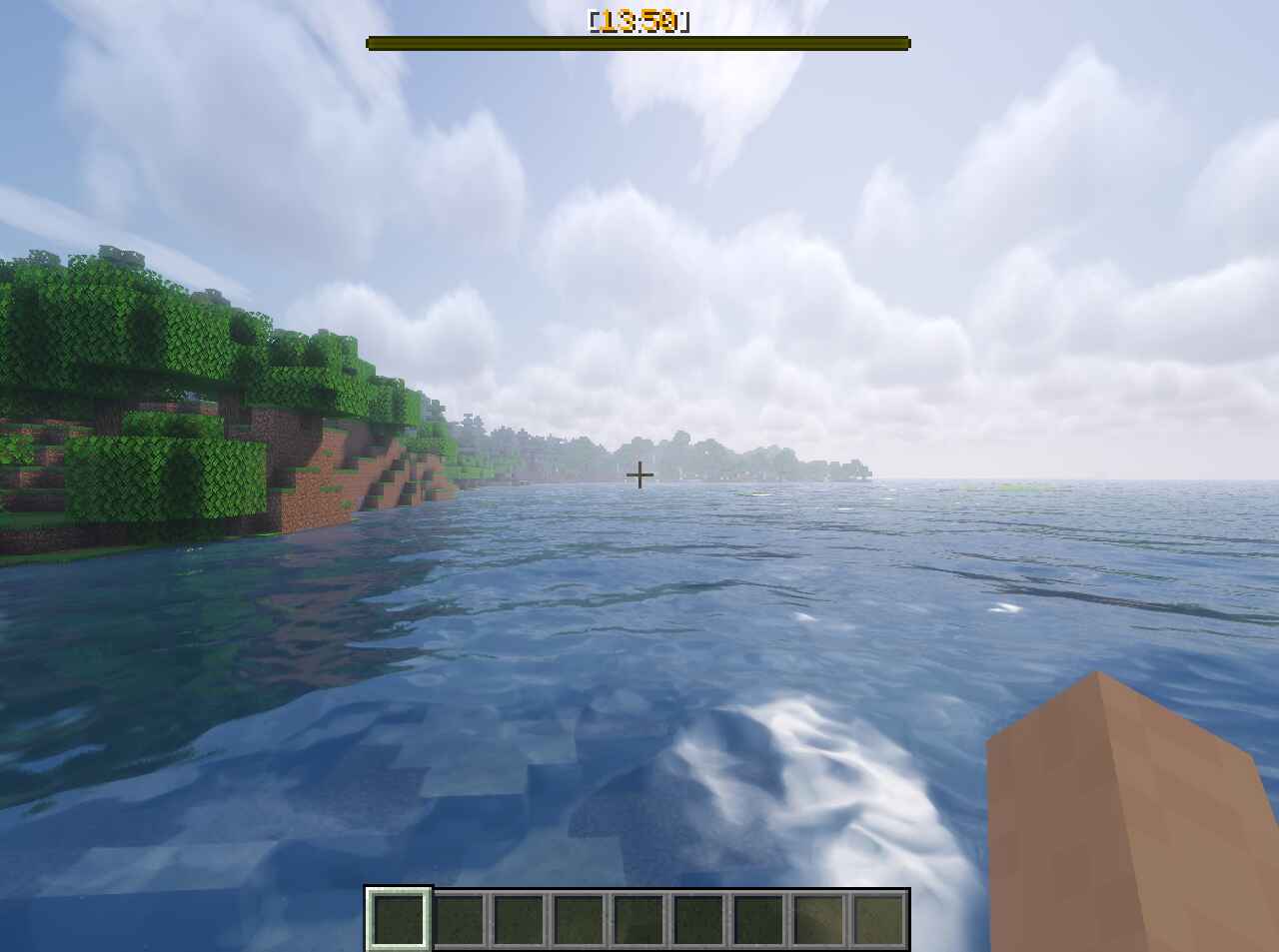
This datapack allows you to display in-game time and current day count.
⚙️ Options
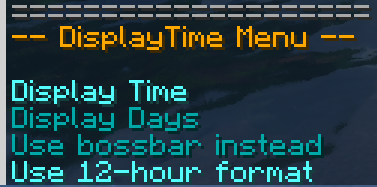
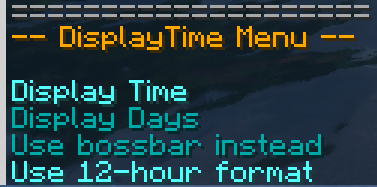
You can use the /trigger displayTime command to access the user options menu. In this menu you can choose which information you want to display (Time, Day Count), you can also choose where you want to display them (Hotbar or Bossbar) and in which format (12H or 24H)
⚠️ The 12H format only works with the hotbar display.
📦 Installation and Uninstallation
Use /function displaytime:init command to initialize the datapack. To properly uninstall the datapack, use the /function displaytime:uninstall command.
🧰 Report an Issue
💬 If you encounter any issues with the datapack or have any suggestions, you can contact me through my Discord Server.
- Edition: Minecraft Java
- File type: .jar
- Minecraft versions listed: 1.21.9, 1.21.10
- How to install: Install the matching mod loader (Forge, Fabric or NeoForge) for your Minecraft version. → Download the .jar. → Put it in the .minecraft/mods folder and launch that loader profile.
- Where to get it: Opens on Modrinth — not every file is mirrored on our own servers.
Install steps are the general flow for this file type — see the MC Java Mods guides for the full walkthrough.
- Downloads as DisplayTime-1.0.3-1.21.9-10.zip
- Download size: 190 KB
- Download link checked 10 Sept 2026 — working
These come from our own check of the pack file, not from the source page.