
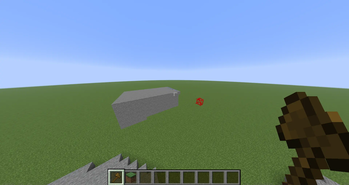
Watch the Video for easier instructions.
Do: /function pack:permission — gives you access.
Do: /trigger wand — gives you the wand.
Right-click two points with the wand or use:/trigger pos1 and /trigger pos2.
Go above the block you want to use and Shift + right-click to select it.
Do: /trigger set — fills the selected area with the chosen block.
To make a circle:/trigger circle set <radius>
(e.g. /trigger circle set 10) — uses the last selected block.
Do not:/trigger up set {num} — teleports you up by the given number of blocks.
Example:/trigger up set 5 — teleports you up 5 blocks.
Do not:/trigger avoid and /trigger dont-avoid./trigger avoid sets which blocks not to overwrite. For example, if set to air, block placement (like set) will not replace air blocks./trigger dont-avoid disables this and returns block placement to normal.
Do not:/trigger line — creates a line of blocks between Pos1 and Pos2.
- Edition: Minecraft Java
- File type: .jar
- Minecraft versions listed: 1.21.5, 1.21.6
- How to install: Install the matching mod loader (Forge, Fabric or NeoForge) for your Minecraft version. → Download the .jar. → Put it in the .minecraft/mods folder and launch that loader profile.
- Where to get it: Opens on Modrinth — not every file is mirrored on our own servers.
Install steps are the general flow for this file type — see the MC Java Mods guides for the full walkthrough.
- Downloads as BloxioByAsafusa553.zip
- Download size: 13 KB
- Download link checked 10 Sept 2026 — working
These come from our own check of the pack file, not from the source page.