
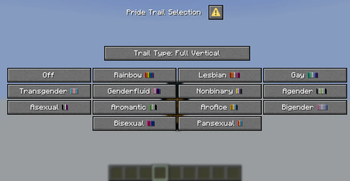
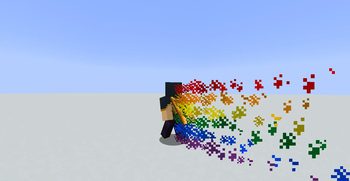
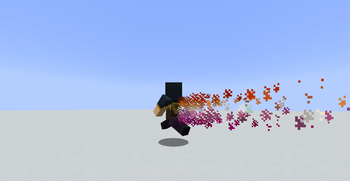
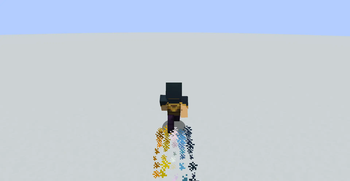
Press the Quick Actions Keybind (default: G) or open the menu from the pause screen to access the Pride Trail Selection Menu. From there you can select a pride flag and a style and have the trail display behind you! Currently available flags include:
- Rainbow
- Lesbian
- Gay
- Transgender
- Genderfluid
- Nonbinary
- Agender
- Asexual
- Aromantic
- AroAce
- Bigender
- Bisexual
- Pansexual
Quick facts
- Edition: Minecraft Java
- File type: .jar
- Minecraft versions listed: 1.21.6, 1.21.7
- How to install: Install the matching mod loader (Forge, Fabric or NeoForge) for your Minecraft version. → Download the .jar. → Put it in the .minecraft/mods folder and launch that loader profile.
- Where to get it: Opens on Modrinth — not every file is mirrored on our own servers.
Install steps are the general flow for this file type — see the MC Java Mods guides for the full walkthrough.
Verified by MCModsHub
- Downloads as pride_trails.zip
- Download size: 105 KB
- Download link checked 20 Aug 2026 — working
These come from our own check of the pack file, not from the source page.