
Trade Cycle
Java mod listed for Minecraft 1.21–26.x. Downloads from the MC Java Mods app on Android.
I don't know my version or loader
TradeCycle


A multiplatform plugin written in Kotlin to cycle through Villager trades from UI. Inspired by henkelmax's mod Trade Cycling.
Download
Always download the newest version expect its stated that the version isnt stable!
Features
There are two variants to cycle through trades:
- Press F (default): Press the button associated with swapping the items to your offhand(IMPORTANT: The Cursor needs to be in the Inventory due to Minecraft limitations)
- Shift Right Click: Shift right-click on the villager to cycle through trades. However, this variant is disabled by default, have a look at our #Config section to enable it.
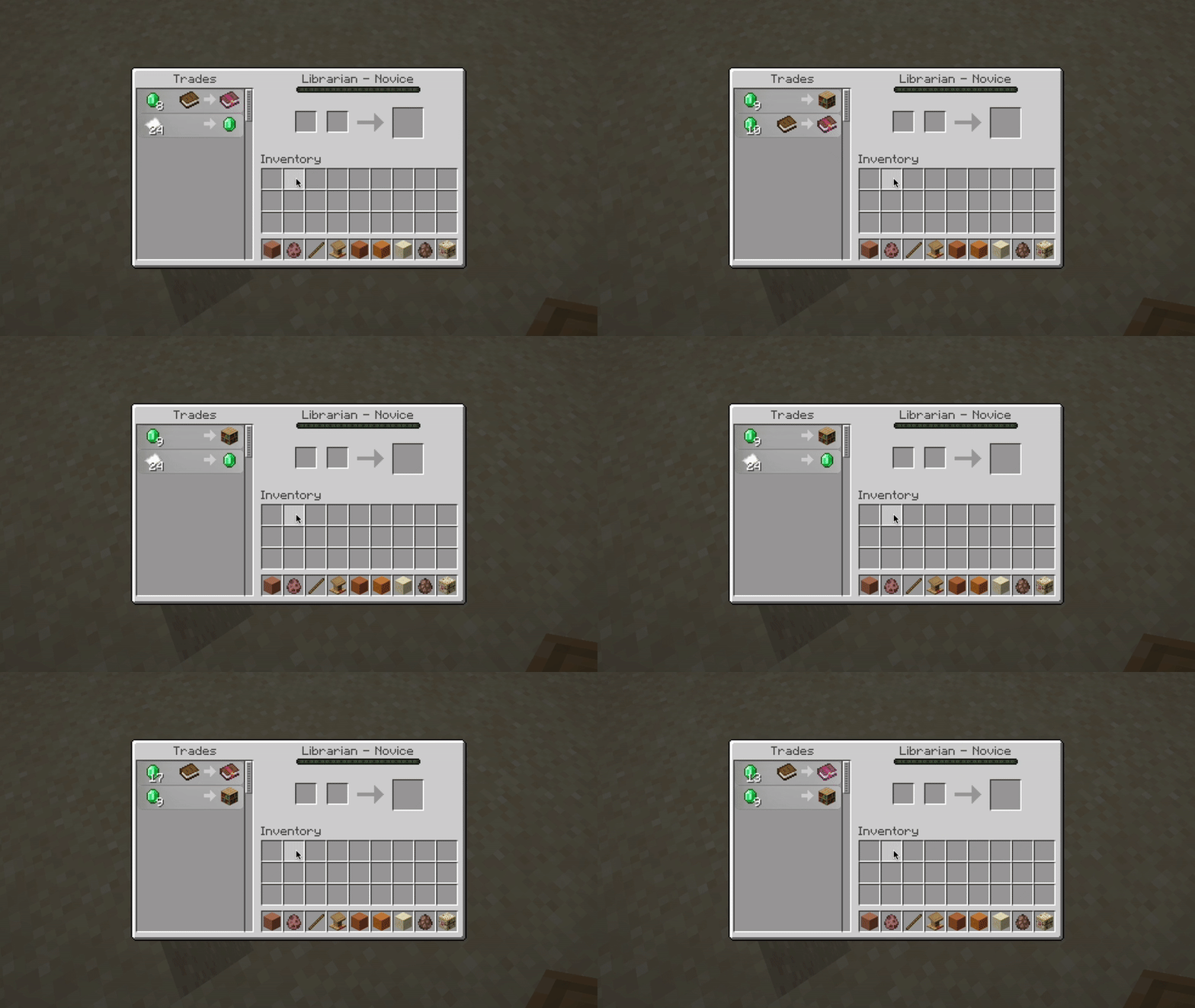
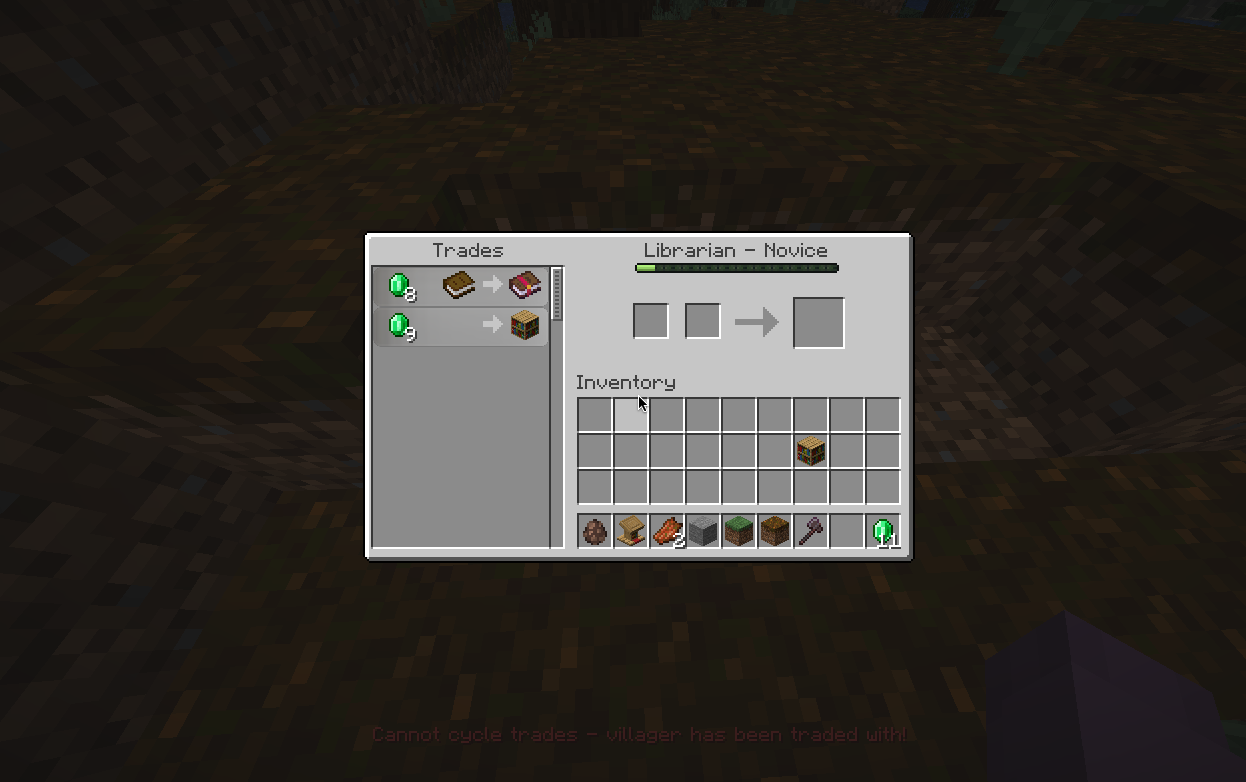
🚨 Note: If a villager has no profession or has been traded with, you cannot cycle through trades.
Config
You can configure which method (or both) should be used to cycle through trades:
strategy:
  - KEYBOARD
# - SHIFT_INTERACT
'#' in front of a method will disable it.
The SHIFT_INTERACT was made with bedrock and Geyser in mind so you can also cycle trades on the bedrock edition. But it doesnt work in UI with this strategy.
Contributing 🩷
Feel free to open an issue or a pull request, I will be happy to help you! Special thanks to every contributor of this project:
- Edition: Minecraft Java
- File type: .jar
- Minecraft versions listed: 1.21.4, 1.21.5, 1.21.6
- How to install: Install the matching mod loader (Forge, Fabric or NeoForge) for your Minecraft version. → Download the .jar. → Put it in the .minecraft/mods folder and launch that loader profile.
- Where to get it: Opens on Modrinth — not every file is mirrored on our own servers.
Install steps are the general flow for this file type — How to install Minecraft Java mods & modpacks walks through it step by step.
- Ships as TradeCycle-2.1.0.jar — drop this file into the mods folder
- Download size: 20 KB
- Download link checked 8 Oct 2026 — working
These come from our own check of the pack file, not from the source page.