
ModsJava
Geyser Recipe Fix
I don't know my version or loader
Open the Minecraft launcher and look at the profile you play on — it names both, like fabric-loader-1.21.4. The version also shows in the bottom-right corner of the game's main menu.
No loader in the profile name? Then it's plain Minecraft, and these mods won't run — you need Fabric or NeoForge installed first.
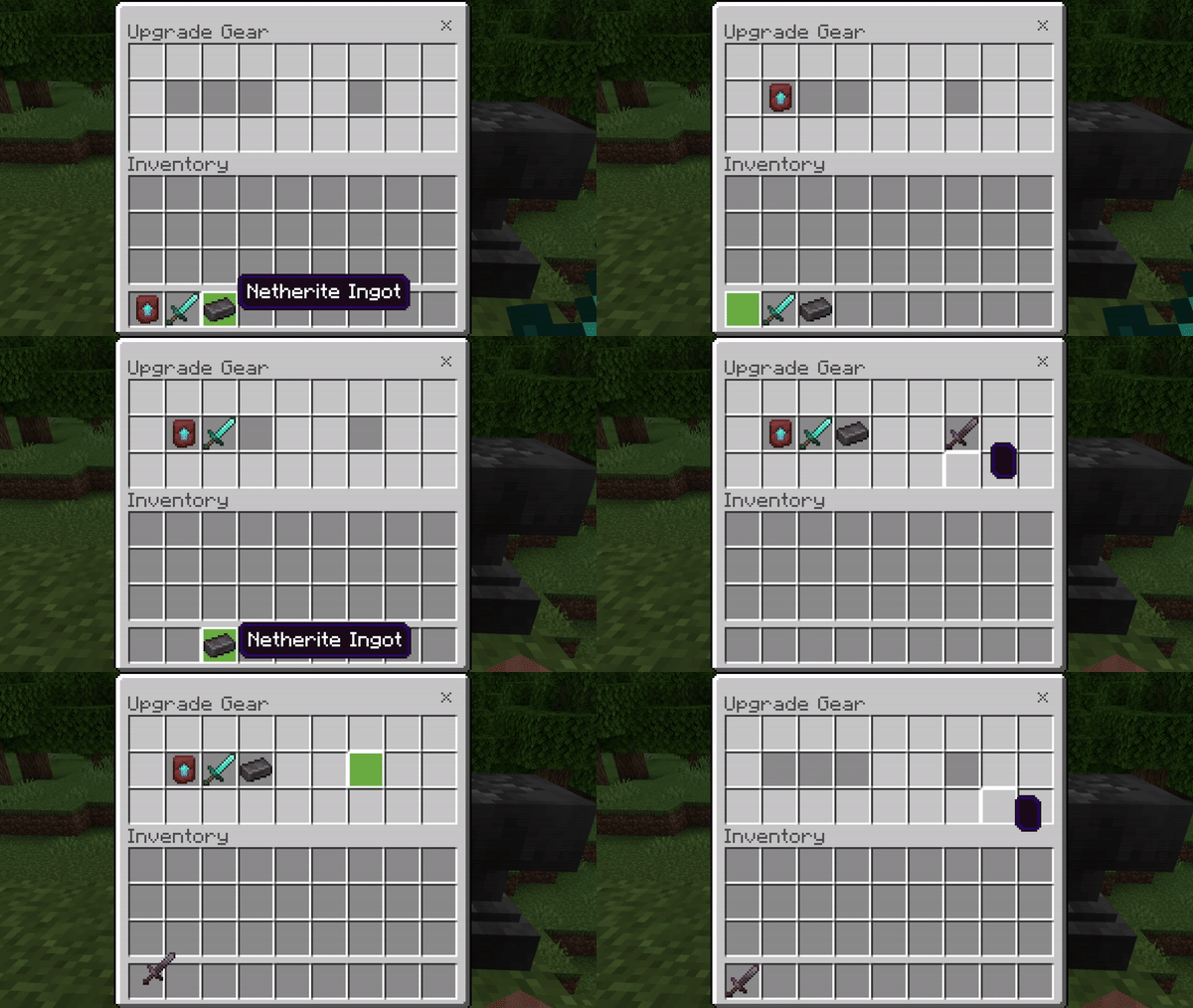
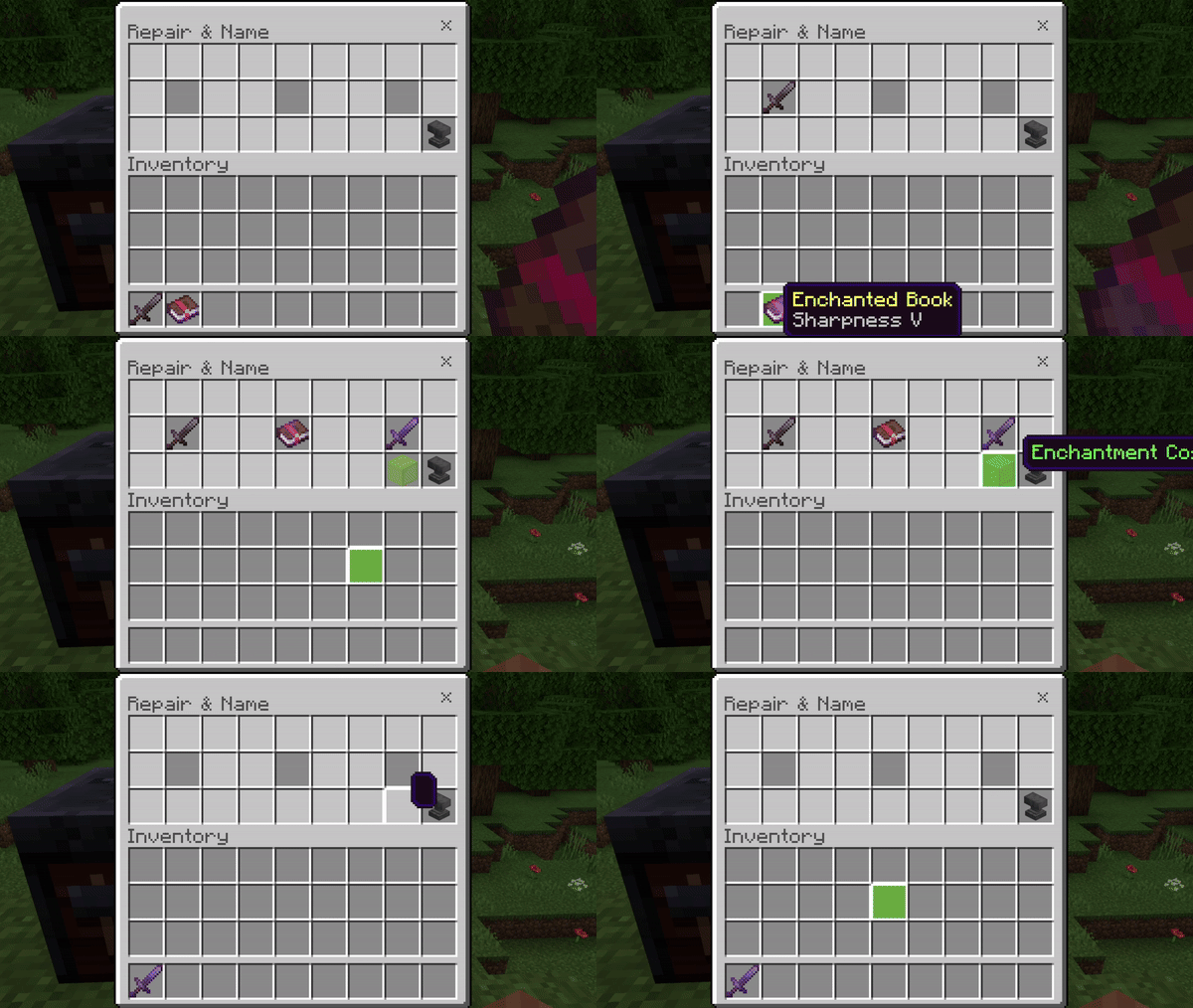
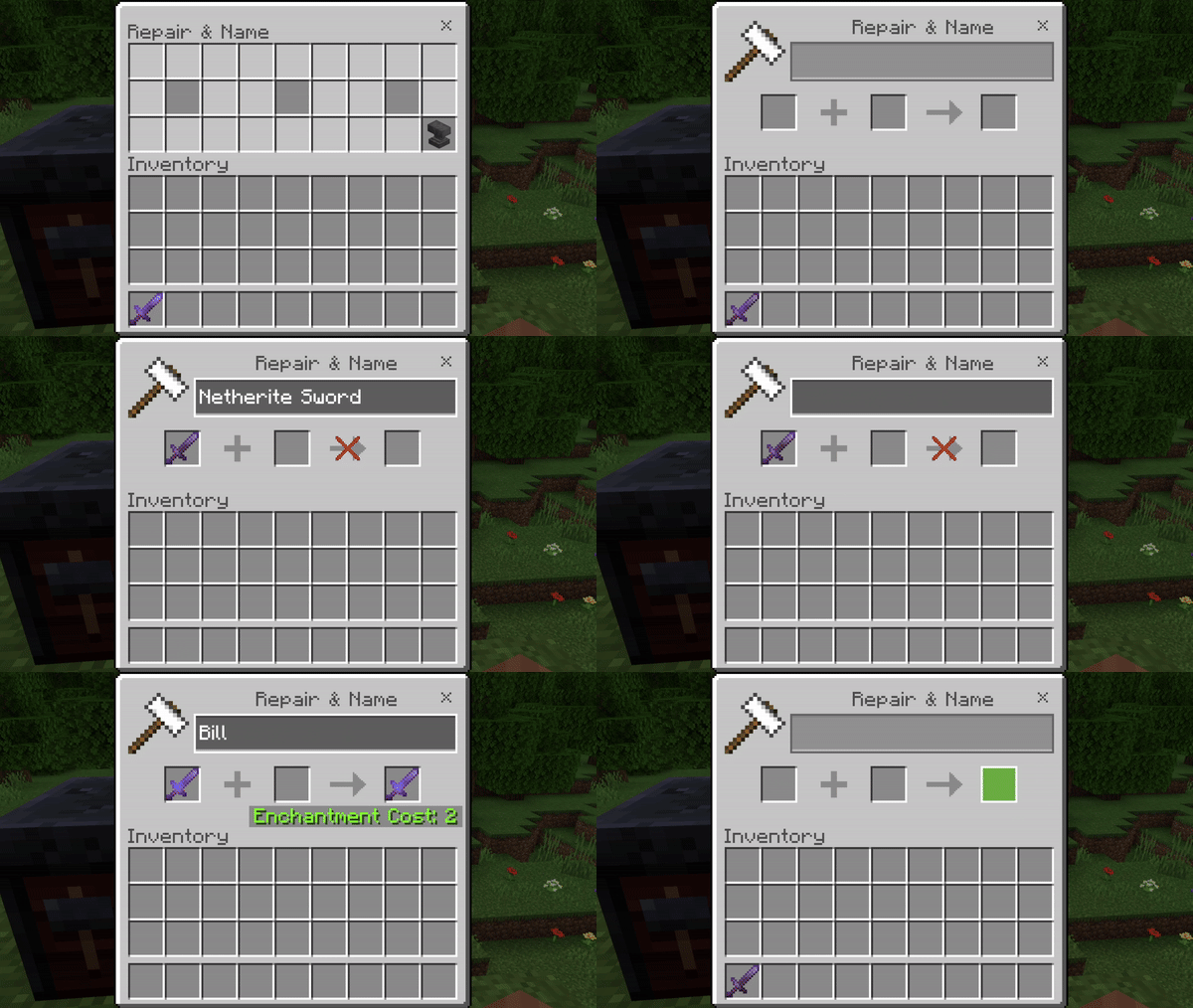
This plugin will:
- Add a geyser texture pack (1 custom item)
- Override the anvil and smithing table menus for ONLY bedrock players (Java Players are not affected)
- Use packets so most any other plugins or datapacks will work with it
installation:
- Make sure Geyser and/or floodgate is in your plugins
- Download and install packetevents (use ProtocolLib for v1.4.1 and below)
- Download and place in the plugins folder (This is NOT a geyser extension, It's a separate plugin that hooks into geyser)
- Restart/Start server
- Install Geyser on proxy
- Install floodgate on servers behind proxy and proxy (more info, under "Proxy Servers" tab)
- Install this plugin on servers behind the proxy (with packetevents or ProtocolLib for v1.4.1 and below)
- Run servers to generate files/directories
- Move "GeyserRecipeFix-Mapping.json" (Located in this plugin's folder) to Geyser's "custom-mappings" folder
- Move "GeyserRecipeFix-Pack.mcpack" (same place) to Geyser's "packs" folder
Note for players: In the anvil menu, you can click the anvil in the corner to get the default menu (Useful for renaming)
© Sideways-Sky, 2023, All Rights Reserved
Quick facts
- Edition: Minecraft Java
- File type: .jar
- Minecraft versions listed: 1.21.8, 1.21.9, 1.21.10
- How to install: Install the matching mod loader (Forge, Fabric or NeoForge) for your Minecraft version. → Download the .jar. → Put it in the .minecraft/mods folder and launch that loader profile.
- Where to get it: Opens on Modrinth — not every file is mirrored on our own servers.
Install steps are the general flow for this file type — How to install Minecraft Java mods & modpacks walks through it step by step.
Verified by MCModsHub
- Ships as Geyser-Recipe-Fix-1.5.jar — drop this file into the mods folder
- Download size: 29 KB
- Download link checked 28 Aug 2026 — working
These come from our own check of the pack file, not from the source page.