
ModsJava
Prefix System
Java mod listed for Minecraft 1.16–1.21. Downloads from the MC Java Mods app on Android.
⬇ Download on Modrinth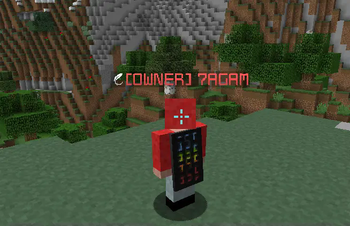
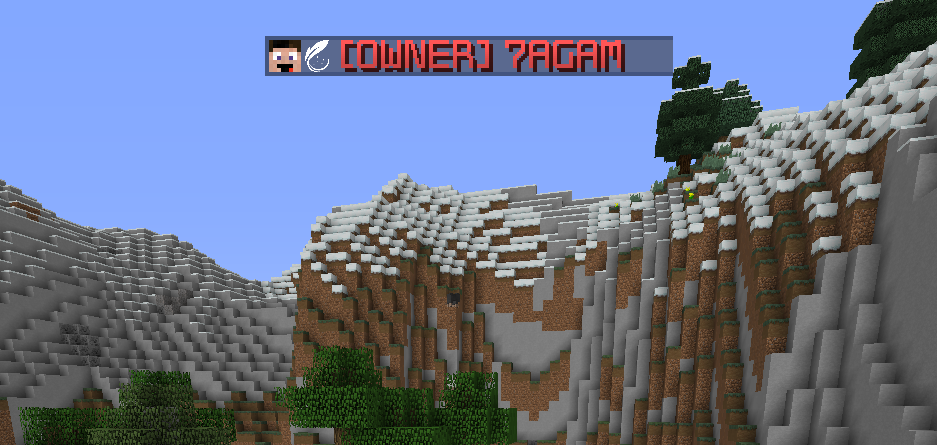
PrefixSystem - Show Off Your Ranks Easily! ✨
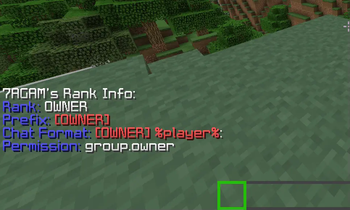
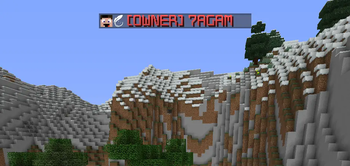
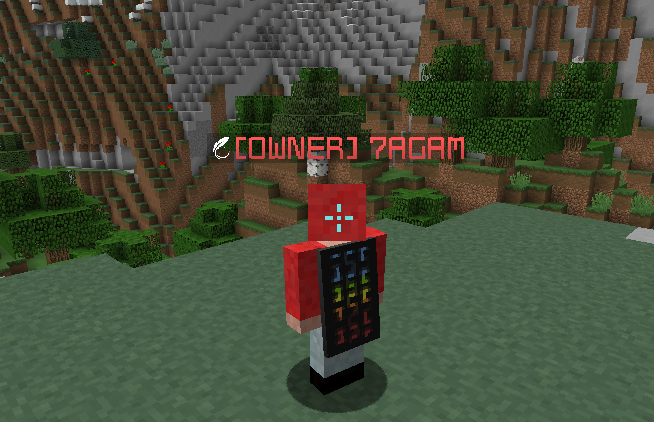
Want to see your cool ranks in the chat, the tablist, and the nametag without needing a bunch of different plugins? Then PrefixSystem is perfect for you! It lets you show your ranks based onpermissions, all at the same time!
Cool Things It Can Do: 😎
- Everything Together! You don't need separate plugins for the Tab list, name tags, and chat. PrefixSystem does it all in one!
- Modular You can create as many gorups as you want!
- Uses Your permission plugin! The prefixes and suffixes are based on permissions so you can use your current permission plugin to assign prefixes/suffixes!
- Colorful Chat! You don't need another plugin just to have colored words when you chat.
- Works on Lots of Minecraft Versions! PrefixSystem works on Minecraft from version 1.8 all the way up to 1.21, and they'll add even more later!
- Easy to Set Up! It's not hard to get it working on the server.
Commands You Can Use: ⌨️
- /prefixsystem or /ps - Shows the help message.
- /prefixsystem reload - This restarts the plugin. You usually only do this if a server admin tells you to!
- /prefixsystem update - Updates prefixes and suffixes for all online players.
Permissions (Who's Allowed to Do What): 🔒
- prefixsystem.* - This gives you permission to use all the PrefixSystem commands. Usually, only server admins or staff have this.
- prefixsystem.reload - This lets you use the
/prefixsystem reloadcommand. Again, usually for admins! - prefixsystem.colorchat - This lets you use special codes to make your chat messages colored, like making words different colors!
Config Example:
chat-format: "%prefix%%name%%suffix%&r: %message%"
nametag-format: "%prefix%%name%%suffix%"
tablist-format: "%prefix%%name%%suffix%"
join-format: "%name% &ejoined the server."
quit-format: "%name% &eleft the server."


groups:
  admin:
    permission: group.admin
    prefix: "&c[Admin] "
    suffix: " &e[⭐]"
    namecolor: "&c"
  mod:
    permission: group.mod
    prefix: "&a[Mod] "
    suffix: ""
    namecolor: "&a"
  vip+:
    permission: group.vip+
    prefix: "&e[VIP+] "
    suffix: ""
    namecolor: "&e"
  vip:
    permission: group.vip
    prefix: "&b[VIP] "
    suffix: ""
    namecolor: "&b"
  default:
    permission: group.default
    prefix: "&7"
    suffix: ""
    namecolor: "&7"
Quick facts
- Edition: Minecraft Java
- File type: .jar
- Minecraft versions listed: 1.16, 1.16.1, 1.16.2
- How to install: Install the matching mod loader (Forge, Fabric or NeoForge) for your Minecraft version. → Download the .jar. → Put it in the .minecraft/mods folder and launch that loader profile.
- Where to get it: Opens on Modrinth — not every file is mirrored on our own servers.
Install steps are the general flow for this file type — How to install Minecraft Java mods & modpacks walks through it step by step.
File checked by MCModsHub
- Ships as PrefixSystem-2.0.jar — drop this file into the mods folder
- Download size: 12 KB
- Download link checked 8 Oct 2026 — working
These come from our own check of the pack file, not from the source page.