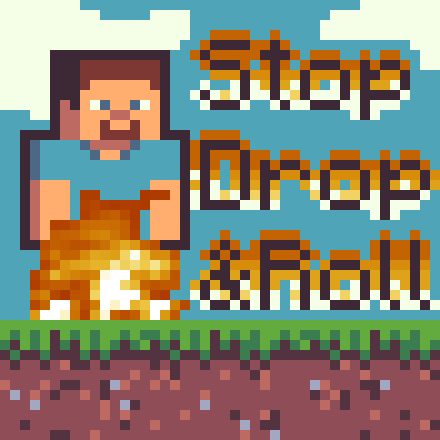
Doom's Stop Drop N Roll
I don't know my version or loader
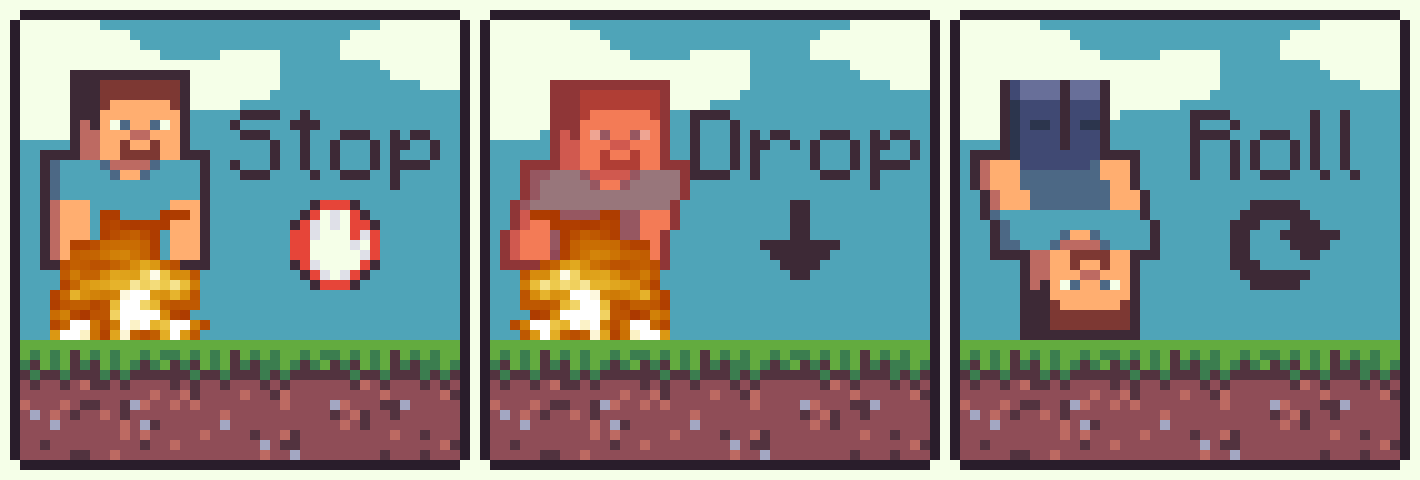
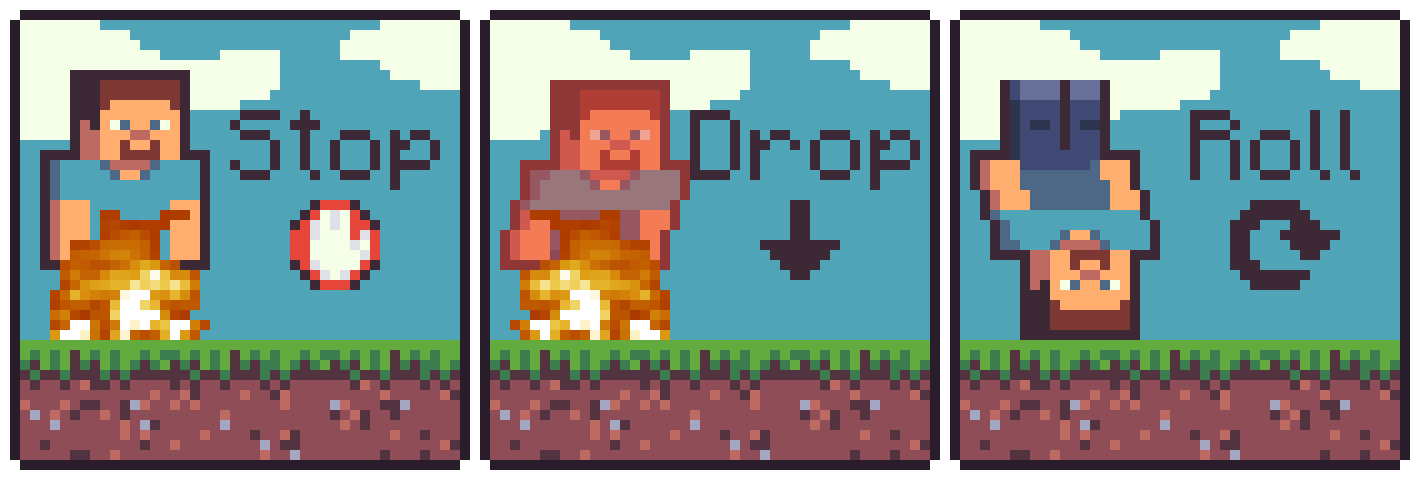
Stop Drop N Roll



"AAAAHHHHHHHHH I'M ON FIRE HELP ME"
"Just do the Stop, Drop N Roll!"
"Oh I'm okay now, thank you!"
Do you always find yourself on fire? Well me too. But don't worry! You can do the Stop, Drop N Roll to put yourself out!
Stop Drop N Roll adds the ability to crouch and extinguish yourself. By default, it shortens the remaining time you are flammable by a percentage and may not always succeed. These options are configurable, so you can make it always succeed and completely extinguish yourself!
Features
- Crouch to extinguish the flames
- Modify the chance to extinguish the flames
- Modify how long each success removes from the remaining flame time

Planned
- Configurable option to require spinning while crouched (Roll)
- Configurable required spinning speed (or faster spins puts it out faster)
- Advancements
Usage
To use this mod you just need to be on fire, and spam crouch until your no longer on fire!
Configuration
There are currently two options in the config file which can be found in <minecraft directory>/config/stop-drop-n-roll.properties.
chance - The chance that a single crouch will succeed in reducing the time remainingfire-tick-remove-percentage - The amount that will be removed from the remaining fire ticks
Both of these options are from 0-1. 0 is 0%, 1 is 100% and 0.32 would be 32%
Contributors
- JustDoom - Developer
- Am Noah - Gave me the idea for this mod
Support
Support can be provided on my discord server, or you can report any bugs on the GitHub repository here
If you need a new server check out our partner lagless.gg
 Use code Dinonuggies for 20% off!
- Edition: Minecraft Java
- File type: .jar
- Minecraft versions listed: 1.21.4, 1.21.5, 1.21.6
- How to install: Install the matching mod loader (Forge, Fabric or NeoForge) for your Minecraft version. → Download the .jar. → Put it in the .minecraft/mods folder and launch that loader profile.
- Where to get it: Opens on Modrinth — not every file is mirrored on our own servers.
Install steps are the general flow for this file type — How to install Minecraft Java mods & modpacks walks through it step by step.
- Ships as DoomsStopDropNRoll-paper-1.0.0.jar — drop this file into the mods folder
- Download size: 31 KB
- Download link checked 28 Aug 2026 — working
These come from our own check of the pack file, not from the source page.