
ModsJava
Smooth Dynamic light
Java mod listed for Minecraft 1.21–26.x. File opened and checked on 2 Oct 2026; downloads from the MC Java Mods app on Android.
⬇ Download on ModrinthNeed dynamic light? No problem! It’s fully supported across many versions, from 1.20 to 26.2, and works with all major loaders. Geyser is supported too, with or without Floodgate, and the lighting itself is smooth and fluid for a seamless experience.
/dlight on
/dlight off
/dlight toggle
The plugin has a configuration file where you can customize a lot.
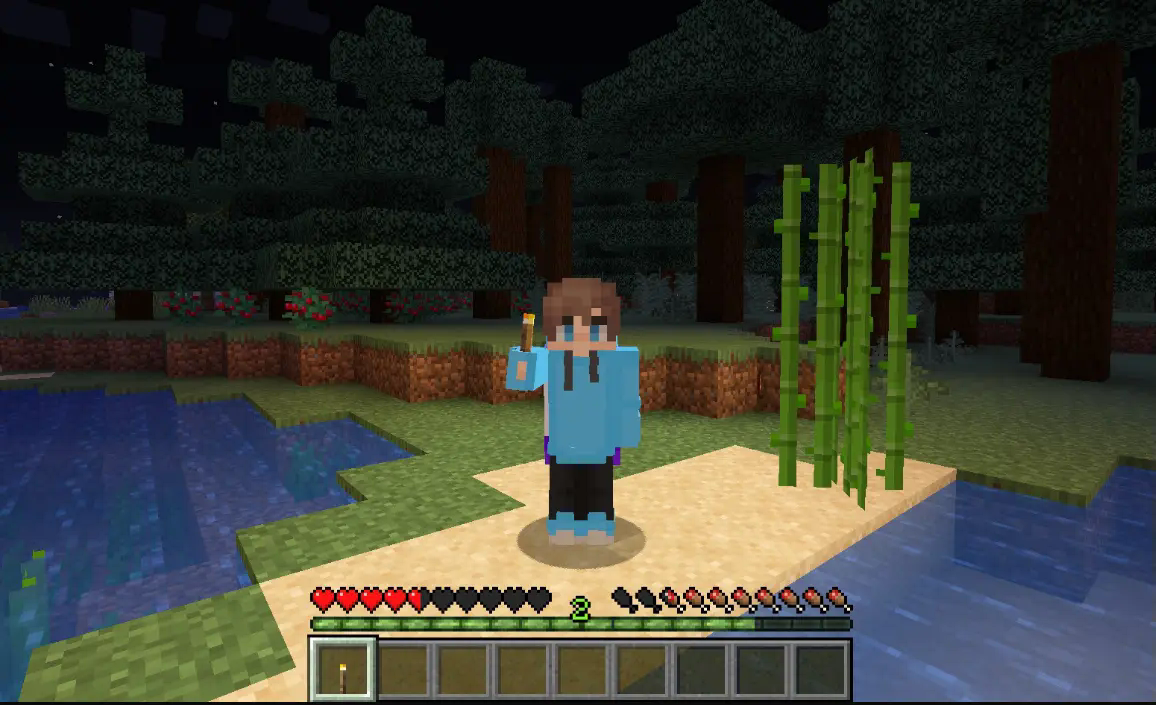
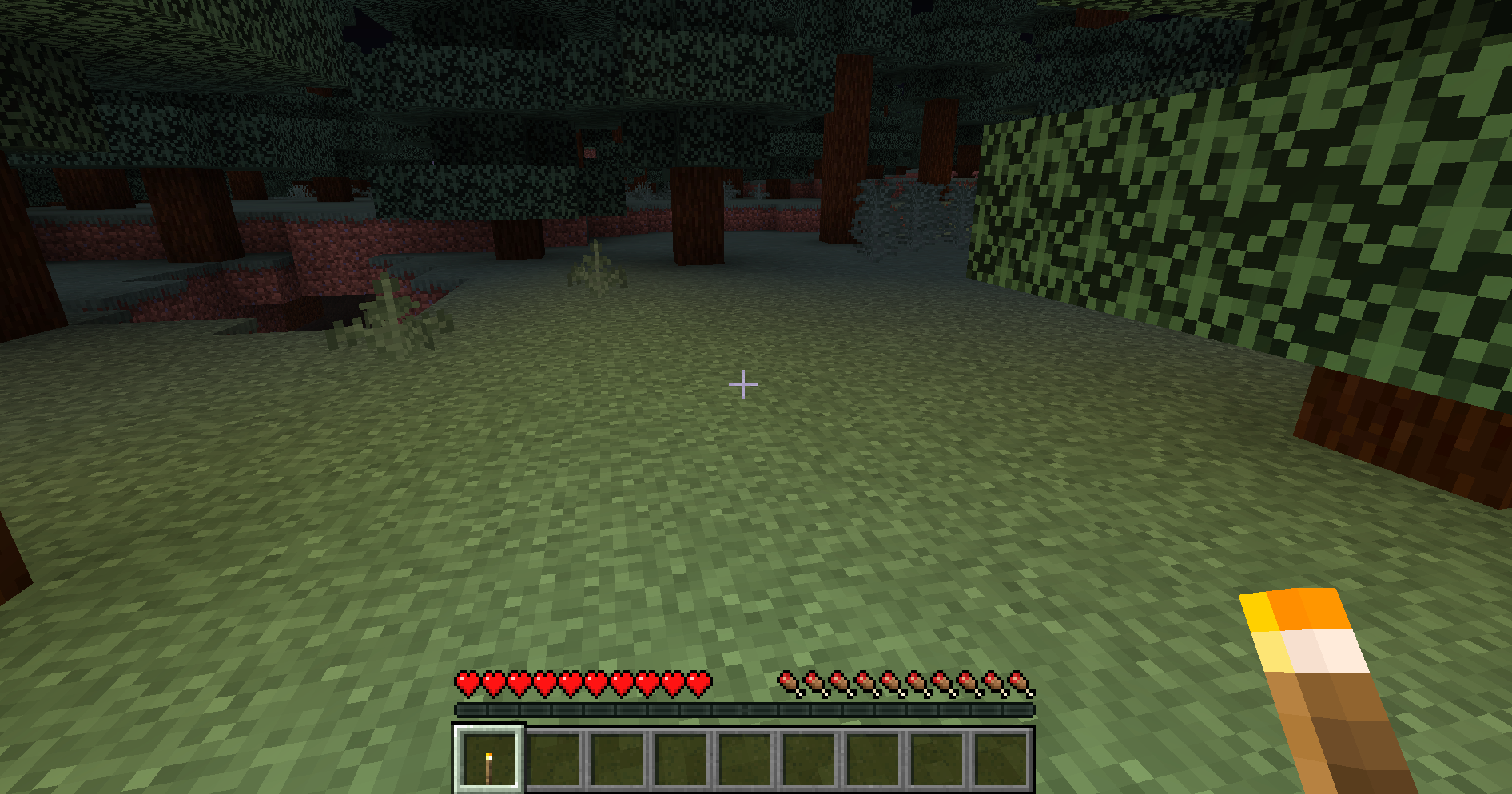
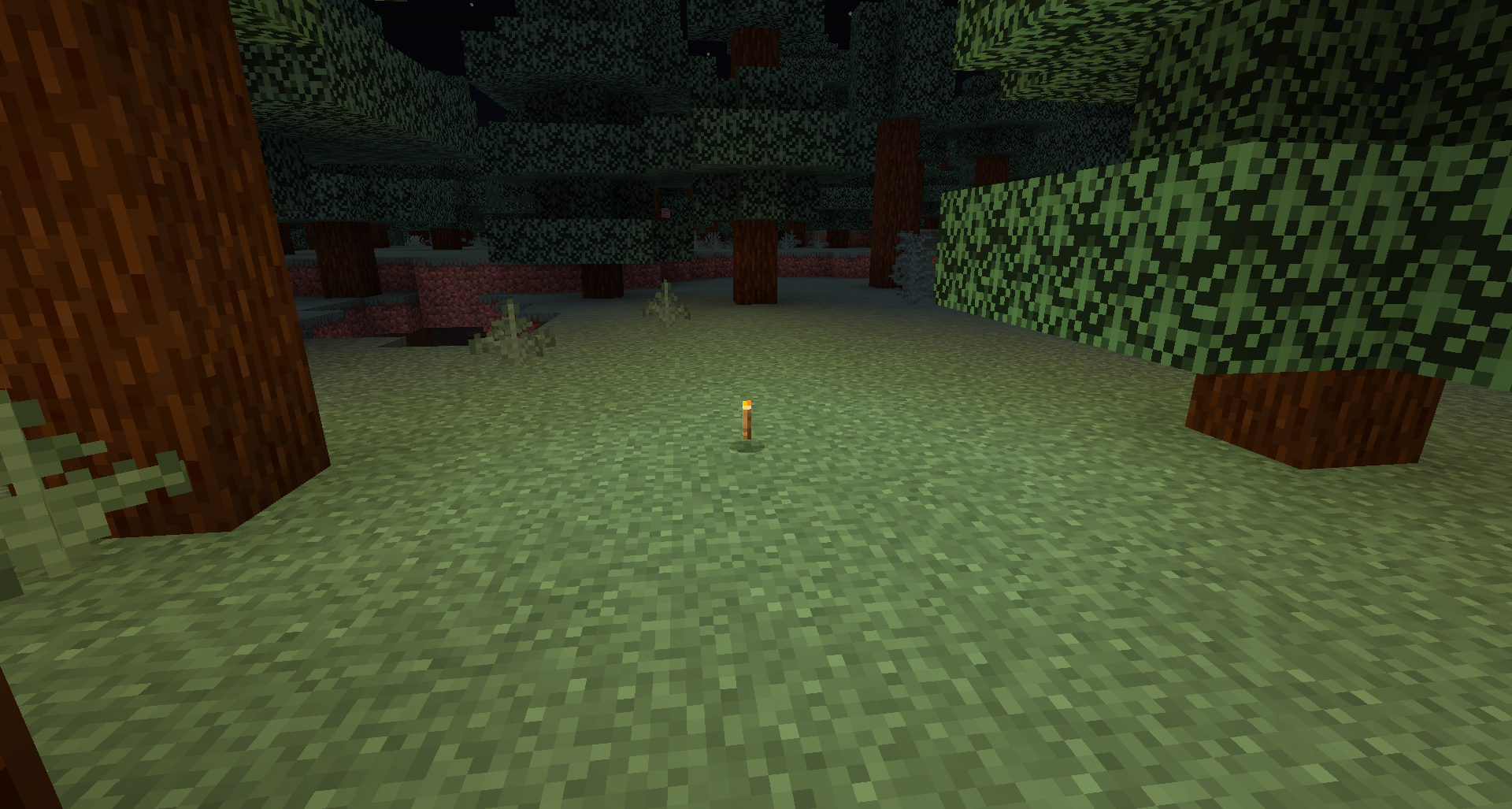
Commands
| Command | Description |
|---|---|
/dynamiclight [on|off|toggle] |
Toggle dynamic lighting for yourself |
/dynamiclight reload |
Reload the config (requires dynamiclight.reload) |
Permissions
| Permission | Default | Description |
|---|---|---|
dynamiclight.use |
true | Allows toggling dynamic lighting |
dynamiclight.reload |
op | Allows reloading the config |
# DynamicLight Configuration

# General settings
settings:
  update-interval: 2         # Ticks between light updates (1-20, lower = more updates but higher server load)
  max-light-distance: 30     # Maximum distance to update light for players
  enable-by-default: true    # Should dynamic light be enabled for new players by default?

# Light levels for different items (0-15, 15 is the brightest)
# Only add items that should emit light
light-levels:
  # Vanilla items
  TORCH: 13
  GLOWSTONE: 14
  LANTERN: 15
  SOUL_LANTERN: 15
  SEA_LANTERN: 15
  LAVA_BUCKET: 15
  JACK_O_LANTERN: 15
  SHROOMLIGHT: 13
  GLOW_BERRIES: 8
  GLOW_LICHEN: 8
  GLOW_INK_SAC: 10
  END_ROD: 15
  BLAZE_ROD: 10
  BLAZE_POWDER: 8
  REDSTONE_TORCH: 7
  REDSTONE: 7
  MAGMA_BLOCK: 10
  MAGMA_CREAM: 8
  CAMPFIRE: 15
  SOUL_CAMPFIRE: 12
  SOUL_TORCH: 12

# Messages
messages:
  prefix: "&7[&eDynamicLight&7] "
  enabled: "&aYou have enabled dynamic lighting."
  disabled: "&cYou have disabled dynamic lighting."
  reload: "&aConfiguration reloaded."
  no-permission: "&cYou don't have permission to use this command."
Quick facts
- Edition: Minecraft Java
- File type: .jar
- Minecraft versions listed: 1.21, 1.21.1, 1.21.2
- How to install: Install the matching mod loader (Forge, Fabric or NeoForge) for your Minecraft version. → Download the .jar. → Put it in the .minecraft/mods folder and launch that loader profile.
- Where to get it: Opens on Modrinth — not every file is mirrored on our own servers.
Install steps are the general flow for this file type — How to install Minecraft Java mods & modpacks walks through it step by step.
File checked by MCModsHub
- Ships as Smooth-Dynamic-light-1.0.0.jar — drop this file into the mods folder
- Download size: 25 KB
- Download link checked 29 Oct 2026 — working
These come from our own check of the pack file, not from the source page.