
Basic Functionality
Every time you die, a grave will appear at your location. To retrieve your items, simply click on it while sneaking (Shift) or break the grave. You can customize everything in the config.
⚠️ IMPORTANT: You must install DecentHolograms on the server for the plugin to work properly!
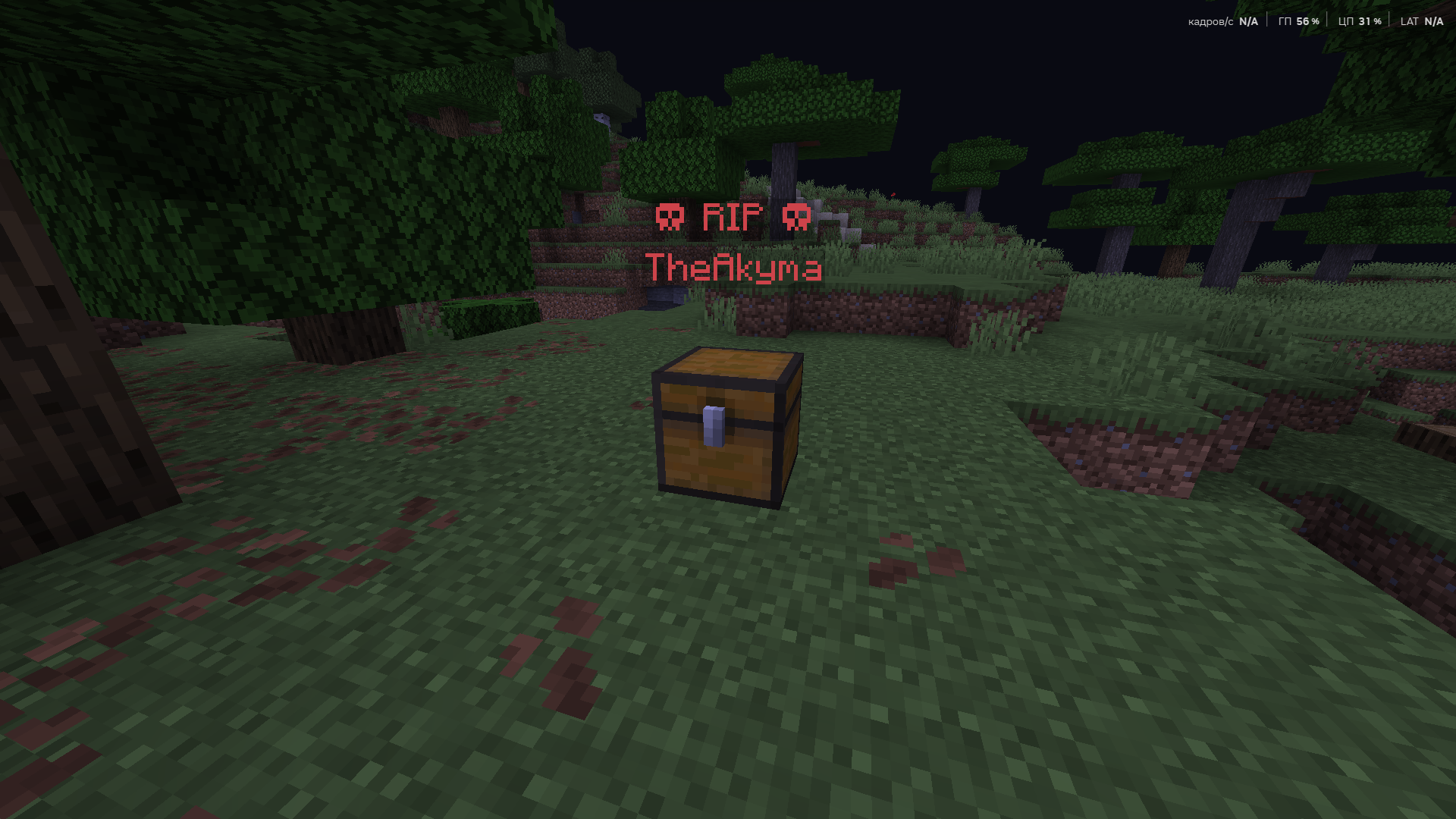
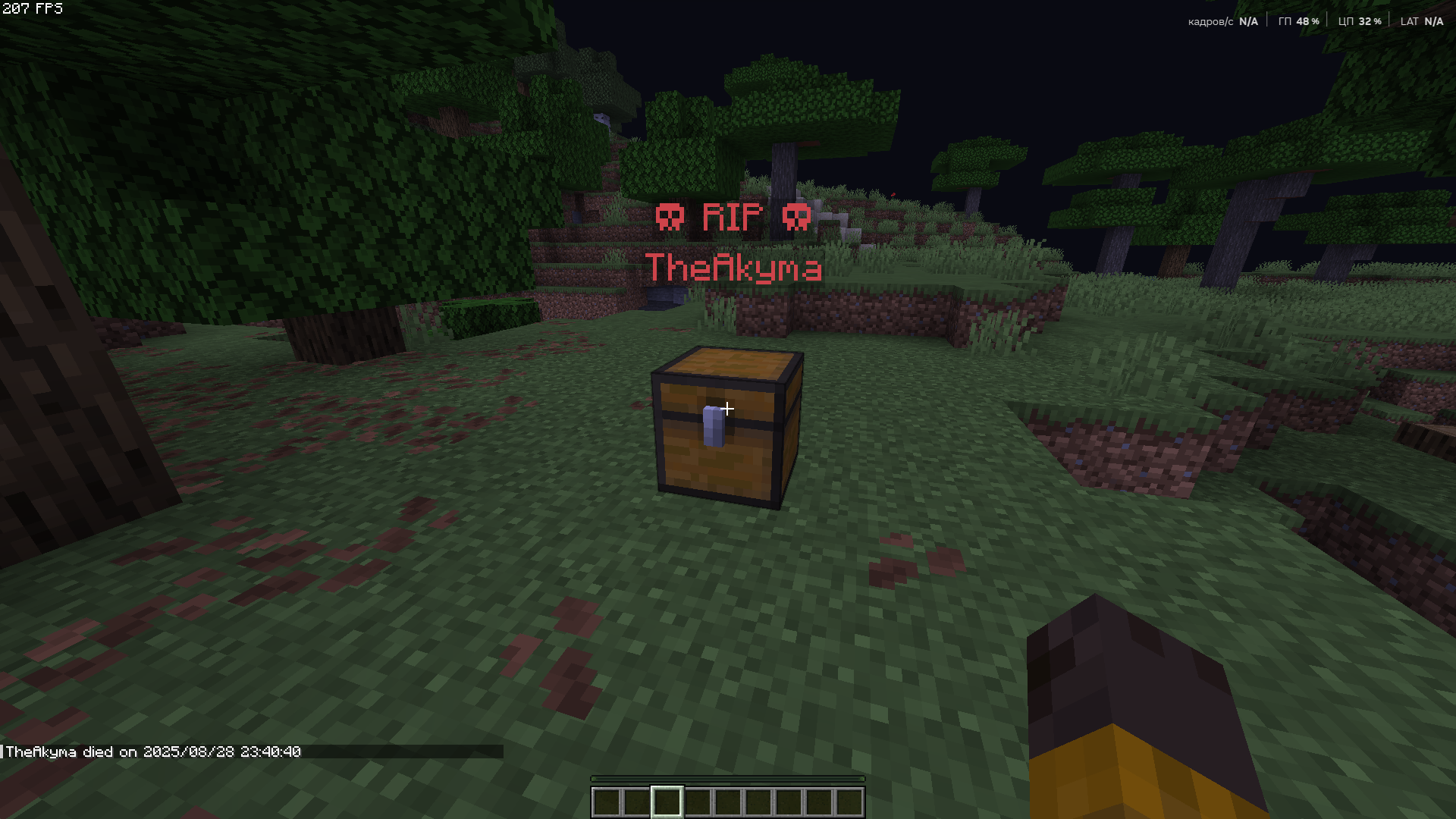
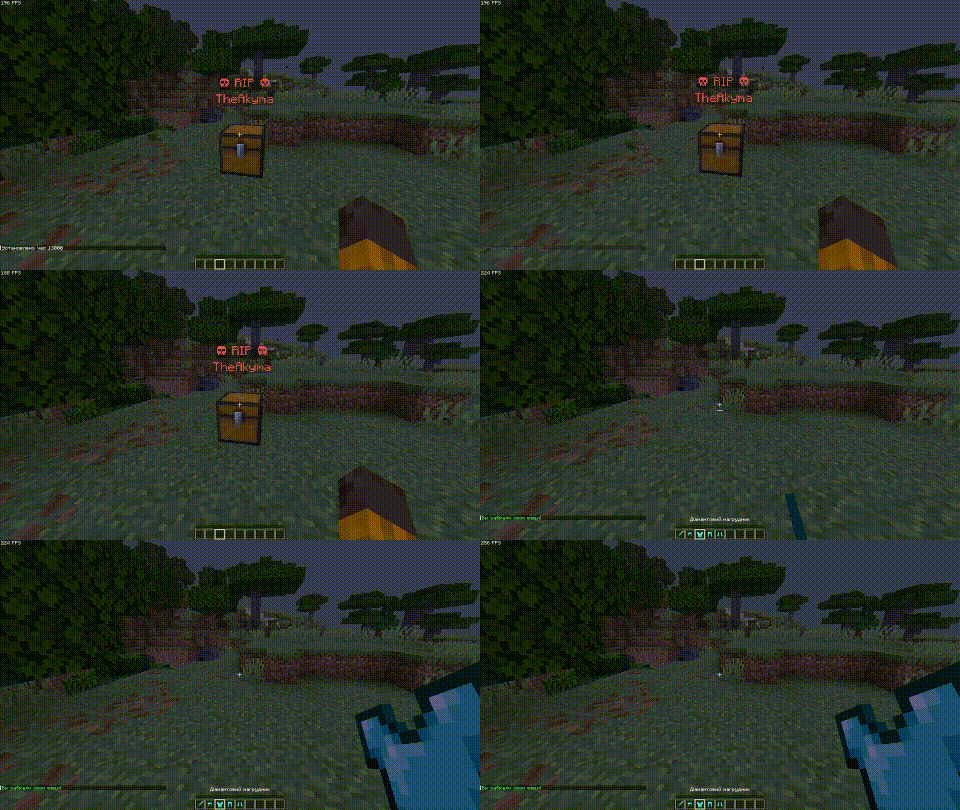
Here’s an example of how to retrieve items from the grave: you can take them by Shift + right-click or left-click.
Obituary
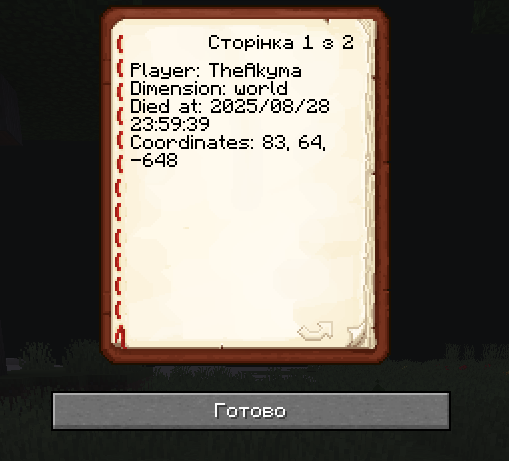
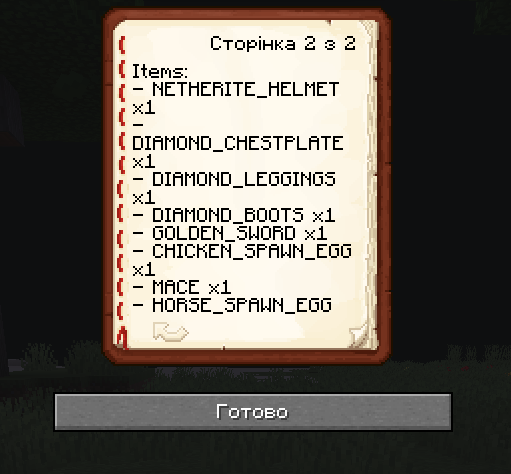
Every time you die, you receive an obituary. If you don’t want it, you can disable it in the configuration.
It contains:
- The player’s name
- The dimension in which the player died
- The date of the player’s death
- The coordinates where the player died
- A list of all items the player had at the time of death
Configuration
There are a few things you can change in the configuration:
- Chat messages
- Obituary title
- Disable the issuance of obituaries
- Allow other players to break graves
Support
The plugin is in an early stage of development, so please don’t judge too harshly.
I’m porting the original GraveStone mod.
If you have questions or find bugs, contact me:
Telegram: AkymaGhoul
- Edition: Minecraft Java
- File type: .jar
- Minecraft versions listed: 1.16, 1.16.1, 1.16.2
- How to install: Install the matching mod loader (Forge, Fabric or NeoForge) for your Minecraft version. → Download the .jar. → Put it in the .minecraft/mods folder and launch that loader profile.
- Where to get it: Opens on Modrinth — not every file is mirrored on our own servers.
Install steps are the general flow for this file type — How to install Minecraft Java mods & modpacks walks through it step by step.
- Ships as GraveStonePlugin.jar — drop this file into the mods folder
- Download size: 38 KB
- Download link checked 28 Aug 2026 — working
These come from our own check of the pack file, not from the source page.