
ModsJava
VaultPlugin
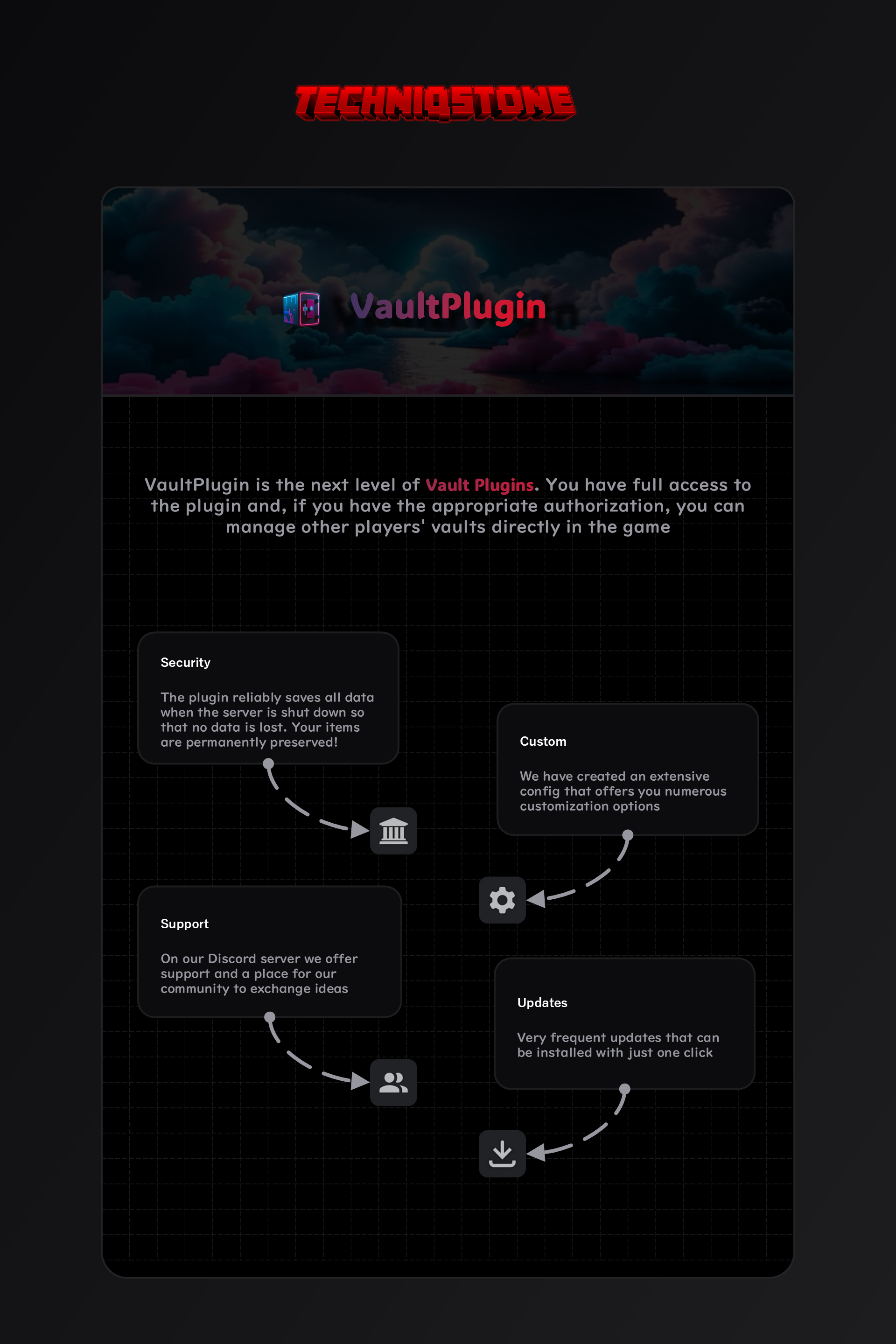
The Vault plugin secures your vault and can be customized both in-game and in the configuration. With the right permissions, you can also manage the…
⬇ Download on Modrinth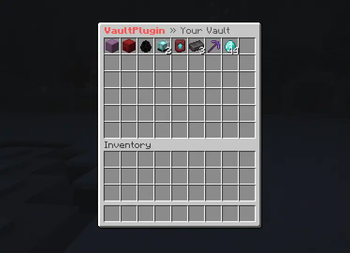
VaultPlugin
Support: https://discord.gg/BEfcrjTJhx
Commands
Main command /vault, alias of which are /safe and /tresor
- /vault ・ Open your vault
- /vault [player] ・ Opens the player's safe [Player]
- /vault reload ・ Reloaded the Config
Permission
Permission can be changed in the config
- vaultplugin.use
- vaultplugin.others
- vaultplugin.reload
VaultPlugin v3
We are planning a major update with extensive enhancements. Please share your suggestions on our Discord in #suggestions.
- Personalized size limits
- Database storage
- Dashboard via next.js for logs, etc.
Quick facts
- Edition: Minecraft Java
- File type: .jar
- Minecraft versions listed: 1.21, 1.21.1, 1.21.2
- How to install: Install the matching mod loader (Forge, Fabric or NeoForge) for your Minecraft version. → Download the .jar. → Put it in the .minecraft/mods folder and launch that loader profile.
- Where to get it: Opens on Modrinth — not every file is mirrored on our own servers.
Install steps are the general flow for this file type — How to install Minecraft Java mods & modpacks walks through it step by step.
Verified by MCModsHub
- Ships as VaultPlugin-2.0.1.jar — drop this file into the mods folder
- Download size: 8 KB
- Download link checked 28 Aug 2026 — working
These come from our own check of the pack file, not from the source page.