
goPaintAdvanced
Java mod listed for Minecraft 1.21–26.x. Downloads from the MC Java Mods app on Android.
I don't know my version or loader
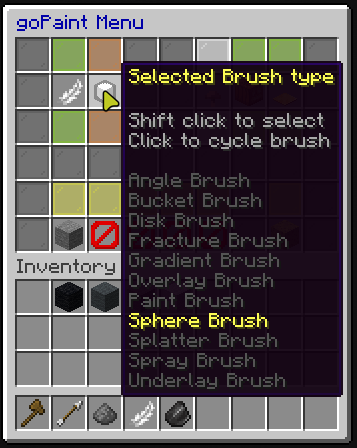
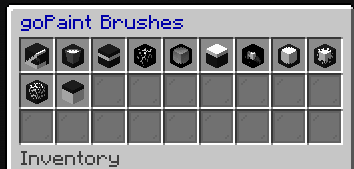
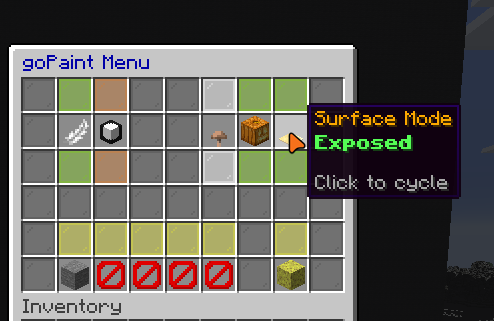
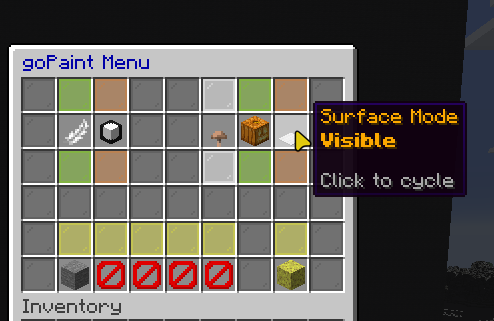
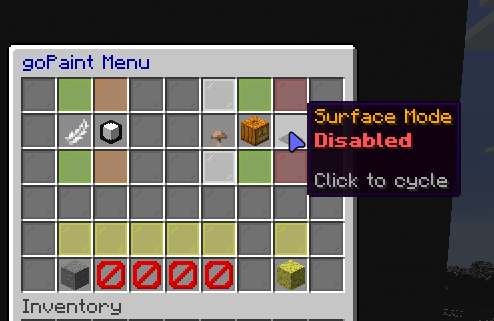
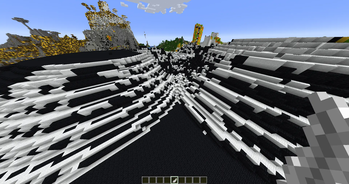
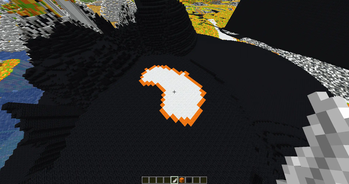
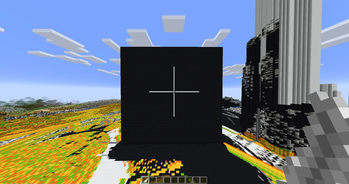

goPaintAdvanced is a modern and maintained drop-in replacement for goPaint. It offers huge performance improvements and bug fixes. We aim to be always up to date and use new technology instead of hanging on to old and dead code.
The primary focus of goPaintAdvanced is to drastically improve performance by leveraging a multithreaded architecture, ensuring smoother and faster brush operations, even in demanding environments.
Major Changes
- Fully asynchrone — No lags whatsoever
- 100% customizable messages
- Keep data of existing blocks (e.g., rotation)
- Better WorldEdit integration
- Survival Support
- New brushes
- More commands
- Improved configuration file
- Improved and faster algorithms
- No legacy code or dependencies
- Hangar and Modrinth auto deployment
Overview
goPaintAdvanced's default brush is the Feather.
Left-click with the Feather to open the GUI, where you can customize, import, and export brushes.
Right-click with any brush to use it in the direction you're facing.
Importing and Exporting Brushes
Exporting a brush allows you to save and store multiple brushes, similar to how WorldEdit handles brushes. This means you can easily switch between brushes, giving you the flexibility to work with as many brushes as you need simultaneously.
Importing a brush into the GUI lets you customize that specific brush without having to re-enter all the settings, streamlining the process for quick adjustments.
Export a brush: Click an item on the toggle in the GUI.
Import a brush: Click the item on the toggle again to import it.
Advanced Features
For more advanced users, goPaintAdvanced offers command access to control nearly all brush settings and features.
/gopaint size <size> - change the size of your brush
/gopaint menu - opens the brush menu
/gopaint brush <brush> - change your brush
/gopaint wand - gives you the brush item
/gopaint export - export your brush to your current item
/gopaint import - import your current brush item to the gui
/gopaint toggle - enable or disable your brush
/gopaint reload - reload the config
Permissions
gopaint.use - grants access to using all painting related commands and tools as well as the interface
gopaint.admin - the admin permission to reload the plugin
gopaint.world.bypass - allows users to bypass world restrictions
Links
Building
Gradle is the recommended way to build the project. Use ./gradlew shadowJar in the main project directory to build the
project.
Suggestions
Suggestions are welcome! We have a separate issue form for suggestions, that can be found here.
- Edition: Minecraft Java
- File type: .jar
- Minecraft versions listed: 1.21.5, 1.21.6, 1.21.7
- How to install: Install the matching mod loader (Forge, Fabric or NeoForge) for your Minecraft version. → Download the .jar. → Put it in the .minecraft/mods folder and launch that loader profile.
- Where to get it: Opens on Modrinth — not every file is mirrored on our own servers.
Install steps are the general flow for this file type — How to install Minecraft Java mods & modpacks walks through it step by step.
- Ships as goPaintAdvanced-1.8.2-all.jar — drop this file into the mods folder
- Download size: 323 KB
- Download link checked 9 Oct 2026 — working
These come from our own check of the pack file, not from the source page.