
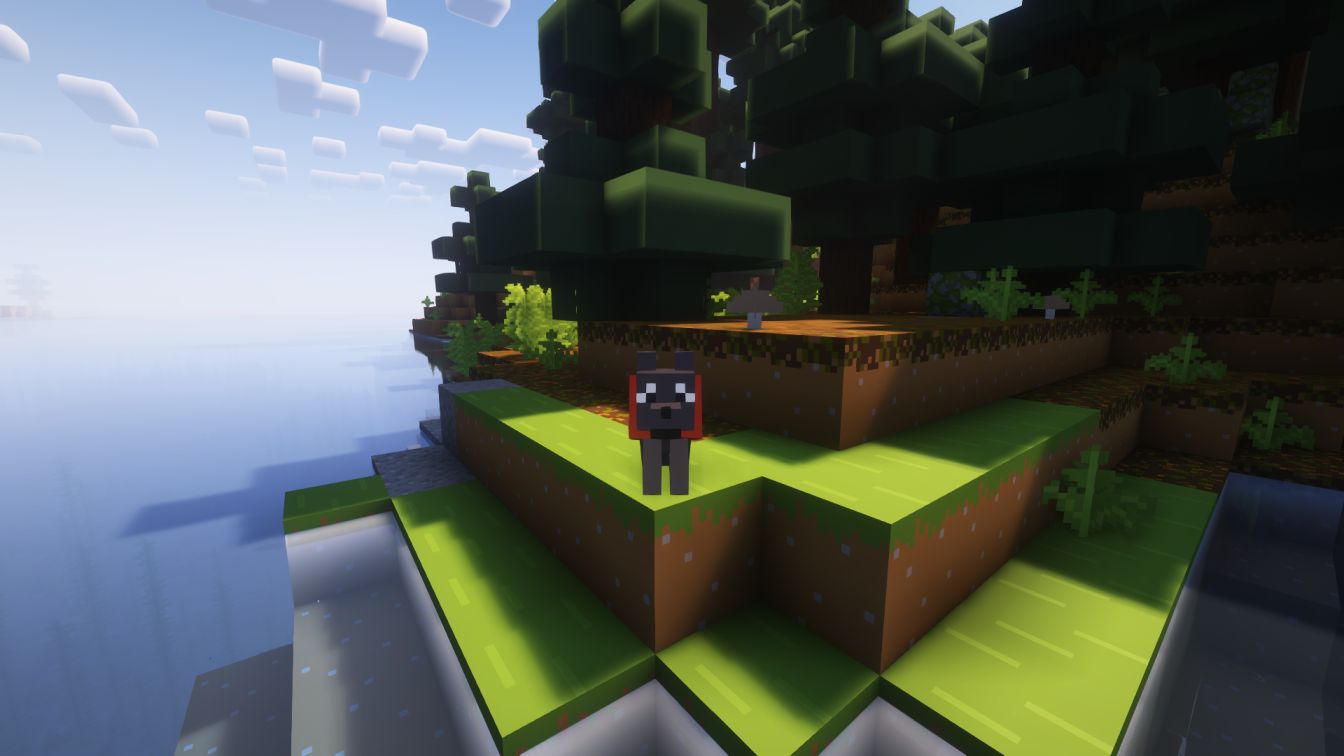
✨ EnhancedPets - Enhanced Pet System ✨



First Pet enhancing Plugin.
This is not a Plugin to add Pets, it enhances the existing (Wolf, Cat...) System.
📚 Overview
EnhancedPets is a powerful and feature-rich plugin designed to make Minecraft petting smoother. Whether you're running a Survival, Factions, or any other type of server, EnhancedPets provides everything you need to make pets more fun and useful than vanilla.
Our goal is to provide a solution that is both easy to use for players and highly configurable for server administrators. EnhancedPets is a new plugin idea, not copied from others.
💡 Features
- 💎 [Change Pet Mood]: Change your pet's mood to Passive, Neutral, or Aggressive.
- ⚔️ [Pet TP]: Instantly teleport your pets to you.
- 💰 [GUI]: Always have a great overview of all your pets. Select and manage each pet individually.
- 🛡️ [Free Pets]: Release a pet into the wilderness!
- ⚙️ [Blacklist]: Set a list of players your pet will never attack.
- 💠 [Cat Attack]: Set a cat to aggressive and it will attack hostiles!
- 👻 [Dead Pet Revival]: When a pet dies, it stays in the GUI as a dead pet (skeleton skull icon). Dead pets can be revived with a Nether Star or deleted.
- 🦄 [Happy Ghast Support]:
- Tame a Happy Ghast by right-clicking with a snowball (20% chance per attempt).
- Happy Ghasts can be set to follow mode and managed like any other pet.
- While riding your tamed Happy Ghast, left-click to shoot a fireball (with cooldown).
- All features (GUI, batch actions, etc.) work for Happy Ghasts.
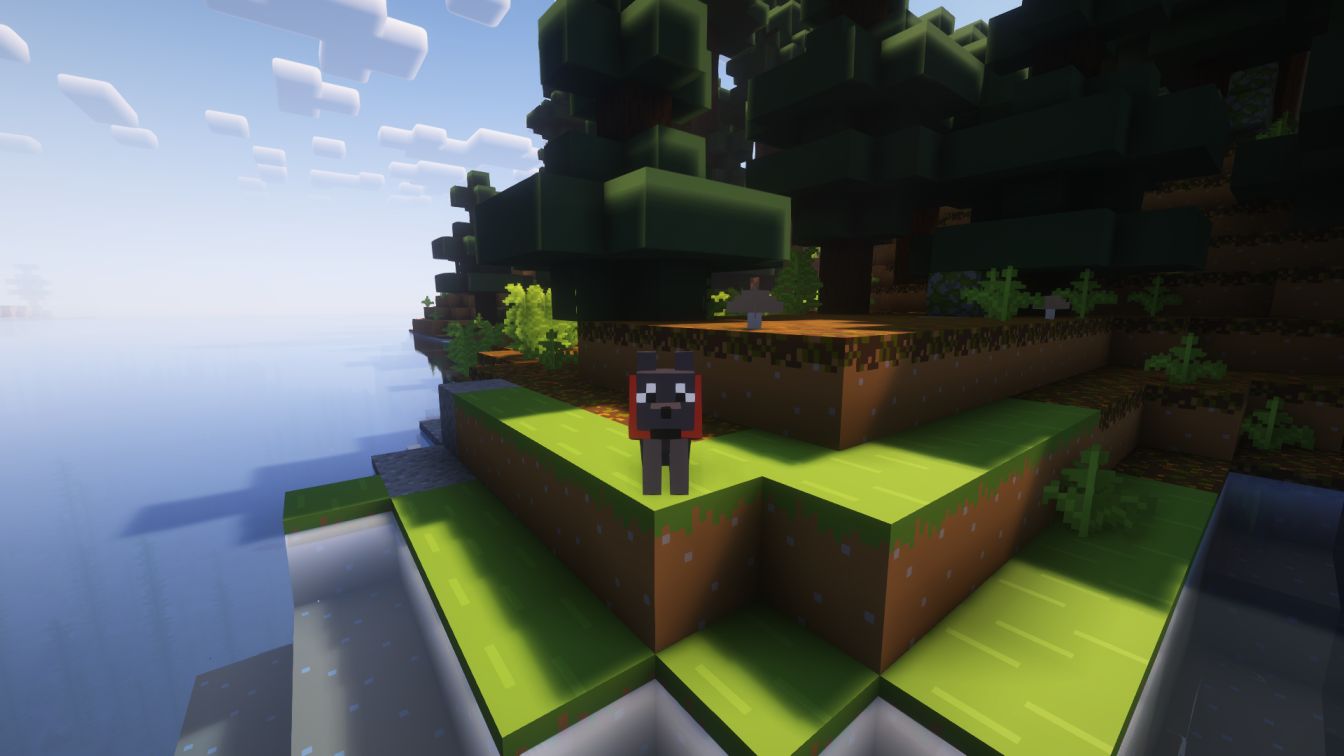
🖼️ Visuals
⚙️ Installation
- Download the latest
enhancedpets.jarfrom the downloads. - Place the
.jarfile into your server'spluginsfolder. - Restart your server.
⌨️ Commands
/pets- Opens the Pets GUI./pets reload- Reloads the Plugin
📝 Additional Notes
- All features are highly configurable via the plugin's config file.
- Dead pets are clearly marked in the GUI and can be managed at any time.
- Happy Ghast support requires Minecraft 1.21.6+.
- For support, join our Discord.
- Edition: Minecraft Java
- File type: .jar
- Minecraft versions listed: 1.17, 1.17.1, 1.18
- How to install: Install the matching mod loader (Forge, Fabric or NeoForge) for your Minecraft version. → Download the .jar. → Put it in the .minecraft/mods folder and launch that loader profile.
- Where to get it: Opens on Modrinth — not every file is mirrored on our own servers.
Install steps are the general flow for this file type — How to install Minecraft Java mods & modpacks walks through it step by step.
- Ships as enhancedpets-1.1.0.jar — drop this file into the mods folder
- Download size: 100 KB
- Download link checked 29 Aug 2026 — working
These come from our own check of the pack file, not from the source page.