
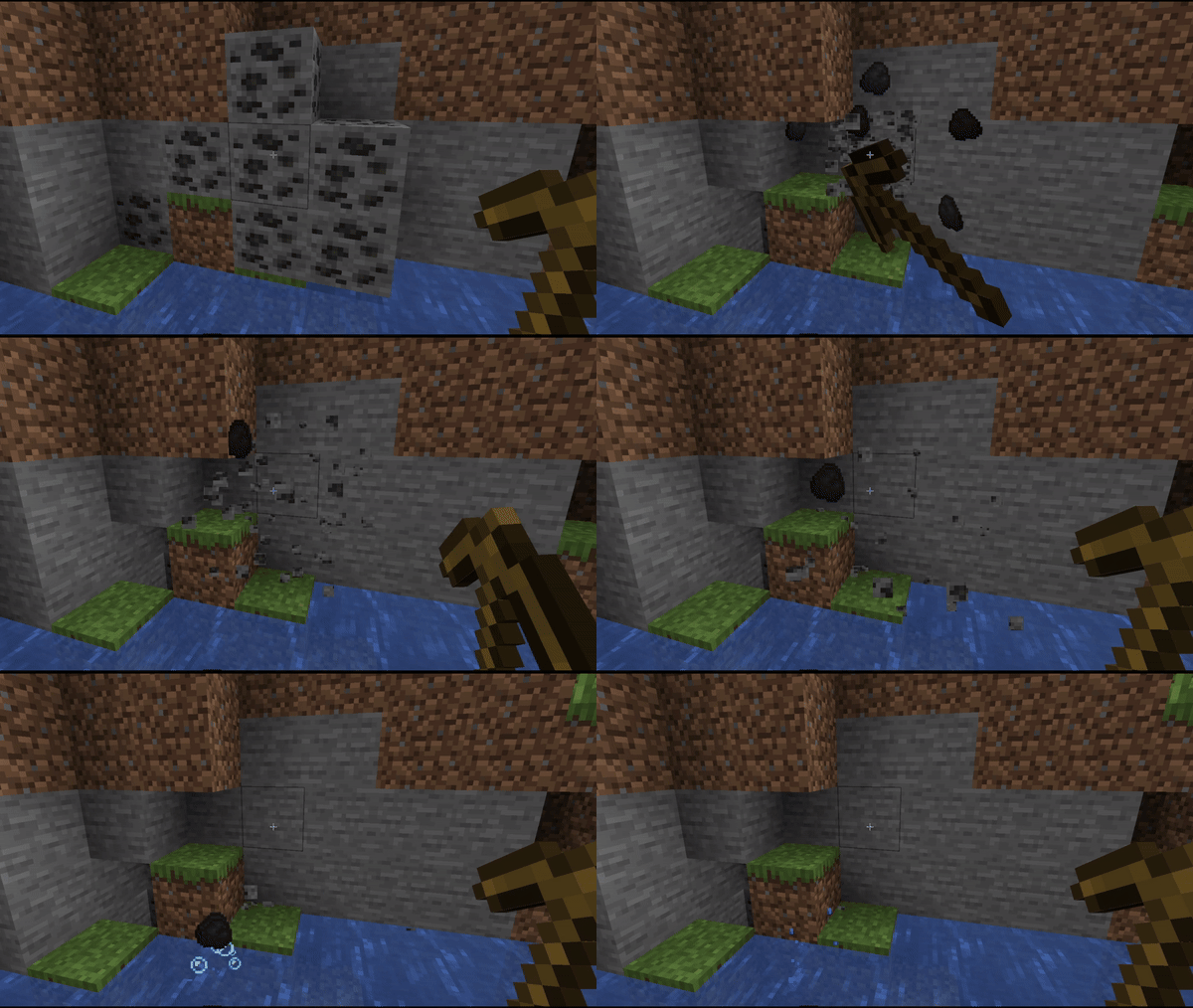
UltraPickaxe: Redefining Mining Mastery
Experience the pinnacle of mining prowess with UltraPickaxe, a groundbreaking plugin that revolutionizes the way you excavate in Minecraft. Say goodbye to conventional pickaxes and embrace a new era of customization and power.
With UltraPickaxe, the control is firmly in your hands. Customize your pickaxe's radius and depth of excavation with ease, tailoring it to your specific needs and preferences.
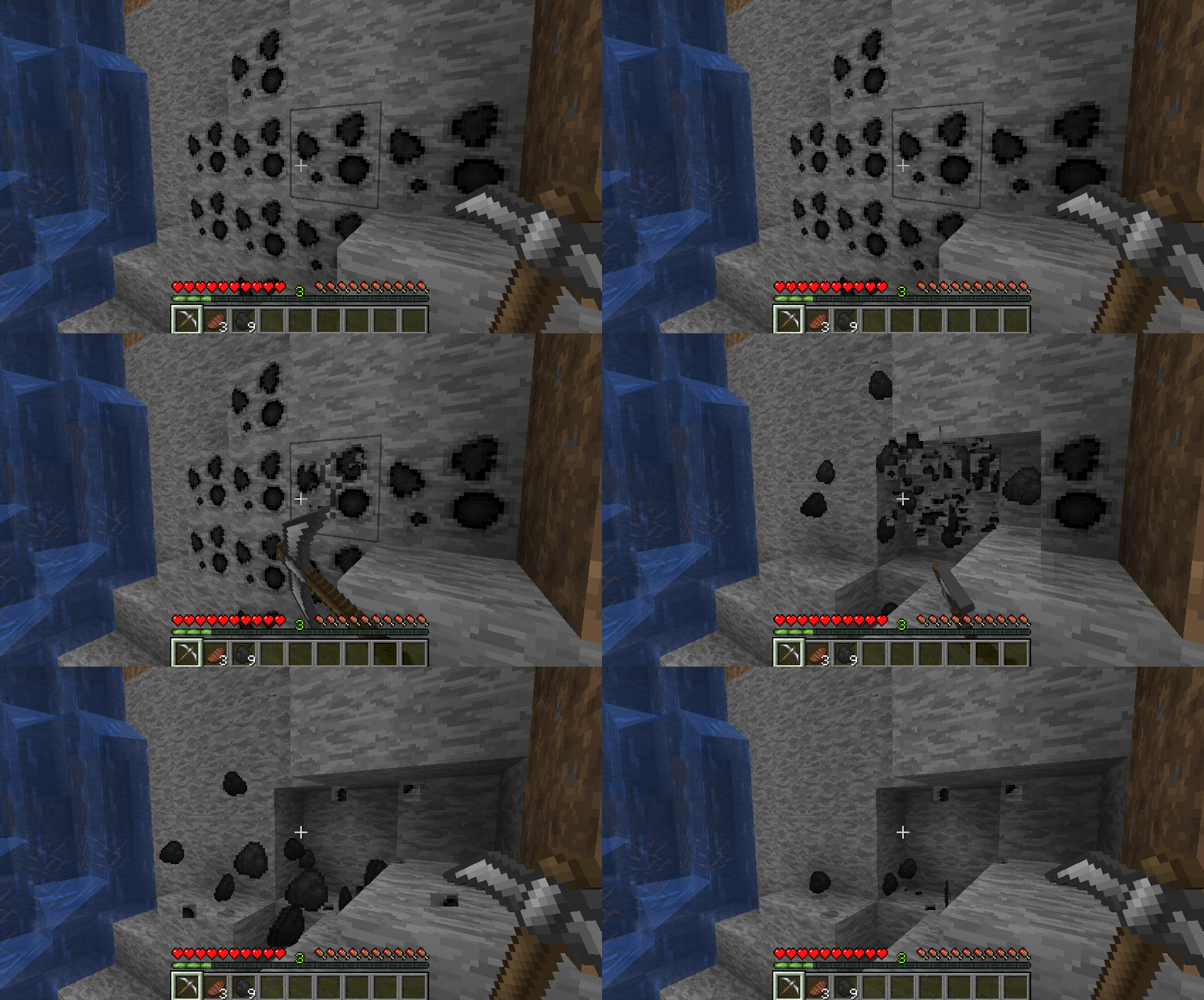
Whether you're embarking on a solo mining expedition or leading a bustling community project, UltraPickaxe adapts seamlessly to your gameplay style. Its intuitive configuration system ensures that every swing of your pickaxe is precisely calibrated to maximize efficiency and yield.
But the true beauty of UltraPickaxe lies in its simplicity. By eschewing complex commands in favor of a straightforward configuration file, we've made harnessing its power accessible to players of all skill levels. Dive into the depths of Minecraft with confidence, knowing that UltraPickaxe is by your side, ready to elevate your mining experience to new heights.
Experience the future of mining with UltraPickaxe – where customization meets convenience, and every swing brings you one step closer to greatness.
Getting Started
- Place the plugin file in the
pluginsfolder. - Restart the server.
- Use the command
/ultrapickaxe give [nickname] [pickaxe name].
Commands
/ultrapickaxe give [nickname] [pickaxe name]
Gives an UltraPickaxe to the specified player.
(Requires permissionultrapickaxe.admin)
Permissions
ultrapickaxe.admin
Grants access to the/ultrapickaxe givecommand.
- Edition: Minecraft Java
- File type: .jar
- Minecraft versions listed: 1.14, 1.14.1, 1.14.2
- How to install: Install the matching mod loader (Forge, Fabric or NeoForge) for your Minecraft version. → Download the .jar. → Put it in the .minecraft/mods folder and launch that loader profile.
- Where to get it: Opens on Modrinth — not every file is mirrored on our own servers.
Install steps are the general flow for this file type — How to install Minecraft Java mods & modpacks walks through it step by step.
- Ships as UltraPickaxe-1.2.7.jar — drop this file into the mods folder
- Download size: 105 KB
- Download link checked 29 Aug 2026 — working
These come from our own check of the pack file, not from the source page.