


Discord | Hangar | Modrinth | GitHub
TreeFalls
Smooth tree falling Paper/Folia plugin.

Usage
Download the latest version from the releases. Start your server.
Config
You can change the configuration in the config.yml file.
Each time you change the configuration, reload with /tf reload or restart your server.
In the config you can set :
- The number of blocks that the player can break at once.
- The list of gamemode where the player is can cut trees by breaking a single log.
- The list of materials that are considered as trees.
- The list of tools that are considered as breaking tree tools.
- If the leaves should fall or not. True by default.
- The number of leaves that can fall at once.
- The list of materials that are considered as leaves.
If enabled, the leaves will only fall if they are not connected to an other tree. Leaves drop item from there loot table as if they where broken by hand, exept if they fall on a block that break them as a torch, then they drop leaves.
Other plugins
Trees can't be cut in protected area for any protection plugin if it does not have blocks outside of the protected area. Towny towns get an extra layer of protection, trying to cut a tree half in a foreign town will cut only the half outside of the town.
Player placed logs/woods can be protected by CoreProtect to not be concidered as trees. It will work as a soft dependency.
There is no dependency require for this plugin.
Since trees are much easier to cut with this plugin, you might want to disable bone meal on tree with this other plugin BoneMealLimiter.
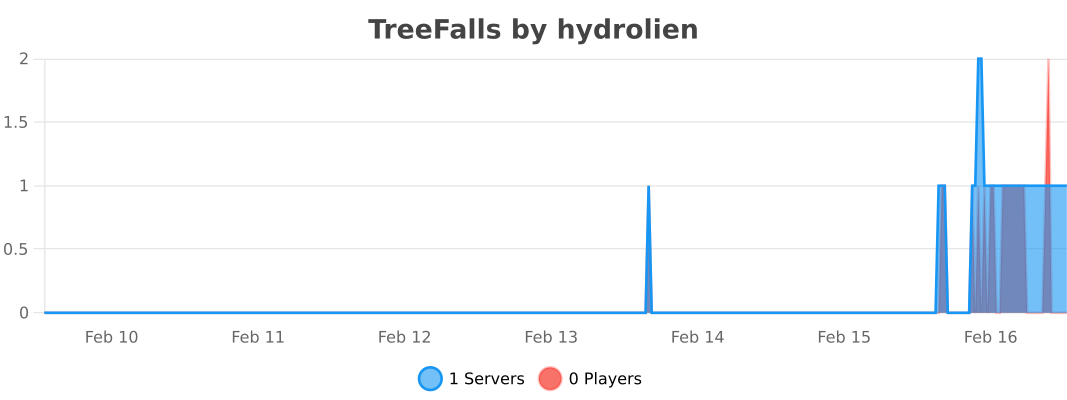
Statistics
Build
Clone the project from GitHub.
Run ./gradlew assemble
The plugin jar file will be in build/libs/
You can also start a test server directly from Gradle with ./gradlew runServer
Thanks
Thanks to SmoothTimber that inspired this project. This project is kind of a simplified version of SmoothTimber with modern tools (Maven -> Gradle, Spigot -> Paper, Manual run -> auto run with runServer), much less dependencies and no legacy support (1.20+).
- Edition: Minecraft Java
- File type: .jar
- Minecraft versions listed: 1.20, 1.20.1, 1.20.2
- How to install: Install the matching mod loader (Forge, Fabric or NeoForge) for your Minecraft version. → Download the .jar. → Put it in the .minecraft/mods folder and launch that loader profile.
- Where to get it: Opens on Modrinth — not every file is mirrored on our own servers.
Install steps are the general flow for this file type — How to install Minecraft Java mods & modpacks walks through it step by step.
- Ships as TreeFalls-1.3.4.jar — drop this file into the mods folder
- Download size: 404 KB
- Download link checked 29 Aug 2026 — working
These come from our own check of the pack file, not from the source page.