
ModsJava
MailBox
I don't know my version or loader
Open the Minecraft launcher and look at the profile you play on — it names both, like fabric-loader-1.21.4. The version also shows in the bottom-right corner of the game's main menu.
No loader in the profile name? Then it's plain Minecraft, and these mods won't run — you need Fabric or NeoForge installed first.
MailBox
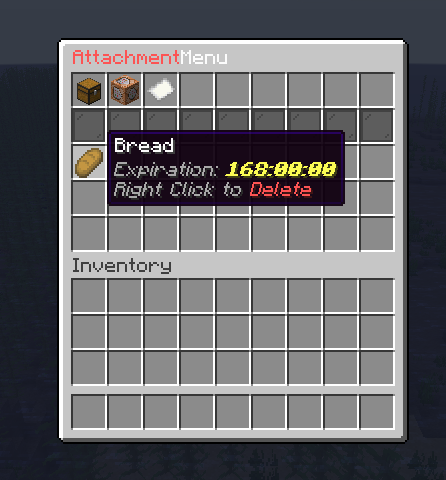
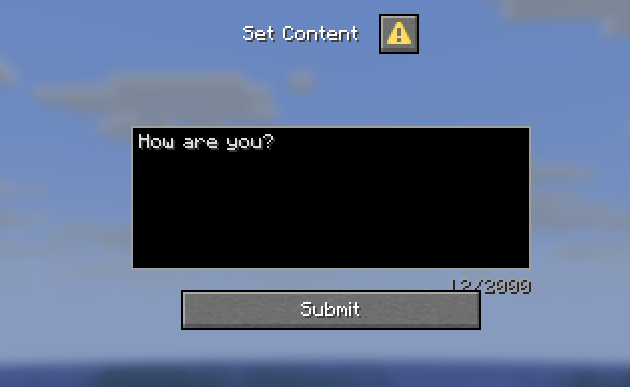
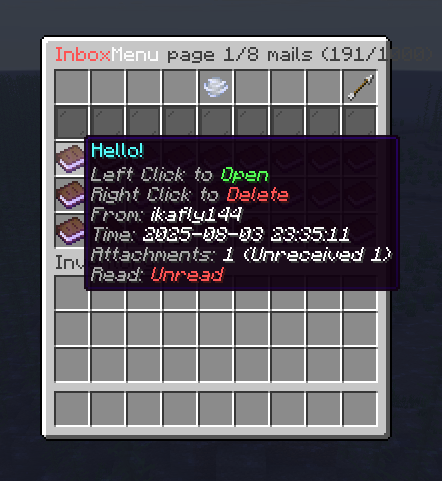
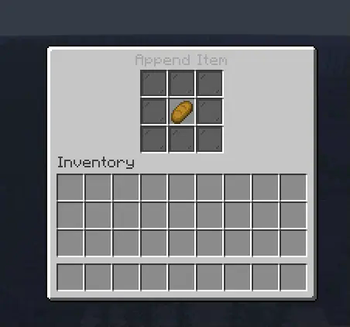
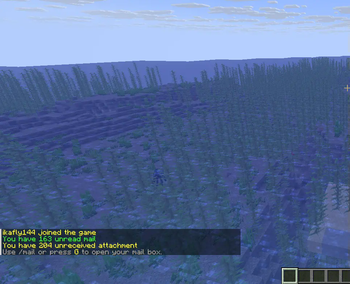
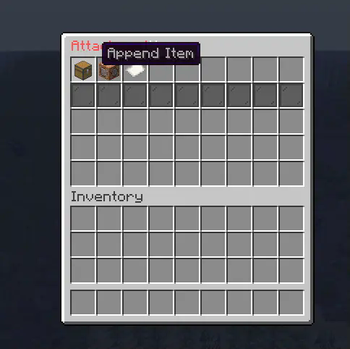
A powerful mail system plugin for Minecraft PaperMC servers that enables players to send and receive messages and items through an intuitive GUI interface with economy integration.
Version Support Policy
| Minecraft Version | Support Status | Notes |
|---|---|---|
| 26.x | ✅ Main Target | Current target version |
| 1.21.6 ~ 1.21.11 | ✅ Supported | support will end by 27.x |
| 1.21 ~ 1.21.5 | 🚧 No Longer Supported | Use legacy version |
| < 1.20 | ❌ Not Supported | Not compatible |
Support Policy:
- Active support for current Minecraft version and recent minor versions
- No support for versions older than 1.20
- Legacy versions available for older servers
Features
- Intuitive GUI: User-friendly interface for managing mail and items.
- Economy Integration: Seamless integration with popular economy plugins for item transactions.
- Customizable Settings: Flexible configuration options to tailor the plugin to your server's needs
Installation
- Download the latest version of MailBox from the Releases page.
- Place the downloaded JAR file into your server's
pluginsdirectory. - Restart your server to generate the configuration files.
- Customize the settings in the generated
config.ymlfile as needed. - Use the
/mailcommand to access the plugin's features and manage your mail.
Quick Action
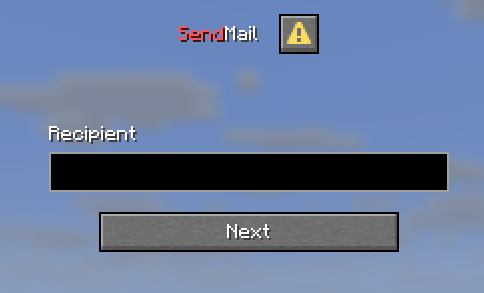
Press G to open the mail dialogue GUI, allowing you to quickly access your inbox and creating new mails without typing commands.
Commands
/mail inbox- Open the mail inbox GUI./sendmail <player>- Send a mail to another player./mail reload- Reload the plugin configuration./mail template- Manage mail templates (admin only)./mail template create <name>- Create a new mail template (admin only)./mail template delete <name>- Delete an existing mail template (admin only)./mail template edit <name> <field> <value>- Edit a mail template field (admin only)./mail template edit <name> attachment add <item>- Add an item attachment to a mail template (admin only)./mail template edit <name> attachment delete <item>- Remove an item attachment from/mail template edit <name> attachment list- List all item attachments in a mail template (admin only)./mail template send <player> <template>- Send a mail using a template (admin only).
Quick facts
- Edition: Minecraft Java
- File type: .jar
- Minecraft versions listed: 1.21.6, 1.21.7, 1.21.8
- How to install: Install the matching mod loader (Forge, Fabric or NeoForge) for your Minecraft version. → Download the .jar. → Put it in the .minecraft/mods folder and launch that loader profile.
- Where to get it: Opens on Modrinth — not every file is mirrored on our own servers.
Install steps are the general flow for this file type — How to install Minecraft Java mods & modpacks walks through it step by step.
Verified by MCModsHub
- Ships as MailBox-1.1.0.jar — drop this file into the mods folder
- Download size: 423 KB
- Download link checked 29 Aug 2026 — working
These come from our own check of the pack file, not from the source page.