


1. Plugin Description
Essential Features to Elevate Your Minecraft Server
- Ultimate Player Authentication:
- Enhance Server security with secure registration and login commands, ensuring only trusted players can access your server.
- Smart Movement and Interaction Restriction:
- Automatically restrict movement, inventory interactions, and damage for unauthenticated players until they log in.
- Blindness Effect for Unauthenticated Players:
- Unauthenticated players experience a temporary blindness effect, reinforcing the need to log in or register.
- Secure Command Privacy:
- Sensitive commands like
/loginand/registerare intercepted and processed without being logged in the console, ensuring privacy.
- Sensitive commands like
- Dynamic Session Management:
- Seamless session tracking with automatic removal of restrictions upon successful login.
- Periodic Action Bar Alerts:
- Notify players with periodic action bar messages, reminding them to log in or register.
- Developer-Friendly API:
- Extend and customize server functionalities with our robust, developer-focused API.
With TitaniumSecurity, take your Minecraft server’s security to the next level and provide a seamless experience for players and server administrators alike!
2. Installation Guide
Get Started with TitaniumSecurity
- Download the Plugin:
- Grab the latest version of TitaniumSecurity from the Modrinth page.
- Ensure the plugin version matches your server version for compatibility.
- Add to Your Server:
- Place the downloaded JAR file into your server’s
pluginsdirectory.
- Place the downloaded JAR file into your server’s
- Configure the Plugin:
- Start your Minecraft server, and TitaniumSecurity will auto-generate its configuration files.
- Verify Installation:
- Enter the
/pluginscommand in your server console or in-game. Look for TitaniumSecurity in green text. If it appears, the plugin is installed successfully.
- Enter the
- Test the Features:
- Join your server and use
/register <password>followed by/login <password>to experience TitaniumSecurity in action.
- Join your server and use
With just a few steps, you’ll secure your server and ensure a safe gaming environment for everyone!
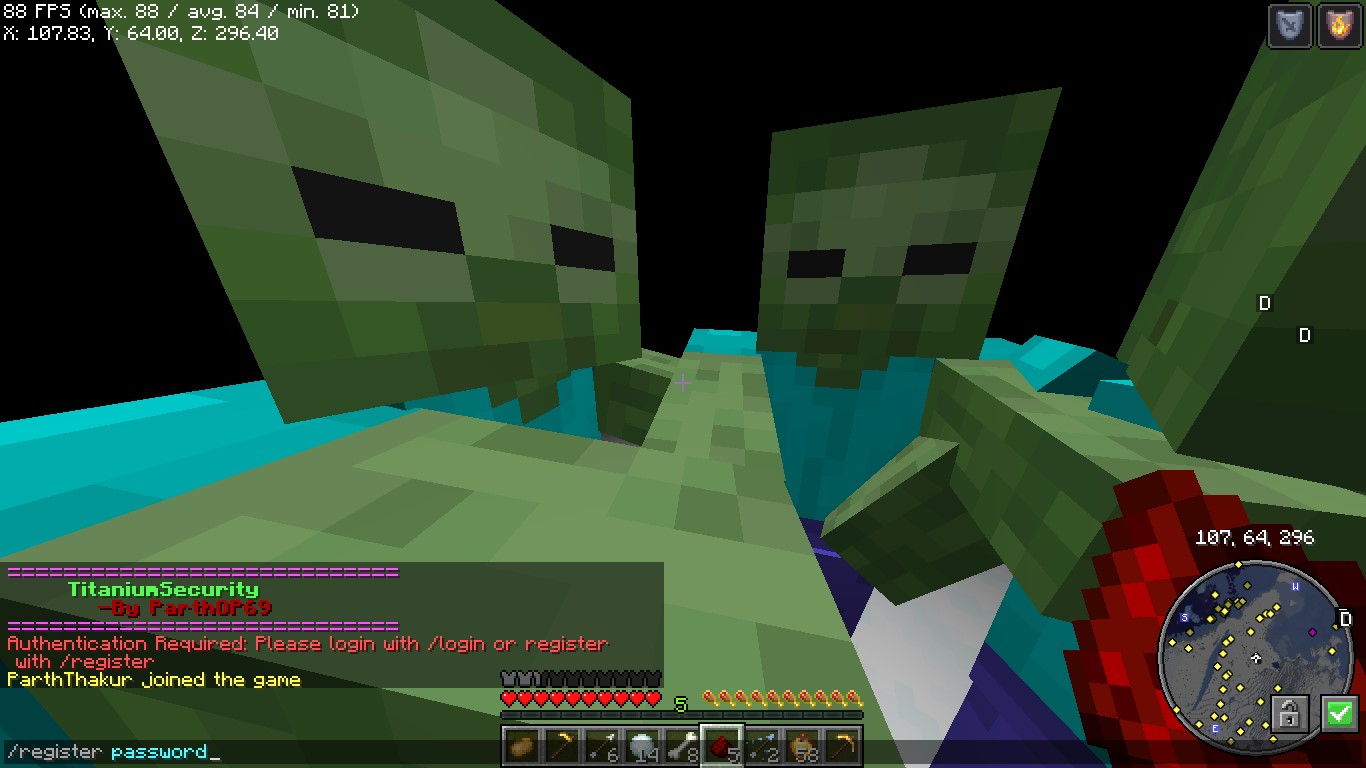
3. Screenshots
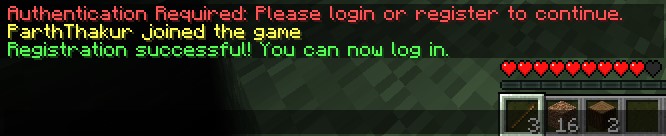
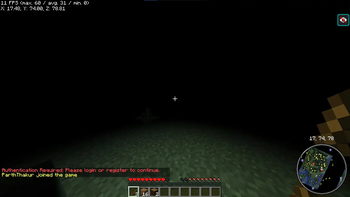
- Message upon joining server

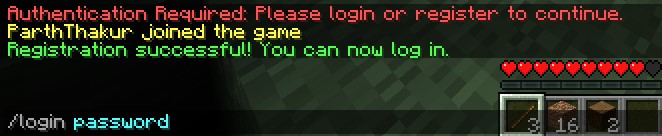
- You need to use
 to register.
 - Register Successful Message

- Then you need to use
 to login
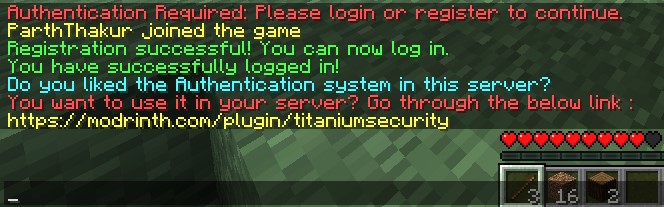
 - Login Successful Message

- Attack protection when player is not logged in
4. Donations
Liked my Content? Want to support me?
- Support me by sending money on this UPI QR Code.

5. Reporting Issues
Need Help? Contact Us! Encountered a problem or have suggestions? We’re here to assist you!
📧 Discord Support: Contact me on Discord at @iitian_69.
- Feel free to share any issues, suggestions, or feedback to help us improve TitaniumSecurity and make your Minecraft experience even better!
Quick facts
- Edition: Minecraft Java
- File type: .jar
- Minecraft version listed: 1.21.4
- How to install: Install the matching mod loader (Forge, Fabric or NeoForge) for your Minecraft version. → Download the .jar. → Put it in the .minecraft/mods folder and launch that loader profile.
- Where to get it: Opens on Modrinth — not every file is mirrored on our own servers.
Install steps are the general flow for this file type — How to install Minecraft Java mods & modpacks walks through it step by step.
Verified by MCModsHub
- Ships as TitaniumSecurity.jar — drop this file into the mods folder
- Download size: 6.3 MB
- Download link checked 29 Aug 2026 — working
These come from our own check of the pack file, not from the source page.