
TextGenerator
Java mod listed for Minecraft 1.19–26.x. Downloads from the MC Java Mods app on Android.
I don't know my version or loader


TextGenerator
Features
- Drag to move the text
- You can edit the text whenever you want
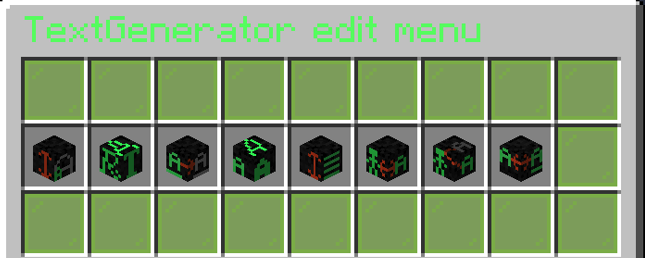
- GUI to edit everything of the text
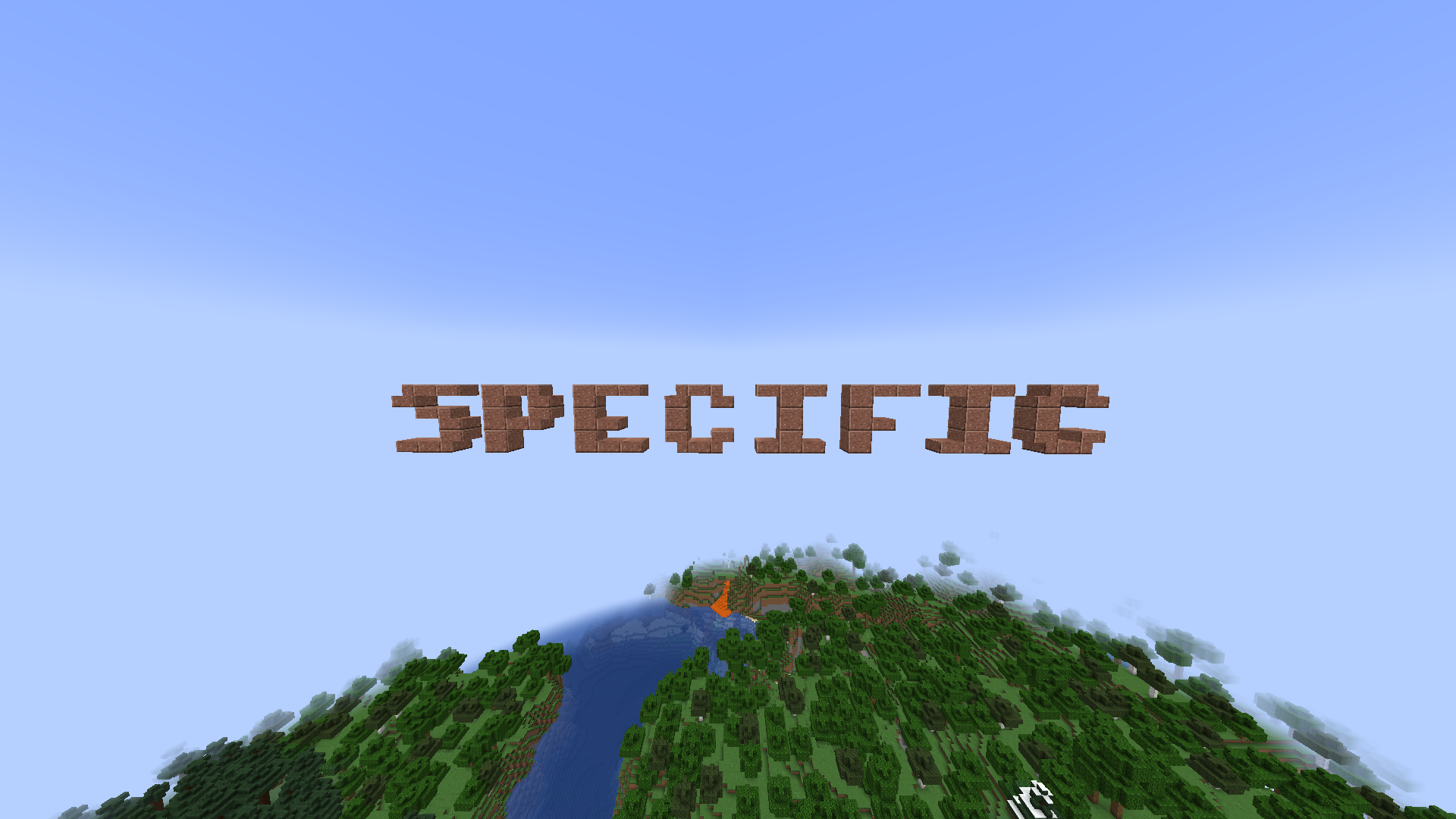
- A for Minecraft specific font size with slabs and stairs to generate small texts
- \n for a new line
- The text cannot override other blocks
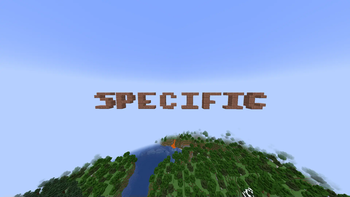
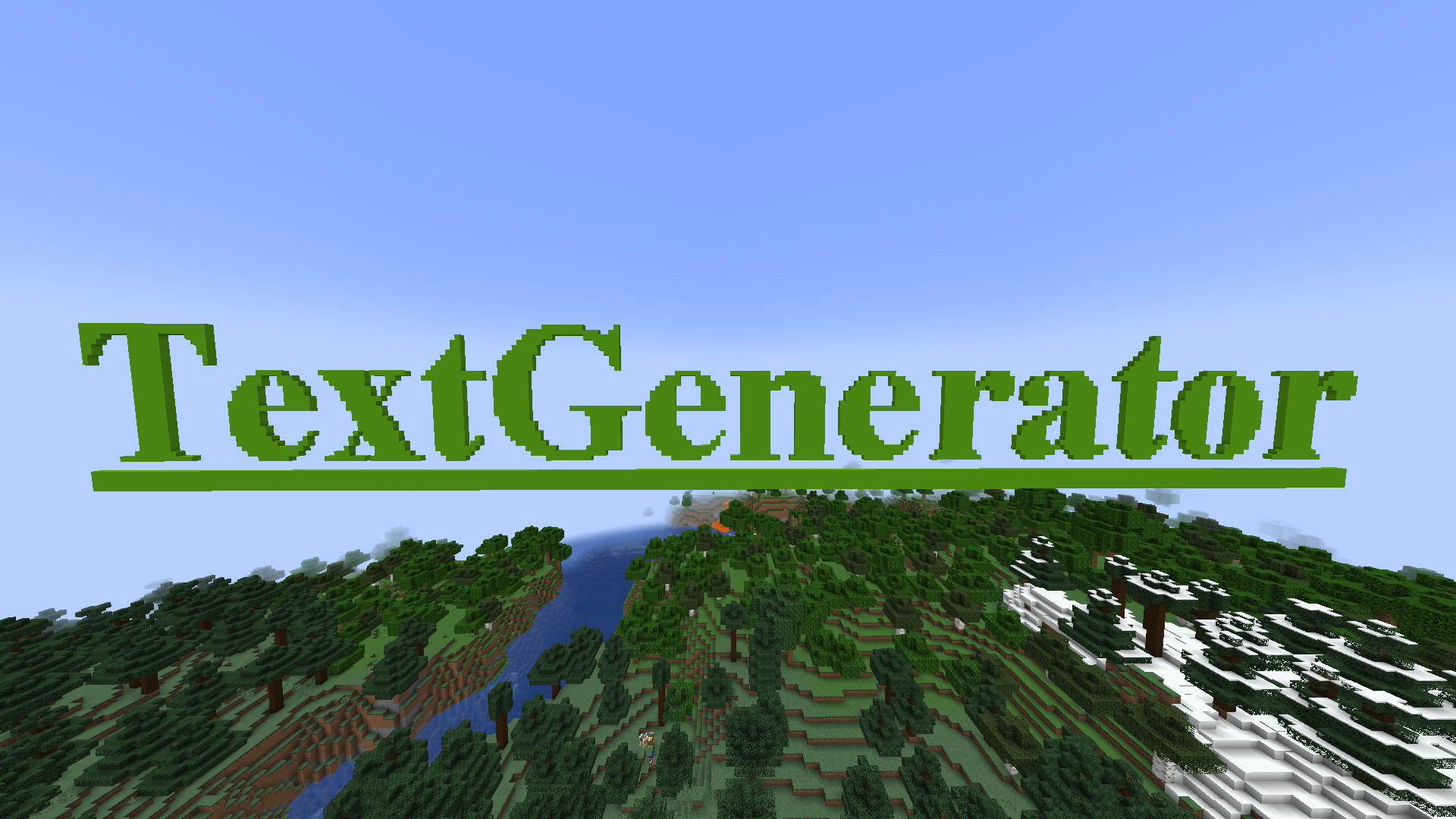
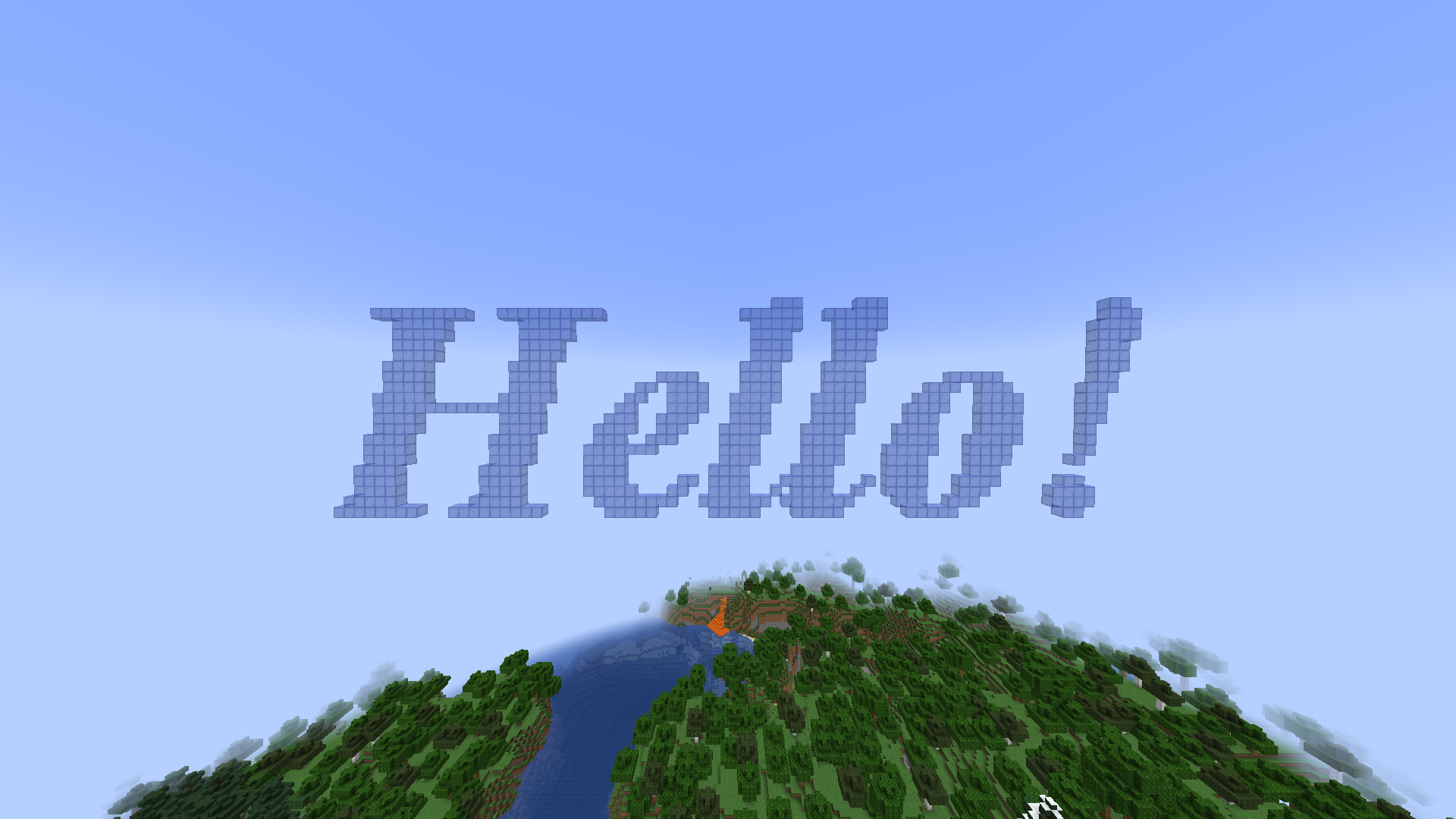
Examples of texts

Commands
All commands have the "textgenerator.use" permission
When not editing a text:
/tg generate [Your text] - Generates a text with your text settings in front of the player
/tg edit this - When looking at a previous generated text the player goes into the editing mode to edit it
/tg settings - Opens a GUI to edit the default text settings for the next generate
When editing a text:
/tg confirm - Stops editing the text and leaves it there
/tg edit menu - Opens a GUI to edit the text
/tg move [coordinates] - When drag to move is disabled it moves the text to the given directions. First number indicates left/right, second indicates top/bottom, and third indicates back/front
/tg refresh - When drag to move is disabled it moves the text to the players looking direction
/tg cancel - Destroys the text (when it was previously generated) or sets the text to its previous state (when it was edited)
/tg destroy - Destroys the text
/tg reset - Destroys all build blocks and builds it again
/tg remove - Removes the text from the plugin (the text cannot be edited anymore)
/tg setText [Your text] - Changes the text
PlaceHolderAPI
%textgeneratorGeneratedTexts% - Returns a list of all texts ever generated
The configuration file
placementRange: 30
dragToMove: false
textSettings:
  block: quartz_block
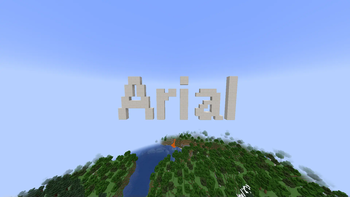
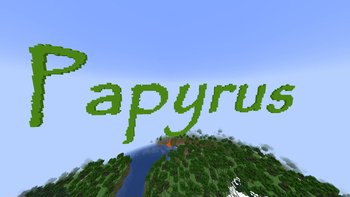
  fontName: Arial
  fontSize: 15
  fontStyle: BOLD
  underline: false
  lineSpacing: 2
- Edition: Minecraft Java
- File type: .jar
- Minecraft versions listed: 1.19, 1.19.1, 1.19.2
- How to install: Install the matching mod loader (Forge, Fabric or NeoForge) for your Minecraft version. → Download the .jar. → Put it in the .minecraft/mods folder and launch that loader profile.
- Where to get it: Opens on Modrinth — not every file is mirrored on our own servers.
Install steps are the general flow for this file type — How to install Minecraft Java mods & modpacks walks through it step by step.
- Ships as TextGenerator-1.0.6.jar — drop this file into the mods folder
- Download size: 376 KB
- Download link checked 9 Oct 2026 — working
These come from our own check of the pack file, not from the source page.