
GlowPlayers
The GlowPlayers plugin assigns a unique glowing effect to each player who joins the server, with a distinct color based on their order of joining. The…
I don't know my version or loader
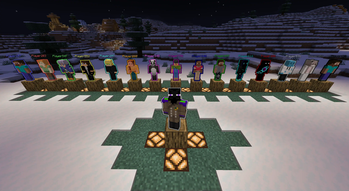
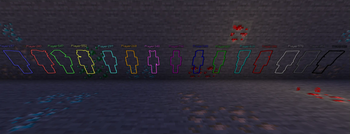
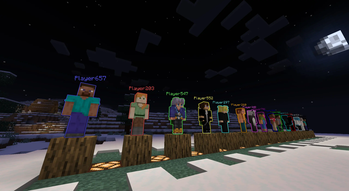
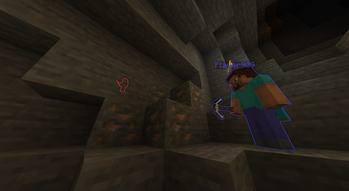

is designed to enhance player interaction and visibility by automatically assigning a glowing effect to players upon joining the server. Each player is given a unique color based on the order in which they connect, making it easy to identify individuals in a group or event. To make Minecraft gameplay more colorful and interactive with friends.
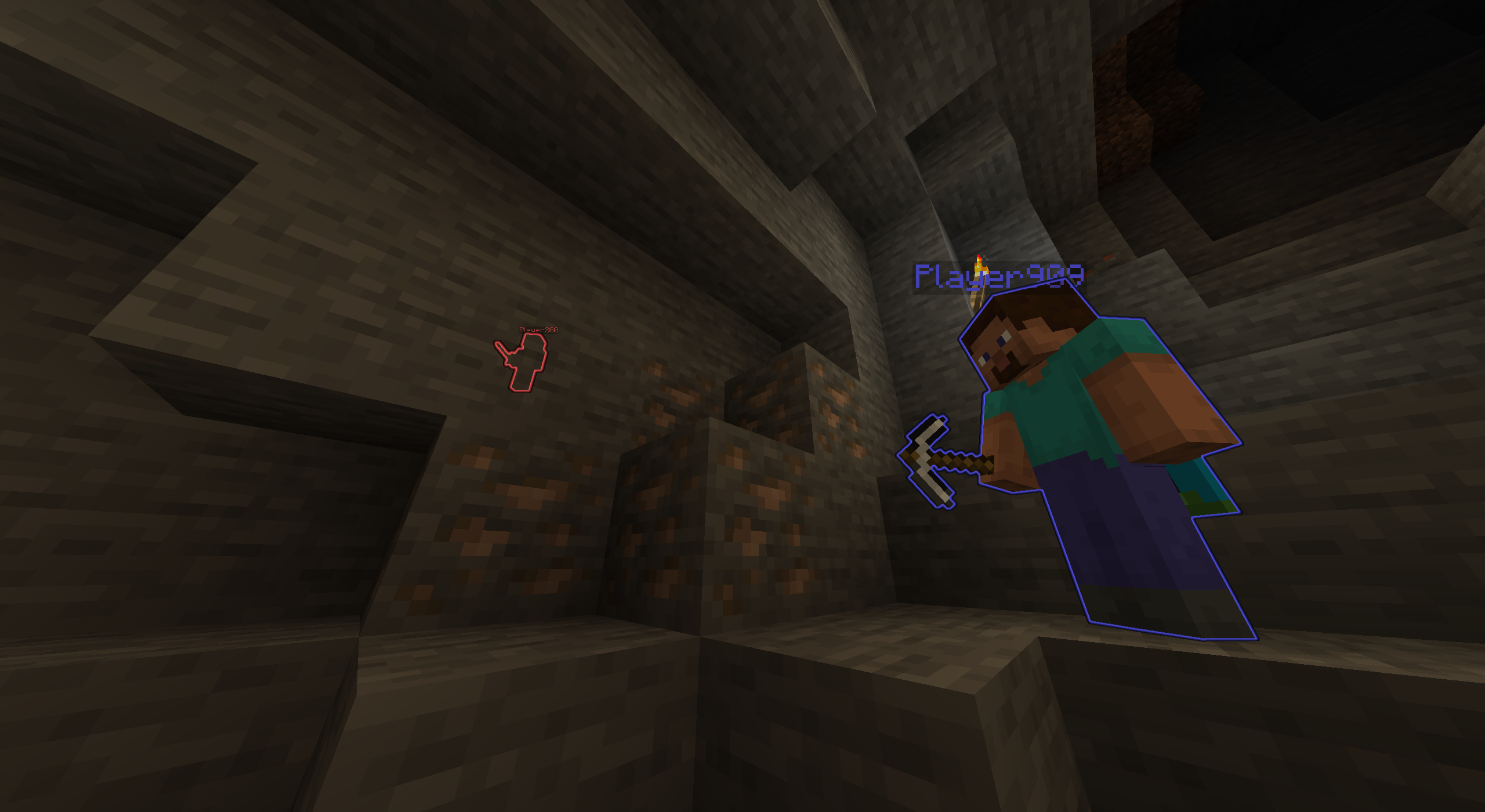

Automatic Glowing System
- Join-Order Assignment - Automatic glowing color assignment based on the order of player entry. The first player gets the first color, the second player the second, and so on.
- Zero Configuration - Requires no manual intervention or commands; everything is handled automatically as players join.
- Persistent Effect - The glowing effect remains active even after players respawn or disconnect and reconnect, maintaining the color assignment for the duration of their session.
Visual Info
- Scoreboard Native - Seamless integration with Minecraft scoreboard teams for color and name display.
- Color Cycling - 16 unique colors, with color cycling for more than 16 players.
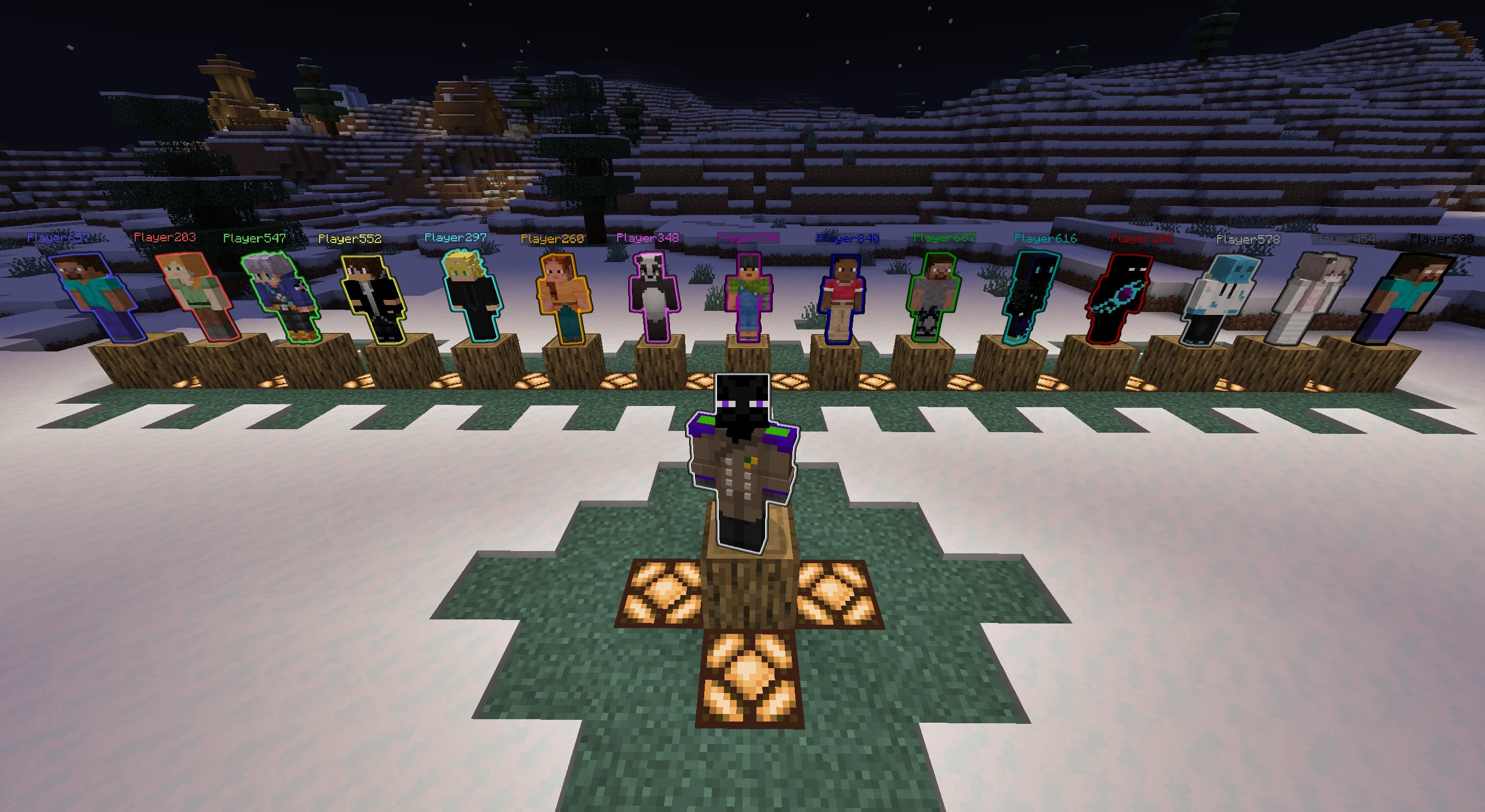
Color Pool Assignment:
- Player 1 - White
- Player 2 - Blue
- Player 3 - Red
- Player 4 - Green
- Player 5 - Yellow
- Player 6 - Aqua
- Player 7 - Gold
- Player 8 - Light Purple
- Player 9 - Dark Purple
- Player 10 - Dark Blue
- Player 11 - Dark Green
- Player 12 - Dark Aqua
- Player 13 - Dark Red
- Player 14 - Gray
- Player 15 - Dark Gray
- Player 16 - Black
Made For
- Multiplayer - Players are instantly identifiable by their glowing color, creating an immersive and organized environment for teams and friends.
Dependencies: - Fabric API (required)
Server-Side - Works on any server without requiring client-side installation. Everything is handled automatically as players join.
- Edition: Minecraft Java
- File type: .jar
- Minecraft versions listed: 1.21, 1.21.1, 1.21.2
- How to install: Install the matching mod loader (Forge, Fabric or NeoForge) for your Minecraft version. → Download the .jar. → Put it in the .minecraft/mods folder and launch that loader profile.
- Where to get it: Opens on Modrinth — not every file is mirrored on our own servers.
Install steps are the general flow for this file type — How to install Minecraft Java mods & modpacks walks through it step by step.
- Ships as GlowPlayersPlugin-1.1.0.jar — drop this file into the mods folder
- Download size: 8 KB
- Download link checked 29 Aug 2026 — working
These come from our own check of the pack file, not from the source page.