
Enchant Control
Java mod listed for Minecraft 1.21–26.x. Downloads from the MC Java Mods app on Android.
Enchant Control allows server owners to disable unwanted enchantments. Both vanilla and datapack enchantments work.
I don't know my version or loader

Enchant Control
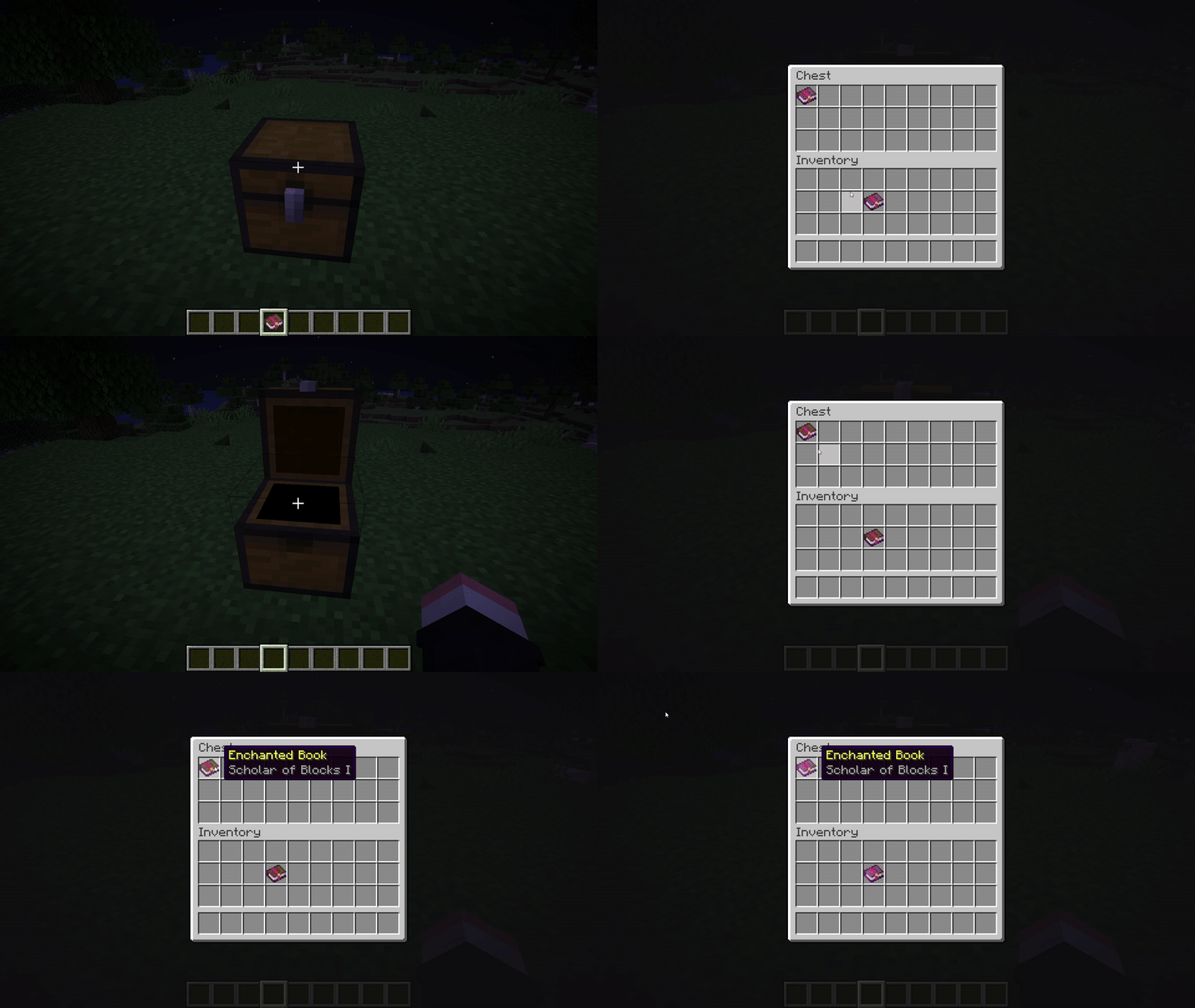
Enchant Control is a plugin for managing enchantments on your server. It blocks unwanted enchantments, sanitizes inventories, and supports both vanilla and custom/datapack enchantments.
Commands:
- /enchantcontrol block - Block an enchantment
- /enchantcontrol unblock - Unblock an enchantment
- /enchantcontrol list - List currently blocked enchantments
- /enchantcontrol reload - Reload plugin configuration
- /enchantcontrol enable - Enable enchantment blocking
- /enchantcontrol disable - Disable enchantment blocking
How does it work?
Enchant Control intercepts enchantment-related events and sanitizes item interactions. It can block enchantments from:
- enchantment tables
- villager trades
- loot generation
- inventory clicks/drags
- creative inventory and join-time checks
It also supports custom enchantments so both vanilla and datapack enchantments can be blocked reliably.
Permissions:
- enchantcontrol.use
- enchantcontrol.block
- enchantcontrol.unblock
- enchantcontrol.list
- enchantcontrol.reload
- enchantcontrol.enable
- enchantcontrol.disable
Portions of this plugin code were written by Claude.
- Edition: Minecraft Java
- File type: .jar
- Minecraft versions listed: 1.21, 1.21.1, 1.21.2
- How to install: Install the matching mod loader (Forge, Fabric or NeoForge) for your Minecraft version. → Download the .jar. → Put it in the .minecraft/mods folder and launch that loader profile.
- Where to get it: Opens on Modrinth — not every file is mirrored on our own servers.
Install steps are the general flow for this file type — How to install Minecraft Java mods & modpacks walks through it step by step.
- Ships as enchant-control-2.0.jar — drop this file into the mods folder
- Download size: 22 KB
- Download link checked 10 Oct 2026 — working
These come from our own check of the pack file, not from the source page.