
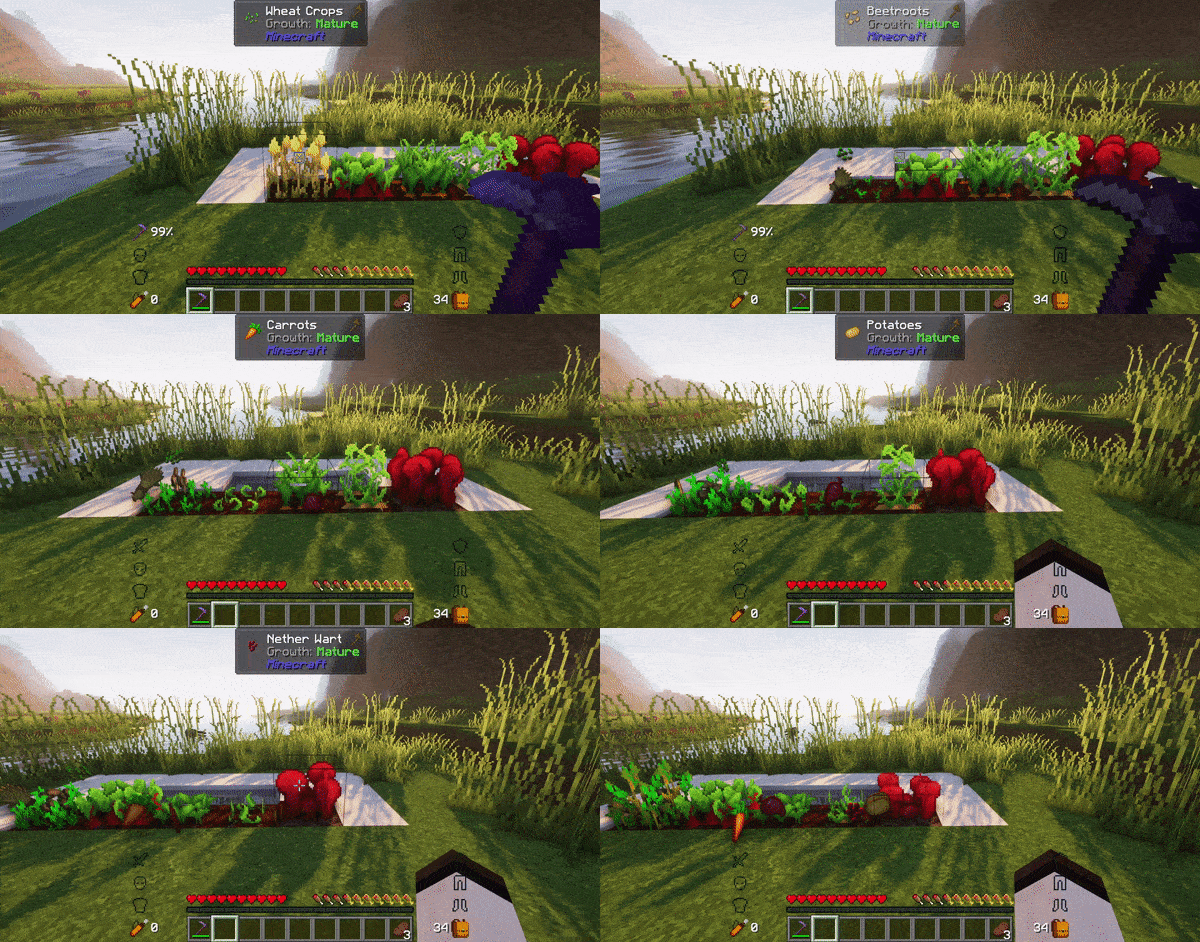
Introducing Simply Farming, a fantastic plugin that takes your Minecraft farming experience to the next level. Designed to enhance the original gameplay, Simply Farming offers a simplified yet rewarding farming experience for players. With Simply Farming, you'll have the convenient feature of right-clicking on crops to automatically replant them, ensuring a continuous harvest. Plus, you'll receive the regular drop rates from the crops, based on fortune level, allowing for a fair and balanced gameplay experience.
commands:
- /simplyfarming reload
- /simplyfarming use-permission-nodes (true/false)
permission nodes:
- simplyfarming.reload
- simplyfarming.toggle.permission-nodes
- simplyfarming.replant.beetroots
- simplyfarming.replant.carrots
- simplyfarming.replant.nether_wart
- simplyfarming.replant.potatoes
- simplyfarming.replant.wheat
- simplyfarming.replant.*
- simplyfarming.*
Quick facts
- Edition: Minecraft Java
- File type: .jar
- Minecraft versions listed: 1.16, 1.16.1, 1.16.2
- How to install: Install the matching mod loader (Forge, Fabric or NeoForge) for your Minecraft version. → Download the .jar. → Put it in the .minecraft/mods folder and launch that loader profile.
- Where to get it: Opens on Modrinth — not every file is mirrored on our own servers.
Install steps are the general flow for this file type — How to install Minecraft Java mods & modpacks walks through it step by step.
Verified by MCModsHub
- Ships as SimplyFarming-1.16-1.20-1.3.2.jar — drop this file into the mods folder
- Download size: 8 KB
- Download link checked 29 Aug 2026 — working
These come from our own check of the pack file, not from the source page.