
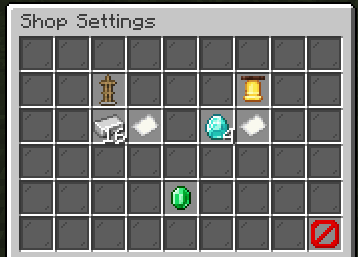
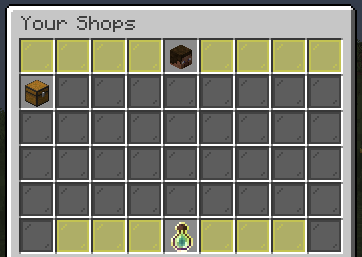
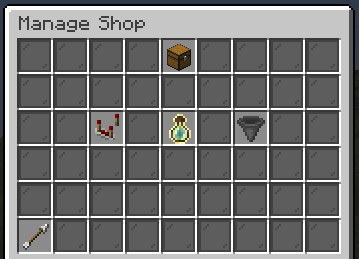
Create immersive chest-based trading systems with ease! ItemShops is a powerful, highly customizable plugin that lets players set up in-game item shops using chests. No need for a virtual currency plugin — just trade items directly!
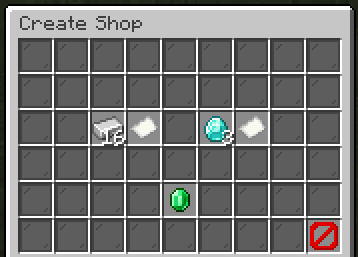
🛠️ Shop Creation & Trading System Set up chest shops where players can trade items for other items in specific quantities. It's all configurable via intuitive in-game menus!
⚙️ Customization & Control Fully tailor your shops to match your server’s economy style. ItemShops makes it simple.
🔑 Permissions & Commands
- /itemshop create | itemshops.create | Start creating a new item shop
- /itemshop remove | itemshops.remove | Remove an existing item shop
- /itemshop settings | itemshops.settings | Customize global settings
- /itemshop shops | Everyone | Manage all your shops
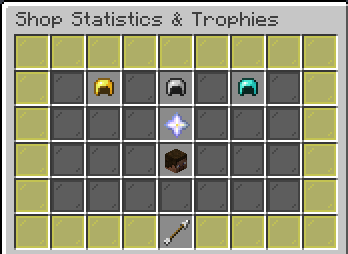
- /itemshop stats | Everyone | See all your shop stats
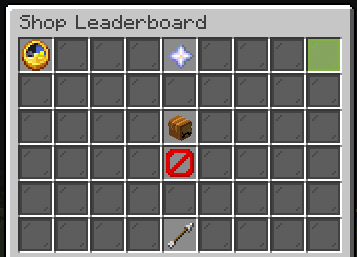
- /itemshop leaderboard | Everyone | See a leaderboard of selling players
- /itemshop admin | itemshops.admin | Manage and oversee all shops
- /itemshop help | Everyone | Show help and usage info
OP players have full access.
🧠 Good to Know
- No economy plugin is required — everything works with physical items
- You can fully configure shop behavior to fit survival, factions, or even minigame servers
- Shops are persistent and designed to be lightweight and lag-free
🛠️ Full Upgrade Sytem
Upgrade your shops with ease up to 3 levels. Unlock remote settings and restocking. (Can deactivate this system in the config).
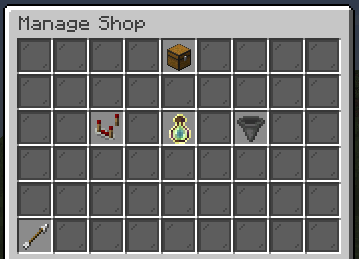
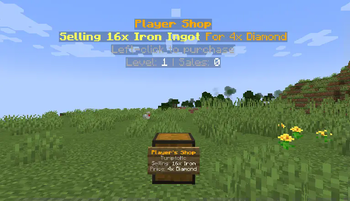
📸 Example Shop
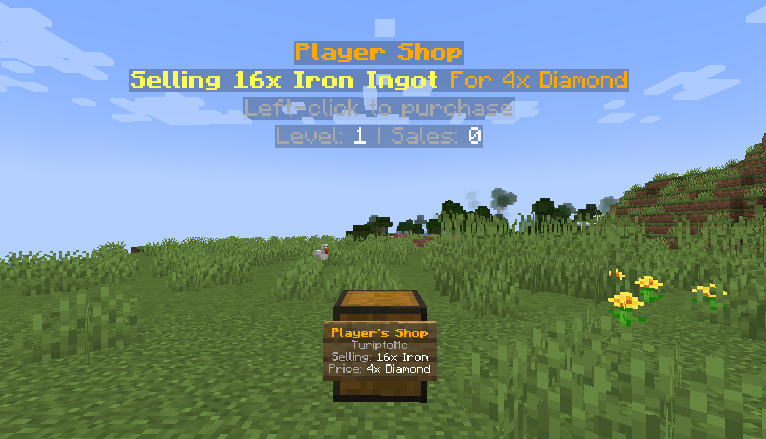
Perfect for Survival Servers, Community Markets, or Custom Game Modes! ItemShops brings trading to life — without the headache of setting up virtual economies.
- Edition: Minecraft Java
- File type: .jar
- Minecraft versions listed: 1.16, 1.16.1, 1.16.2
- How to install: Install the matching mod loader (Forge, Fabric or NeoForge) for your Minecraft version. → Download the .jar. → Put it in the .minecraft/mods folder and launch that loader profile.
- Where to get it: Opens on Modrinth — not every file is mirrored on our own servers.
Install steps are the general flow for this file type — How to install Minecraft Java mods & modpacks walks through it step by step.
- Ships as ItemShops-1.6.2.2.jar — drop this file into the mods folder
- Download size: 112 KB
- Download link checked 29 Aug 2026 — working
These come from our own check of the pack file, not from the source page.