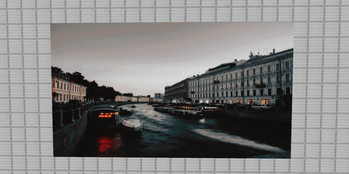
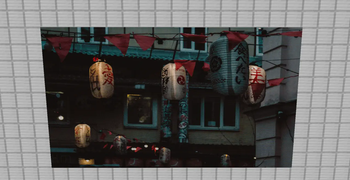
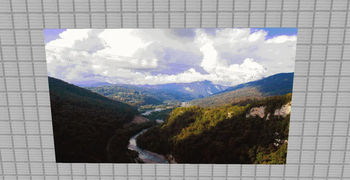
Features:
- Performance. The plugin inserts thousands of frames in just a few seconds (during testing, the plugin inserted ~3000 frames in 2 seconds)
- Dithering. With dithering transitions look smoother and a small number of colors in the palette of maps becomes almost invisible.
- Adaptive palette. The player will always see images with the palette relevant to his version, regardless of the server version.
- Client-side. The frames are sent to the players directly and are never created on the server itself.
- GIF support.
- Glowing item frame support. Works on 1.17+ clients, regardless of the server version.
Commands:
- /fi create
Inserts an image from the link on the block where the cursor points. (Frames go right and up)
- /fi remove
Deletes the image that the cursor points to.
- /fi reload
Reloads the config and all images
Permissions:
- framedimage.command
Access to the plugin command
- framedimage.subcommand.create
Ability to create images
- framedimage.subcommand.remove
Ability to delete images
- framedimage.subcommand.reload
Ability to reload the plugin
Quick facts
- Edition: Minecraft Java
- File type: .jar
- Minecraft versions listed: 1.12, 1.12.1, 1.12.2
- How to install: Install the matching mod loader (Forge, Fabric or NeoForge) for your Minecraft version. → Download the .jar. → Put it in the .minecraft/mods folder and launch that loader profile.
- Where to get it: Opens on Modrinth — not every file is mirrored on our own servers.
Install steps are the general flow for this file type — How to install Minecraft Java mods & modpacks walks through it step by step.
Verified by MCModsHub
- Ships as framedimage-1.7.0.jar — drop this file into the mods folder
- Download size: 166 KB
- Download link checked 29 Aug 2026 — working
These come from our own check of the pack file, not from the source page.