
PlayerGrave
Java mod listed for Minecraft 1.17–26.x. Downloads from the MC Java Mods app on Android.
⬇ Download on Modrinth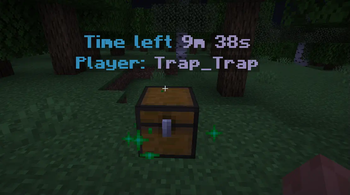
Main Purpose:
The PlayerGrave plugin adds the functionality of creating death chests in Minecraft, which store players' inventory upon death. This helps players recover their items easily without losing them.
Key Features:
Death Chest Creation:
When a player with the appropriate permission (playergrave.use) dies, a chest is created at the death location containing their inventory. If the location is occupied, the chest spawns above the block.
Interactive Chest Menu:
Players can interact with the death chest through a custom menu (DeathMenu) that allows them to retrieve their items.
Automatic Chest Removal:
Death chests have a limited lifespan (default: 600 seconds). If not emptied in time, they are automatically removed, and any remaining items drop on the ground.
Explosion Protection:
Death chests are protected from explosions (e.g., creeper blasts).
Chest Breaking:
If a player breaks the chest, all remaining items are dropped naturally.
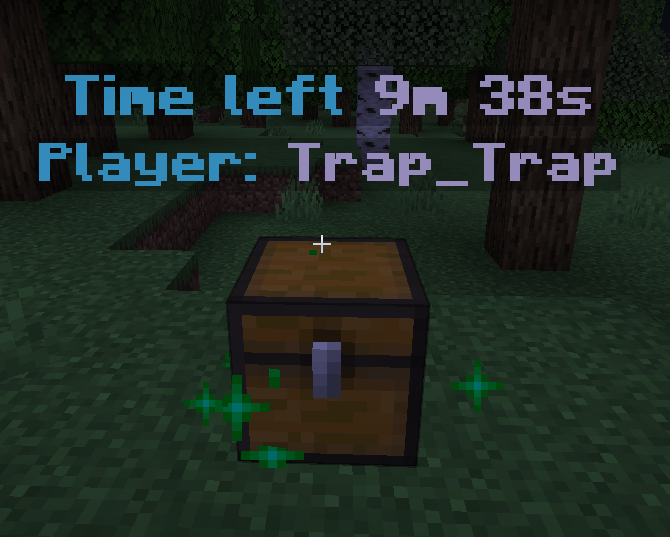
Visual Indicators:
Two invisible armor stands are created above the chest:
- One displays the name of the player who owns the chest.
- The other shows the remaining lifespan of the chest.
Compass Guidance:
Upon respawn, players receive a compass pointing to their death location (the chest).
Benefits:
- Protects player items after death.
- Convenient chest interaction menu.
- Explosion protection.
- Compass for quick navigation to the death chest.
Usage:
- Players must have the permission
playergrave.useto use the plugin. - Upon death, a chest is automatically created, and a compass helps locate its position.
- Players can retrieve their items or leave them until the chest is automatically removed.
- Edition: Minecraft Java
- File type: .jar
- Minecraft versions listed: 1.17, 1.17.1, 1.18
- How to install: Install the matching mod loader (Forge, Fabric or NeoForge) for your Minecraft version. → Download the .jar. → Put it in the .minecraft/mods folder and launch that loader profile.
- Where to get it: Opens on Modrinth — not every file is mirrored on our own servers.
Install steps are the general flow for this file type — How to install Minecraft Java mods & modpacks walks through it step by step.
- Ships as playergrave-1.0.2.jar — drop this file into the mods folder
- Download size: 106 KB
- Download link checked 10 Oct 2026 — working
These come from our own check of the pack file, not from the source page.