
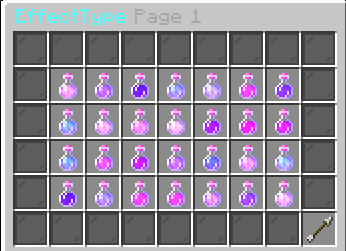
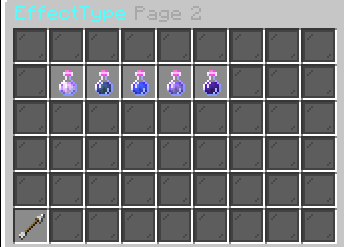
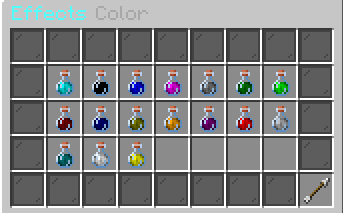
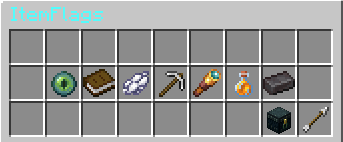
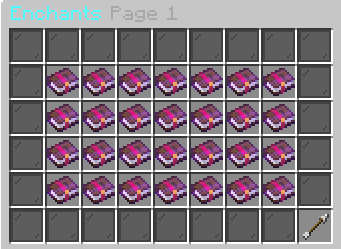
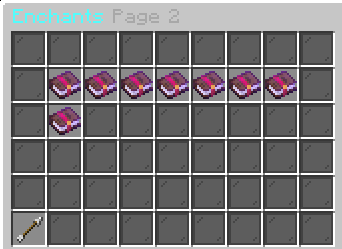
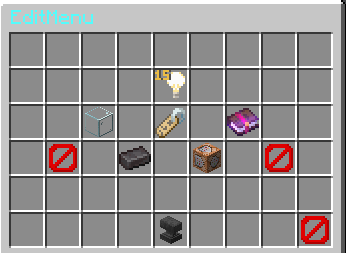
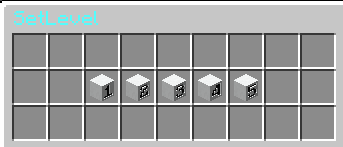





This plugin is a pre-release, some features may not work yet or bugs may occur
Itemcustomizer is a plugin to edit your items, for example adding attribute modifiers or enchants with absurd levels
Commands
| Command | Aliases | Permission | Description |
|---|---|---|---|
| Itemcustomizer | customizer |
customize.use |
Command to open the itemcustomizer menu/reload the config: /itemcustomizer reloadconfig |
| edit | edititem |
customize.edit |
When you are using this command while holding an item in your hand, the edit menu will open and you are free to customize the item to your liking |
| forceedit | forceedititem |
customize.admin |
When you are using this command while holding an item in your hand and it being on the block list, the edit menu will open and you are free to customize the item to your liking |
Permissions
customize.use| to use the /itemcustomizer commandcustomize.edit| to use the /createcustom commandcustomize.update| to get notified when a new version comes outcustomize.admin| to use features like reload config or the admin panel
Quick facts
- Edition: Minecraft Java
- File type: .jar
- Minecraft versions listed: 1.19, 1.19.1, 1.19.2
- How to install: Install the matching mod loader (Forge, Fabric or NeoForge) for your Minecraft version. → Download the .jar. → Put it in the .minecraft/mods folder and launch that loader profile.
- Where to get it: Opens on Modrinth — not every file is mirrored on our own servers.
Install steps are the general flow for this file type — How to install Minecraft Java mods & modpacks walks through it step by step.
Verified by MCModsHub
- Ships as Itemcustomizer-0.6.2.jar — drop this file into the mods folder
- Download size: 6.1 MB
- Download link checked 20 Sept 2026 — working
These come from our own check of the pack file, not from the source page.