
ServerCtrl

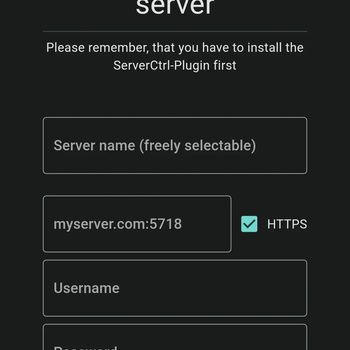
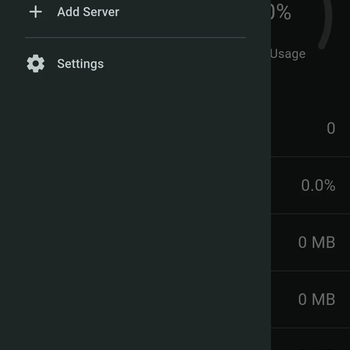
ServerCtrl lets you control your Minecraft server from an Android / Windows / Linux App or the integrated Web interface.



🛫 Getting Started
You can install this Plugin like any other for your Spigot (Paper, etc.) server. On the first start, you will get the credentials for the admin account inside your console.
🚀 Features
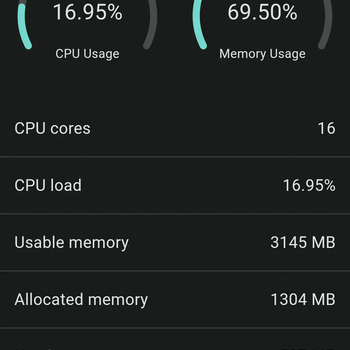
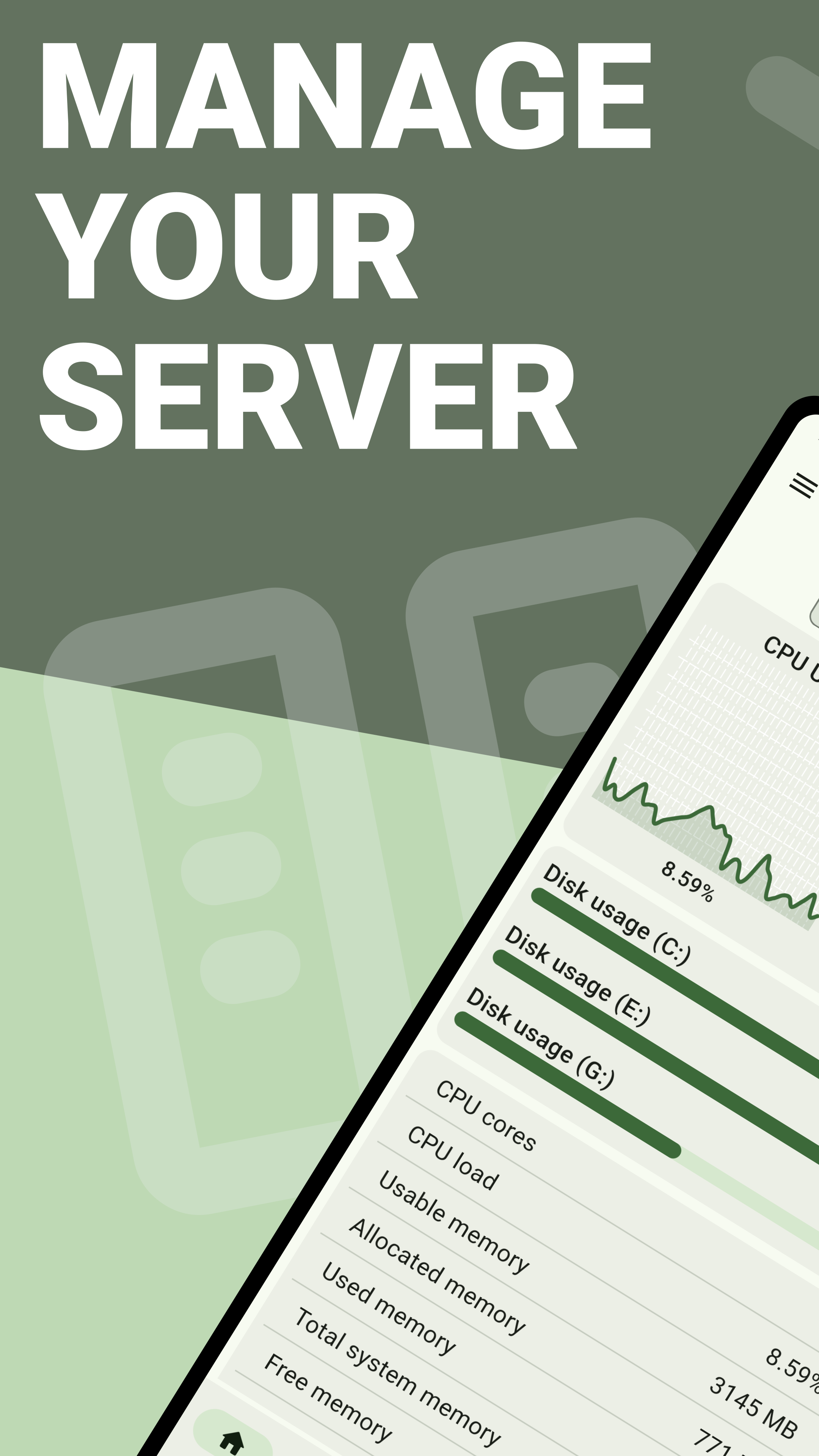
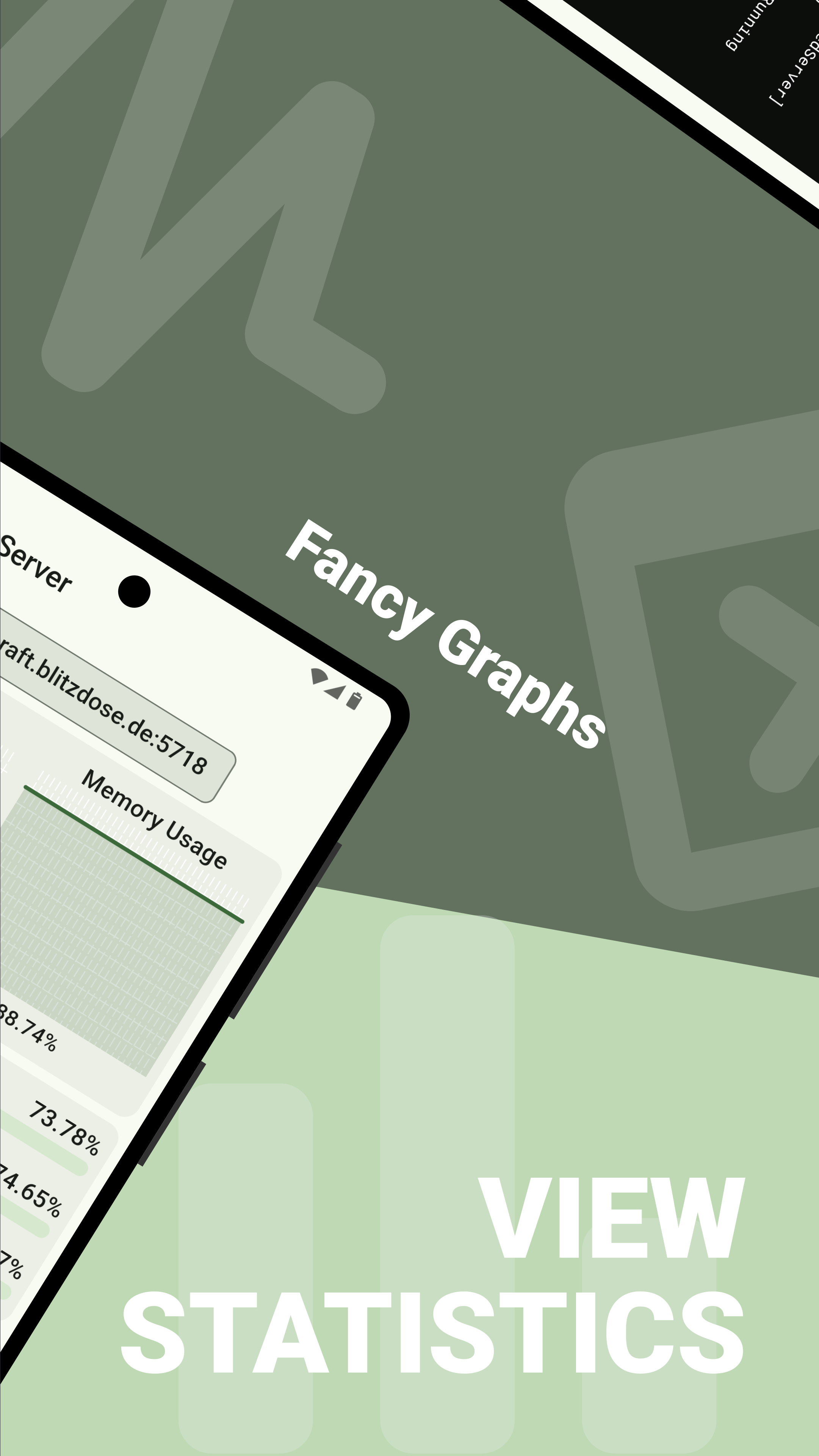
- View system health (CPU and RAM usage)
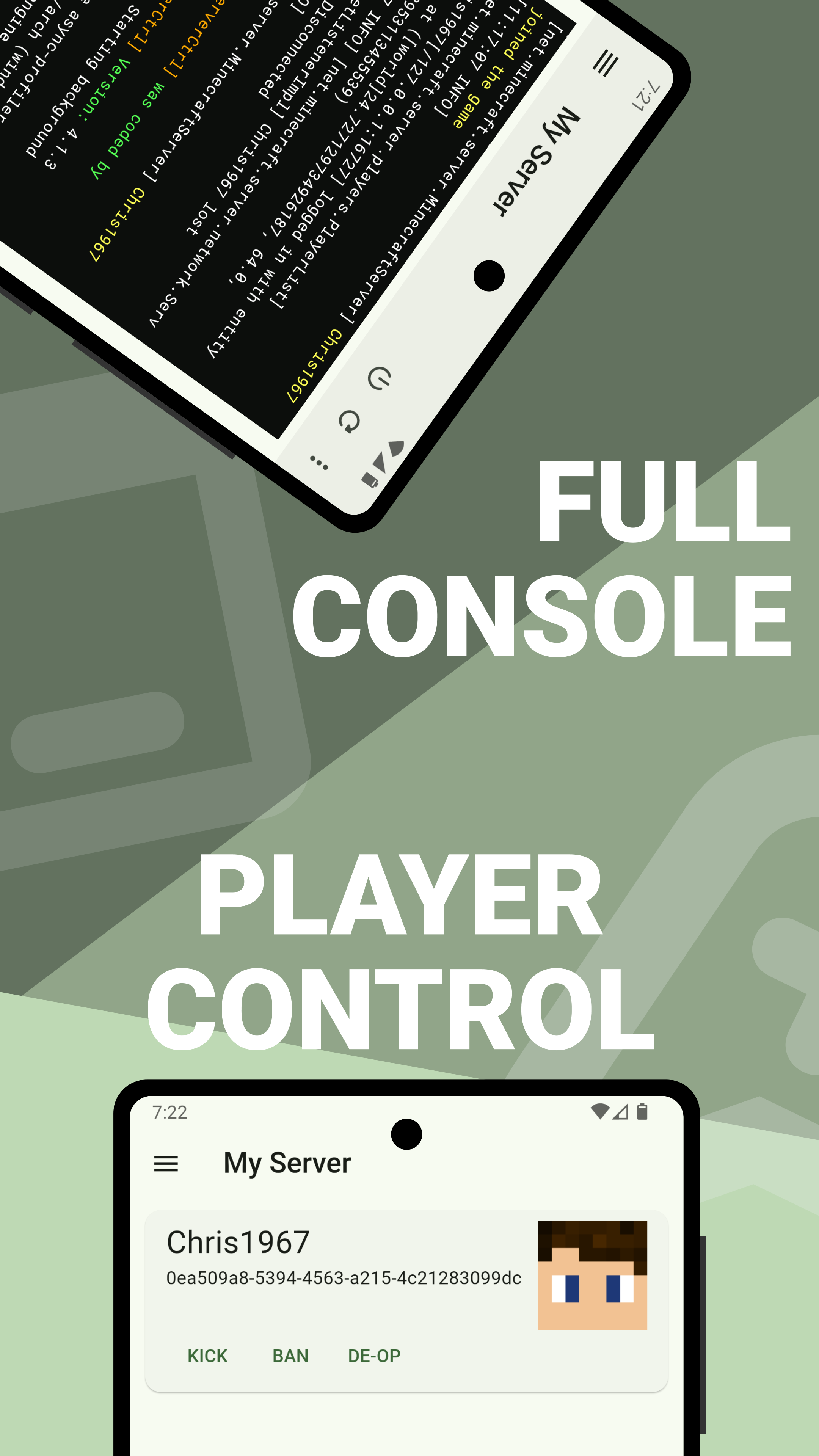
- View online players and kick, ban or op them with a click of a button
- A fully functional Console
- Logging for logins, downloads and more
- Rights-System. Add your devs to this plugin and let them perform only the actions you want them to do
- Complete file manager that lets you upload, download, edit and much more
📷 Screenshots

⬇️ Download
Download the latest version here: GitHub release
🌍 Translation


&query=%24.statistics['zh-CN'].percent&url=https%3A%2F%2Ftranslation.blitzdose.de%2Fapi%2Fv1%2Fprojects%2F1%2Fstatistics)
&query=%24.statistics['zh-TW'].percent&url=https%3A%2F%2Ftranslation.blitzdose.de%2Fapi%2Fv1%2Fprojects%2F1%2Fstatistics)


Would you like to help translate the app into a new language? -> How to contribute translations
💬 Contact
Join my Discord Channel or open an Issue if you experience any problems.
📃 License
This Software is distributed under the GPL-3.0 license
Quick facts
- Edition: Minecraft Java
- File type: .jar
- Minecraft versions listed: 1.16, 1.16.1, 1.16.2
- How to install: Install the matching mod loader (Forge, Fabric or NeoForge) for your Minecraft version. → Download the .jar. → Put it in the .minecraft/mods folder and launch that loader profile.
- Where to get it: Opens on Modrinth — not every file is mirrored on our own servers.
Install steps are the general flow for this file type — How to install Minecraft Java mods & modpacks walks through it step by step.
Verified by MCModsHub
- Ships as ServerCtrl_4.1.3.jar — drop this file into the mods folder
- Download size: 40.4 MB
- Download link checked 29 Aug 2026 — working
These come from our own check of the pack file, not from the source page.