
Player Profiles
Player Profiles is a plugin to show a player's profiles in a very modern way, you can show player armor, main hand/off hand, or maybe the whole player's inventory if you want and create custom GUIs as many as you want.
Features
- PlaceholderAPI support
- CombatLogX support
- Create Unlimited Custom GUI
- Custom Head Support (base64, textures, player)
- Show specific slots of the player's inventory
- Custom Model Data support
- Create Unlimited Items
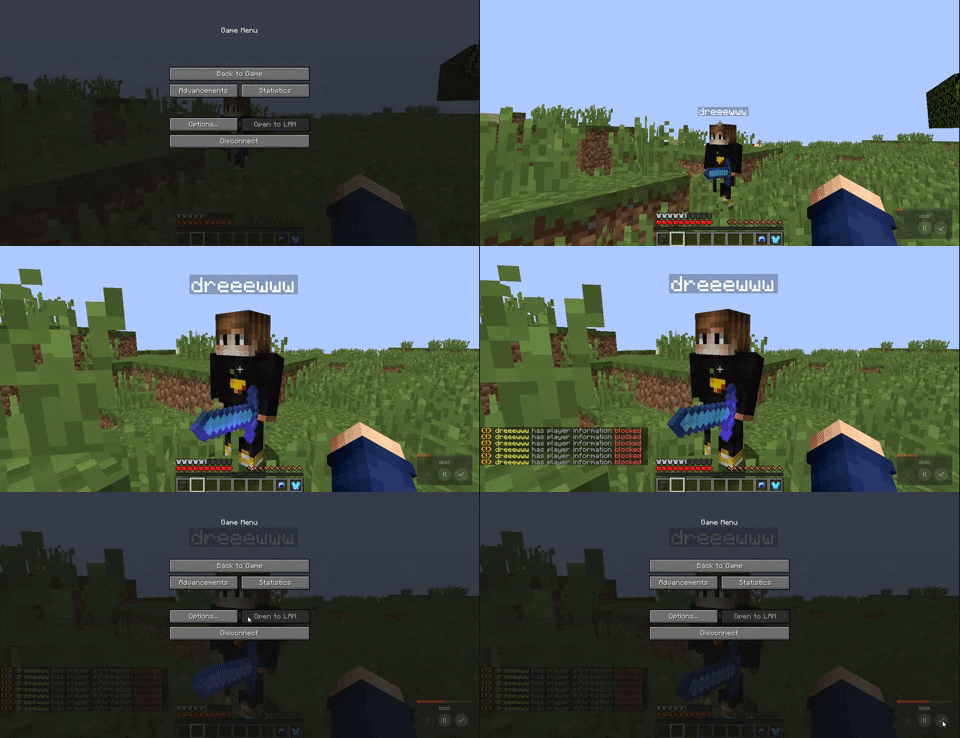
- Lock/Unlock Profiles
- Extremely Lightweight
- Highly Customizable
Commands
<> = Required [] = Optional
- /playerprofiles - Show help messages.
- /playerprofiles toggle - Lock/Unlock your profile.
- /playerprofiles reload - Reload the configuration.
- /playerprofiles opengui - Open a custom gui.
- /playerprofiles listgui - Show list of custom gui.
- /playerprofiles openprofile - Open player profile
- /profile - Open your own profile.
Permissions
- playerprofiles.admin
- playerprofiles.toggle
- playerprofiles.profile
- playerprofiles.profile.others
- playerprofiles.viewinteract
- playerprofiles.bypass.world
- playerprofiles.bypass.combat
- playerprofiles.bypass.blocked
- playerprofiles.bypass.cooldown
See the plugin in action
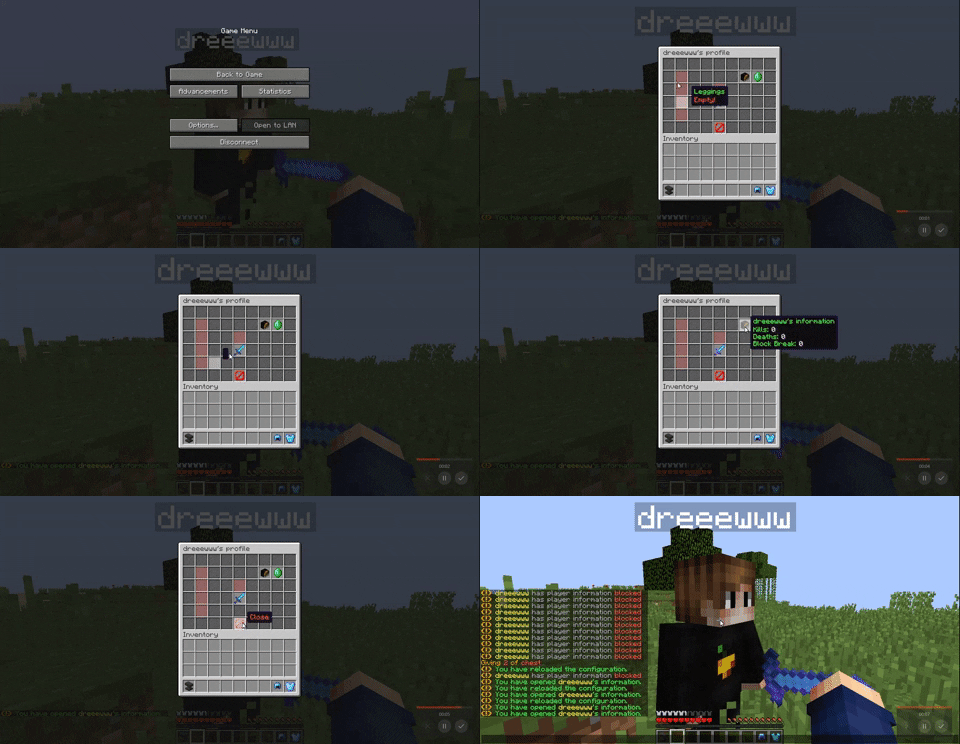
Lock/Unlock Your Profile (Old Video)
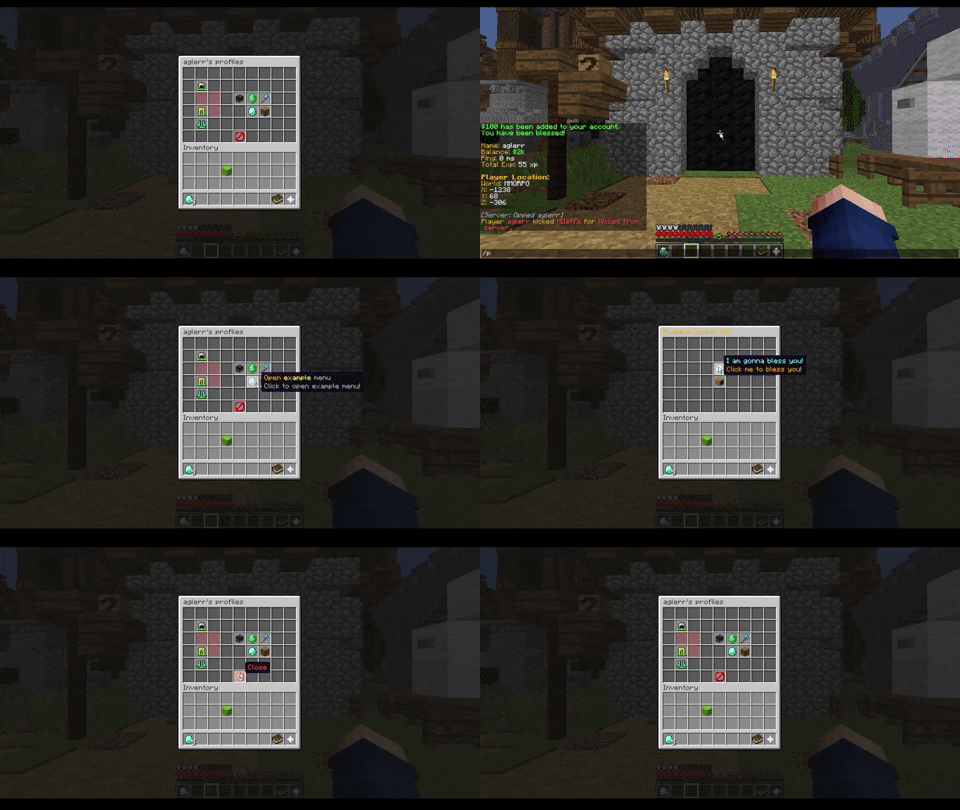
Permission Items
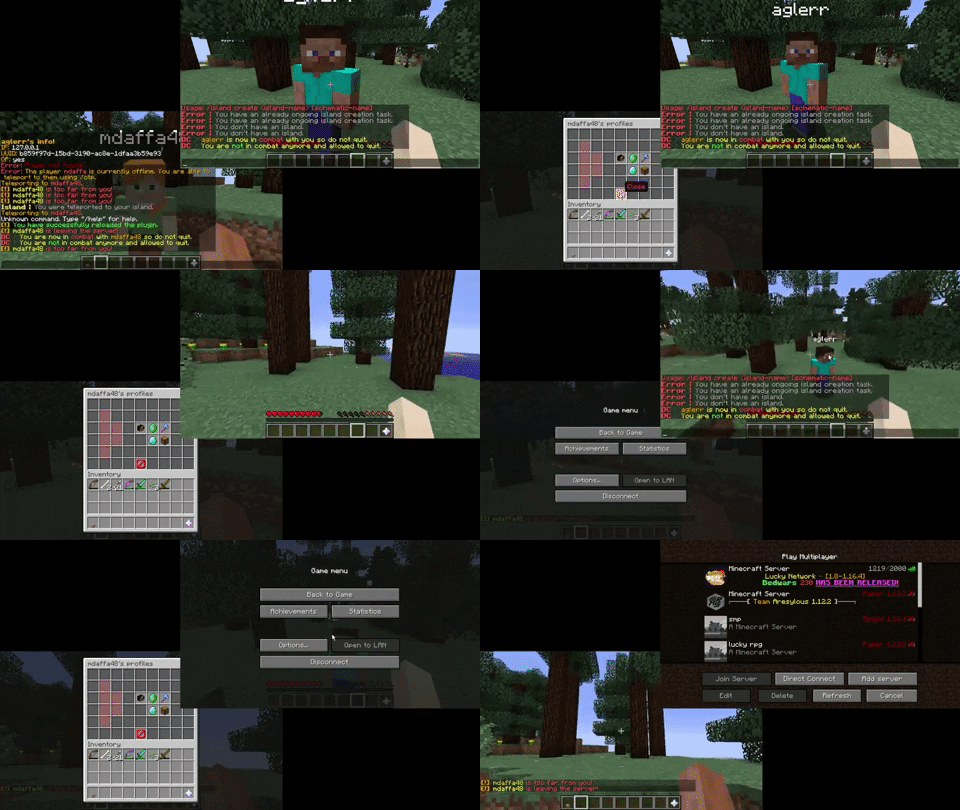
The two images showcase the different when you open a profile with and without specific permission to view certain items.


Create your own Custom GUI and use it anywhere
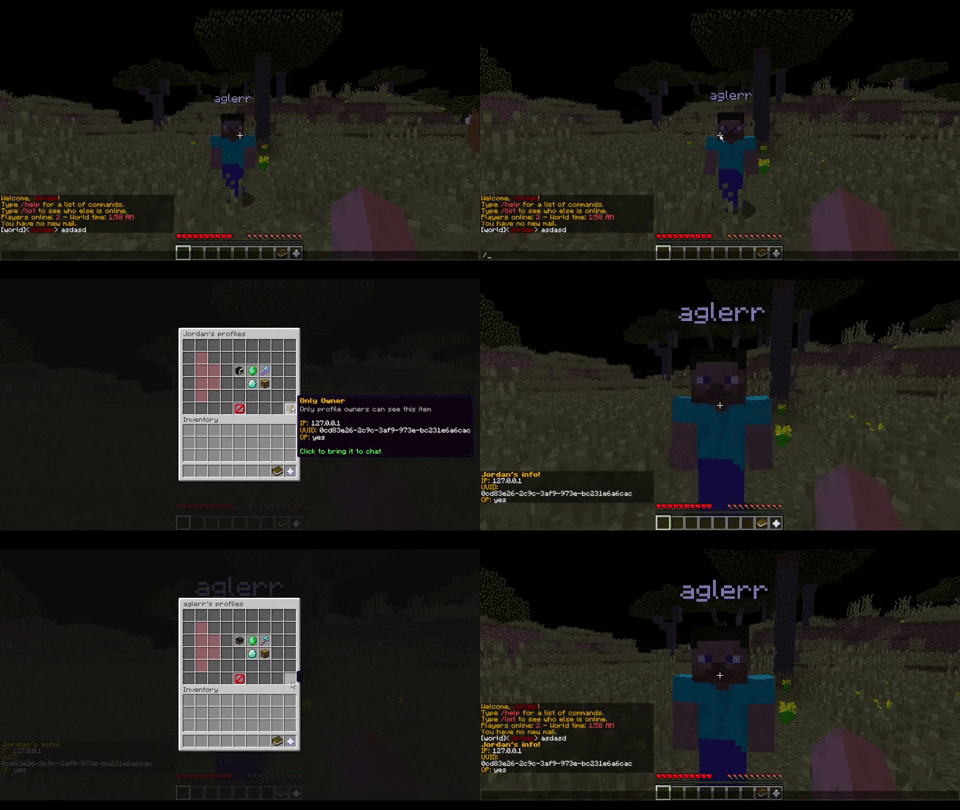
Only Owner Items
The items that have only owner option toggled on can only be viewed by the owner of the profile.
Only Visitor Items
These items can only be viewed by the visitor of the profile.
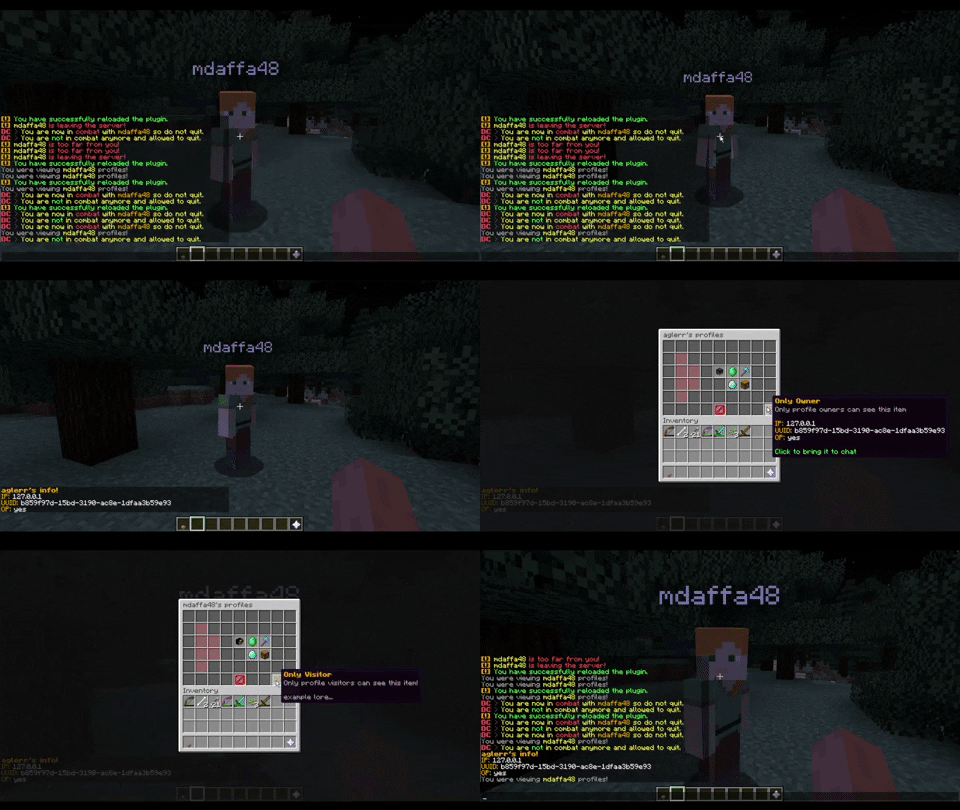
Check Distance Feature
If both players are far from each other, the profile will automatically closed, this feature is great if you want to only enable players from viewing each other's profile in close distance.
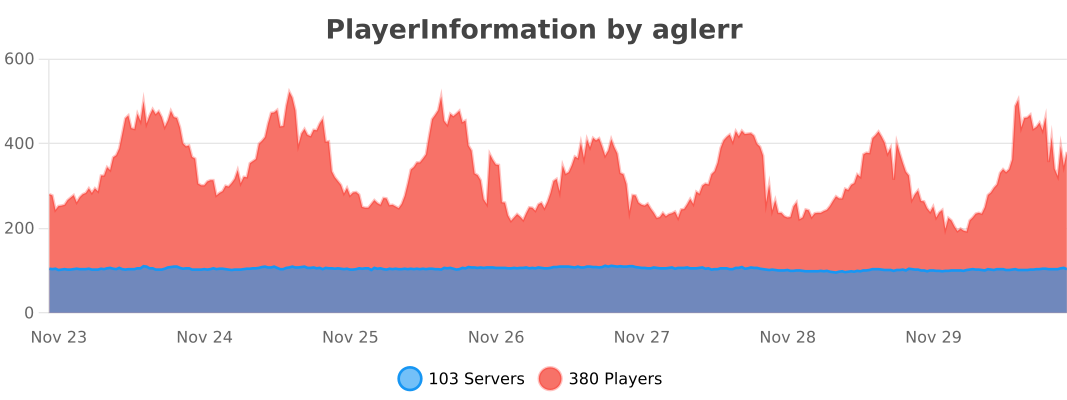
Statistics
- Edition: Minecraft Java
- File type: .jar
- Minecraft versions listed: 1.13, 1.13.1, 1.13.2
- How to install: Install the matching mod loader (Forge, Fabric or NeoForge) for your Minecraft version. → Download the .jar. → Put it in the .minecraft/mods folder and launch that loader profile.
- Where to get it: Opens on Modrinth — not every file is mirrored on our own servers.
Install steps are the general flow for this file type — How to install Minecraft Java mods & modpacks walks through it step by step.
- Ships as PlayerProfiles-8.0.4.jar — drop this file into the mods folder
- Download size: 970 KB
- Download link checked 29 Aug 2026 — working
These come from our own check of the pack file, not from the source page.