
InteractiveSigns
Java mod listed for Minecraft 1.21. Downloads from the MC Java Mods app on Android.
I don't know my version or loader

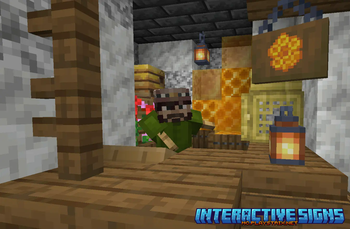
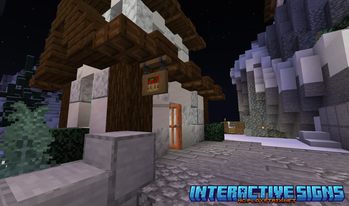


Interactive Signs
Paper, Purpur, Folia (1.21 - 1.21.11)
The plugin allows you to insert your items into the sign by clicking the right mouse button. To pick up an item, you need to hit the sign with the left mouse button. Also, items on signs can be waxed with honeycomb, once they are waxed they cannot be taken by anyone. Waxing can be removed by using an axe.
This plugin also supports sign protection from plugins: WorldGuard, Lands, Residence, HuskClaims, GriefPrevention, SuperiorSkyblock2, ChestProtect, GriefDefender and Dominion.
Hopefully this will improve and diversify your gaming experience.

Core Protect
If you are using CoreProtect (v22.0+) to view player actions. You can use the command to view the actions of putting and taking an item from the signs.
/co lookup action:sign

Statistics
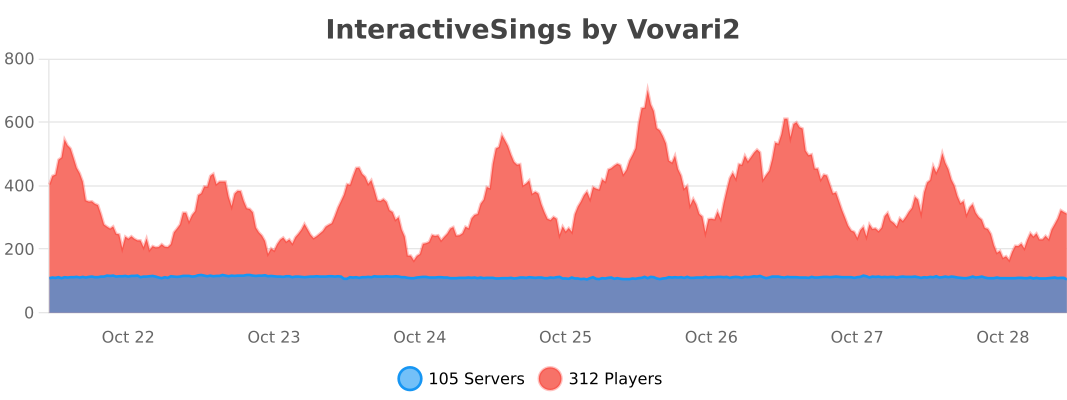
- Edition: Minecraft Java
- File type: .jar
- Minecraft versions listed: 1.21, 1.21.1, 1.21.2
- How to install: Install the matching mod loader (Forge, Fabric or NeoForge) for your Minecraft version. → Download the .jar. → Put it in the .minecraft/mods folder and launch that loader profile.
- Where to get it: Opens on Modrinth — not every file is mirrored on our own servers.
Install steps are the general flow for this file type — How to install Minecraft Java mods & modpacks walks through it step by step.
- Ships as InteractiveSigns-1.5.0.jar — drop this file into the mods folder
- Download size: 179 KB
- Download link checked 10 Oct 2026 — working
These come from our own check of the pack file, not from the source page.