
WorldwideChat
WorldwideChat is a free Minecraft plugin that breaks language barriers, translating chat, signs, books, and more. With options like caching, multiple…
I don't know my version or loader



What is WorldwideChat?
WorldwideChat is a plugin that lets you communicate with people who may not speak your language. It utilizes various translation APIs to translate different parts of Minecraft on the fly.
This was made in response to the lack of existing translation plugins, and as a former server owner myself this would have come in handy at times.
If you want to support my work, please feel free to donate at the link above :) Anything is much appreciated!
Feel free to try the plugin for yourself at the following IP address:
Test Server IPdominicplugins.airdns.org:18001 (New and Improved (again))

- Amazon Translate, Azure Translate, ChatGPT, DeepL Translate, Generic OpenAI, Google Translate, Libre Translate, Ollama, and Systran Translate support.
- Translate chat, signs, entities, items, and written books with an interactive GUI.
- Translation globally, for other players, or just you.
- The plugin itself has been translated into more than 30 languages.
- A cache that stores the most used phrases by players on your server, improving speed and reliability in the event of slow API response times.
- A blacklist to avoid translating certain phrases/words.
- Rate limits so your players don't fill up a quota too quickly.
- Persistent translation options saved per player across server reboots and reloads.
- Stat tracker to keep track of how your players use this plugin.
- A configuration GUI to easily change config.yml.
- MySQL/MariaDB, PostgreSQL, and MongoDB support.
- Citizens (NPC Dialogue) + DecentHolograms Support.

https://github.com/dominicfeliton/WorldwideChat/wiki/Commands-&-Permissions

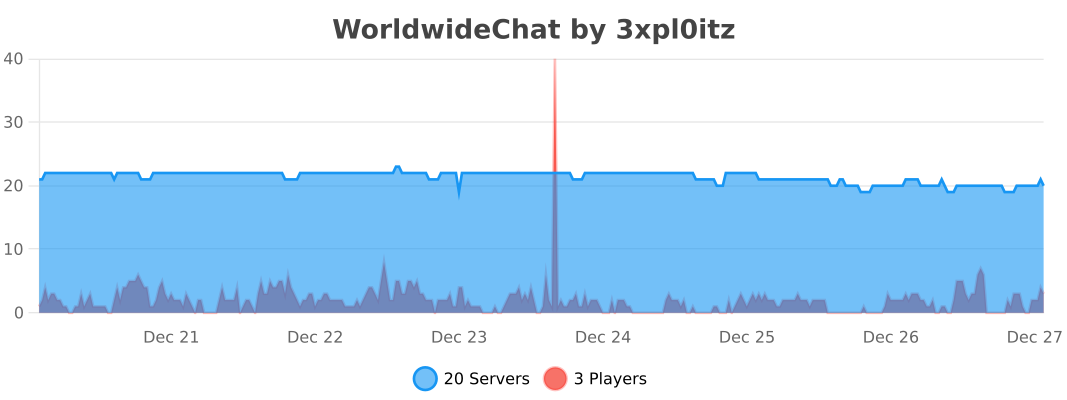
Please avoid posting bad ratings before asking questions. If you have problems or bugs with the plugin you can either file an issue on Github, or post on the plugin discussion page. Enjoy!
- Edition: Minecraft Java
- File type: .jar
- Minecraft versions listed: 1.20, 1.20.1, 1.20.2
- How to install: Install the matching mod loader (Forge, Fabric or NeoForge) for your Minecraft version. → Download the .jar. → Put it in the .minecraft/mods folder and launch that loader profile.
- Where to get it: Opens on Modrinth — not every file is mirrored on our own servers.
Install steps are the general flow for this file type — How to install Minecraft Java mods & modpacks walks through it step by step.
- Ships as WorldwideChat-folia.jar — drop this file into the mods folder
- Download size: 33.1 MB
- Download link checked 29 Aug 2026 — working
These come from our own check of the pack file, not from the source page.