

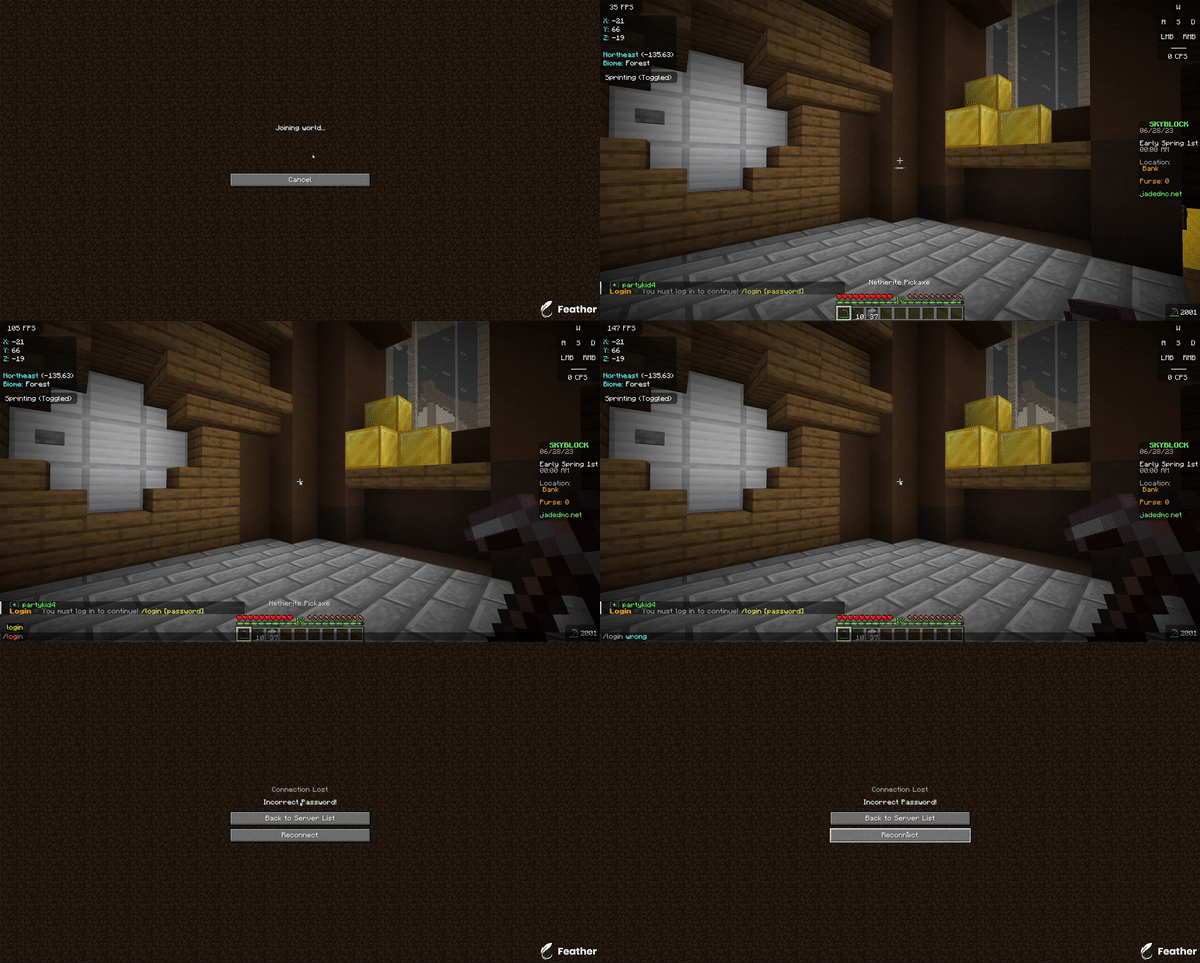

PlayerPasswords is an easy-to-use authentication plugin for Spigot/Paper servers running Minecraft 1.8 or later. It allows players to optionally set a password that they have to enter before being allowed to do anything on your server. You can also require specific players to have a password with a permission, or force all players to set a password.
⚠️ This plugin is not designed for "cracked" servers. It may still work, but you will not receive support when using a cracked server.
Features
- MiniMessage and PlaceholderAPI support.
- Allow players the option to set passwords.
- Ability to force specific players to set passwords.
- Ability to Force all players to set passwords.
- Ability to allow some players to bypass password requirements.
- Configure commands that can be executed when the player gets the password wrong.

Requirements
- Java 8 or newer
- Server Software with Bukkit API.
- Minecraft 1.8 or later
Commands
| Command | Description |
|---|---|
| /pp | Main admin command. |
| /pp reload | Reload the plugin's configuration files. |
| /pp reset [player] | Reset a player's password. |
| /register [password] | Allows a player to register to the server. |
| /login [password] | Allows a player to login to the server. |
| /password | Main password command. |
| /password disable | Disables the player's password. |
| /password enable | Enables the player's password. |
| /password set [password] | Changes the player's password. |
Permissions
| Permission | Description |
|---|---|
| playerpasswords.required | Makes a player required to have a password. |
| playerpasswords.bypass | Allows a player to bypass a required password. |
| playerpasswords.enable | Gives access to /password enable. |
| playerpasswords.disable | Gives access to /password disable. |
| playerpasswords.set | Gives access to /password set [password]. |
| playerpasswords.use | Gives access to all password commands. Enabled by default. |
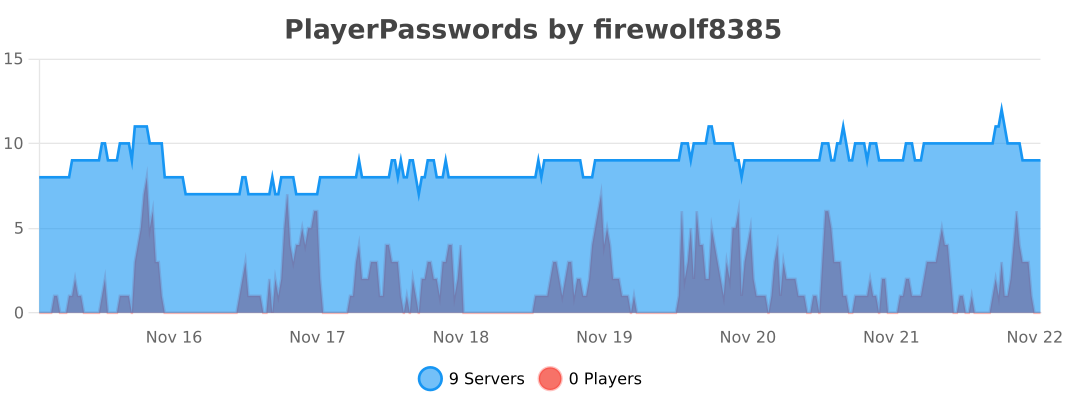
bStats
Quick facts
- Edition: Minecraft Java
- File type: .jar
- Minecraft versions listed: 1.8, 1.8.1, 1.8.2
- How to install: Install the matching mod loader (Forge, Fabric or NeoForge) for your Minecraft version. → Download the .jar. → Put it in the .minecraft/mods folder and launch that loader profile.
- Where to get it: Opens on Modrinth — not every file is mirrored on our own servers.
Install steps are the general flow for this file type — How to install Minecraft Java mods & modpacks walks through it step by step.
Verified by MCModsHub
- Ships as PlayerPasswords-2.1.jar — drop this file into the mods folder
- Download size: 1.0 MB
- Download link checked 20 Sept 2026 — working
These come from our own check of the pack file, not from the source page.