
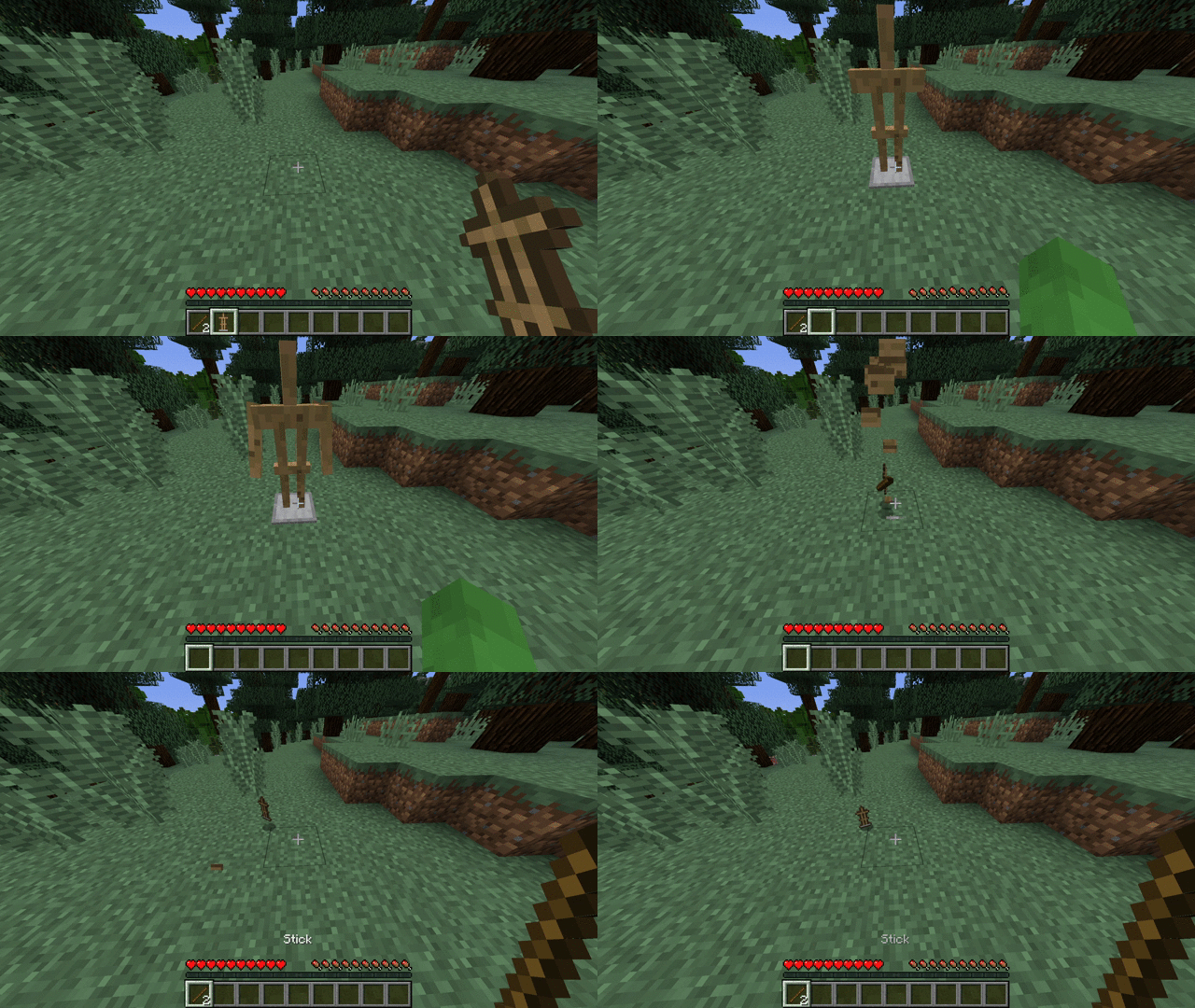

A simple plugin that adds arms to armor stands upon right click while holding two sticks.

Config
messages:
  prefix: '&6ArmedArmorstands &8» &7'
  no-permission: '&cYou're not allowed to use this feature!'
permission:
  permission: armorstand.arm # Permission for using the feature
  required: true # If the permission is required in order to use the feature
  send-message: true # If a message should be send if you don't have the permission
settings:
  consume-sticks: true # If the sticks should be removed from the player
  drop-sticks: true # If the 'arms' should drop upon death
Developer API (ArmorStandArmEvent)
Methods:
- getPlayer()
- getArmorStand()
import net.kettlemc.armedarmorstands.event.ArmorStandArmEvent;

public class ArmorStandArmListener implements Listener {

    @EventHandler
    public void onArmorStandArm(ArmorStandArmEvent event) {
        if (event.getArmorStand().getWorld().getName().contains("farmworld")) {
            event.getPlayer().sendMessage("You are not allowed to use this in the farmworld!");
            event.setCancelled(true);
        }
    }
}
Quick facts
- Edition: Minecraft Java
- File type: .jar
- Minecraft versions listed: 1.9, 1.9.1, 1.9.2
- How to install: Install the matching mod loader (Forge, Fabric or NeoForge) for your Minecraft version. → Download the .jar. → Put it in the .minecraft/mods folder and launch that loader profile.
- Where to get it: Opens on Modrinth — not every file is mirrored on our own servers.
Install steps are the general flow for this file type — How to install Minecraft Java mods & modpacks walks through it step by step.
Verified by MCModsHub
- Ships as ArmedArmorStands-1.0.0.jar — drop this file into the mods folder
- Download size: 8 KB
- Download link checked 29 Aug 2026 — working
These come from our own check of the pack file, not from the source page.