









Axton's Emotes
A light-weight, configurable chat emotes plugin for 1.20+ Spigot/Paper servers.
Available in 12+ languages, including Spanish, French, Italian, German.. See the full list on the wiki.

Features
🎮 Drag-and-drop play (Plugin does not require configuration changes to begin using).
🎲 Easy emote configuration (Easily create custom emotes, or simply use the premade emotes).
🗝️ Simple permissions (Plugin permissions are designed to be easy to configure).
💫 Configurable emote radius (Minimum distance players must be from each other for shared emotes).
⏱️ Configurable emote cooldown (Prevent players from spamming emotes commands).

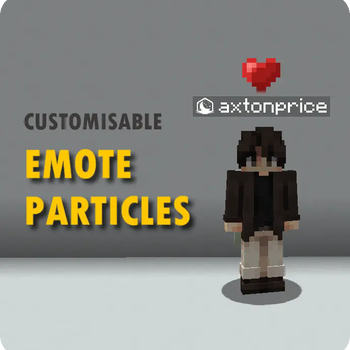
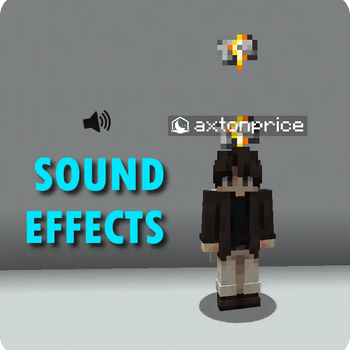
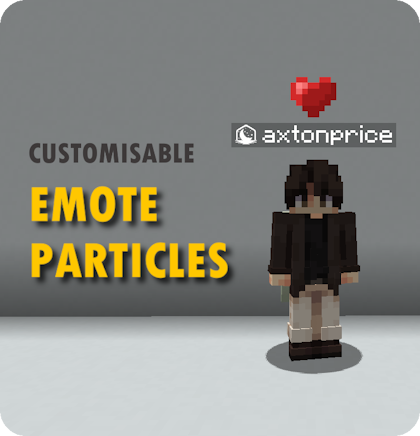
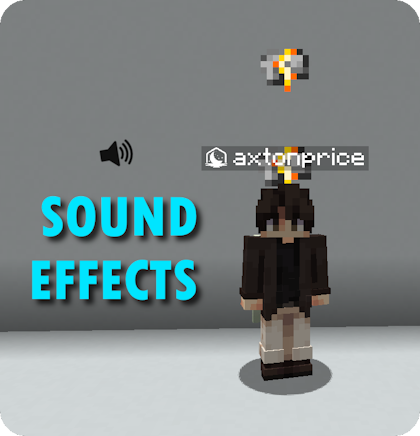
Ingame Screenshots


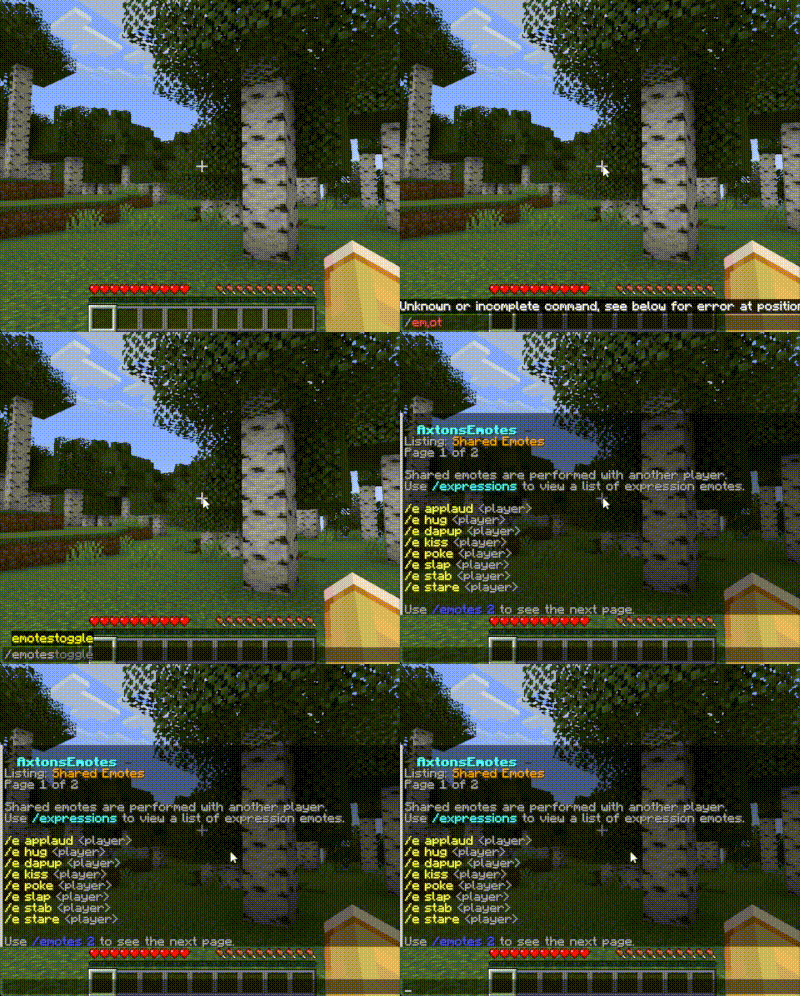
Permissions for all emotes are granted by default unless an emote is disabled or the user is explicitly denied permission to all emotes with axtonsemotes.emotes.use.

Installing the plugin
- Download: Get the latest
.jarfrom the Releases tab, or from Modrinth. - Deploy: Place the
.jarin your server'splugins/folder. - Restart: Restart your server. PaperMC is recommended for optimal performance.
- Configure: Modify
config.ymlto your liking, then reload the plugin with/ae reload. - Verify: Check you are running the latest version by using
/ae version.
Note: Java 17 or higher is required to run this plugin. Please refer to the wiki for more details on installation.

Commands & Permissions
View the Commands Guide
View the Permissions Guide

Configuration
View the Configuration Guide
View the Emote Configuration Guide
View the Supported Languages

axtonprice ✨




GPLv3 License
This project is licensed under the GNU General Public License version 3. View the project license here.
- Edition: Minecraft Java
- File type: .jar
- Minecraft versions listed: 1.20, 1.20.1, 1.20.2
- How to install: Install the matching mod loader (Forge, Fabric or NeoForge) for your Minecraft version. → Download the .jar. → Put it in the .minecraft/mods folder and launch that loader profile.
- Where to get it: Opens on Modrinth — not every file is mirrored on our own servers.
Install steps are the general flow for this file type — How to install Minecraft Java mods & modpacks walks through it step by step.
- Ships as AxtonsEmotes-1.6.0.jar — drop this file into the mods folder
- Download size: 114 KB
- Download link checked 20 Sept 2026 — working
These come from our own check of the pack file, not from the source page.