
About the Plugin
Introducing a plugin that allows you to set Custom Model Data for your items.
Features
- Commands for working with tags.
- Supports all possible parameter variations.
- Easy to use and configure.
How to Use
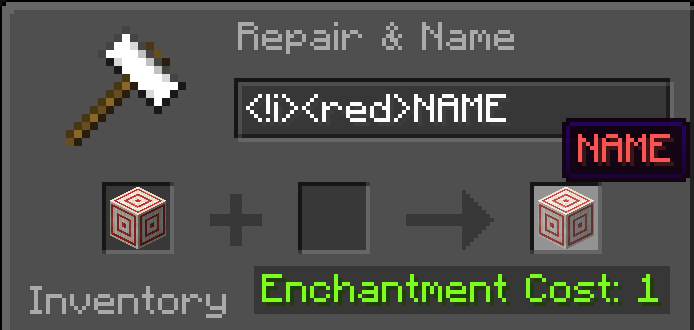
For anvils, specify all the parameters you want to add in square brackets, separated by spaces or commas. Examples: "Item name [TAG]", "Item name [1111]", "Item name [TAG, 1333]"
/customModelData – while holding an item, sets tags for the item. /customModelInfo – while holding an item, displays all Custom Model Data information in chat.
Permissions
"customModelData.info" – Permission to use the /customModelInfo command.
"customModelData.command" – Permission to use the /customModelData command.
"customModelData.cmd" – Permission to set Custom Model Data via an anvil.
"customModelData.color" – Permission to set item color via anvil.
- Edition: Minecraft Java
- File type: .jar
- Minecraft versions listed: 1.21.4, 1.21.5, 1.21.6
- How to install: Install the matching mod loader (Forge, Fabric or NeoForge) for your Minecraft version. → Download the .jar. → Put it in the .minecraft/mods folder and launch that loader profile.
- Where to get it: Opens on Modrinth — not every file is mirrored on our own servers.
Install steps are the general flow for this file type — see the MC Java Mods guides for the full walkthrough.
- Ships as CustomModelData-1.0.jar — drop this file into the mods folder
- Download size: 17 KB
- Download link checked 29 Aug 2026 — working
These come from our own check of the pack file, not from the source page.