
TablePlays
Table games in Minecraft!. Free Minecraft Java mod for 1.21.3, 1.21.4, 1.21.5.
⬇ Download on Modrinth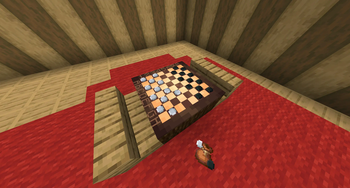
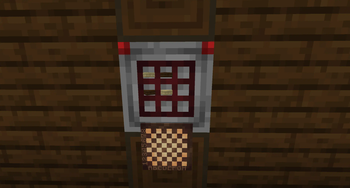
TablePlays
TablePlays is a plugin designed for small/private servers that gives the playes the ability to play different tabletop games!
Note that every player who will want to use the plugin should have a resource pack installed
Features
- Русский перевод.
- Compatible with Minecraft 1.21 up to 26.2 (fully tested on 1.21, 1.21.1, 1.21.4, 1.21.11 and 26.2).
- Easy to use translation system allowing you to translate the plugin to your language.
- Ability to change resouce pack without worrying about compatability with the original
- Easy creation of any custom items for your games (kinda)
- Support for server-side saving allowing you to create very big bundles
Items & Crafting
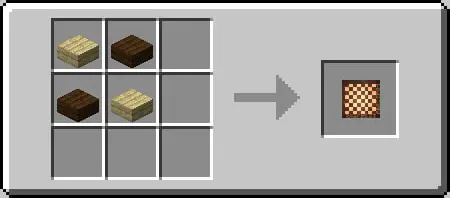
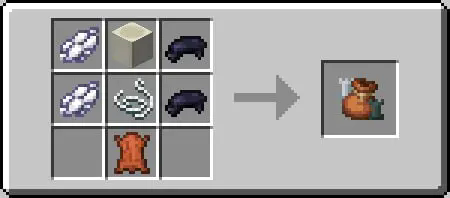
TablePlays allows you to create custom items, but also features some default ones:
Click!-
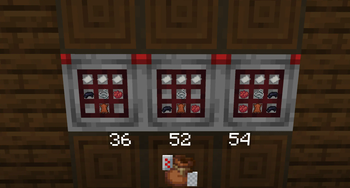
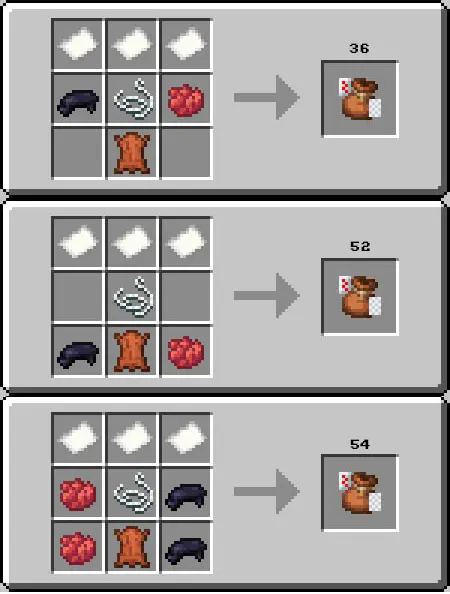
3 different card decks of 36(2-5 excluded), 52 and 54(+2 jokers) cards
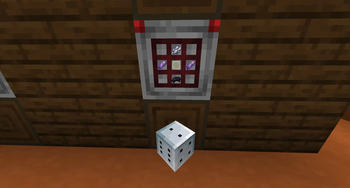
Dice
Stackable to 4 regular D6.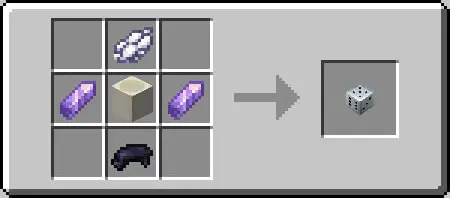
-
-
-
-
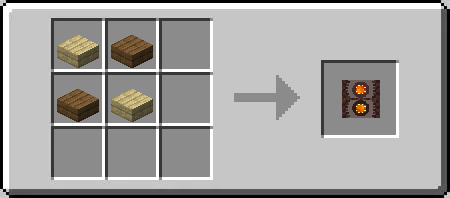
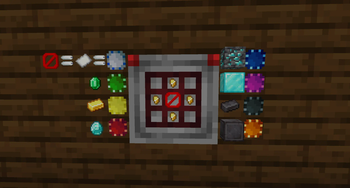
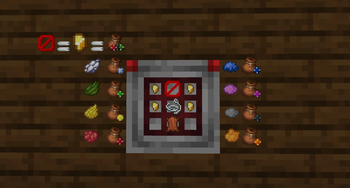
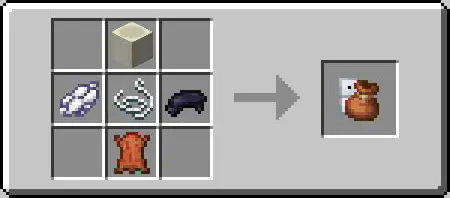
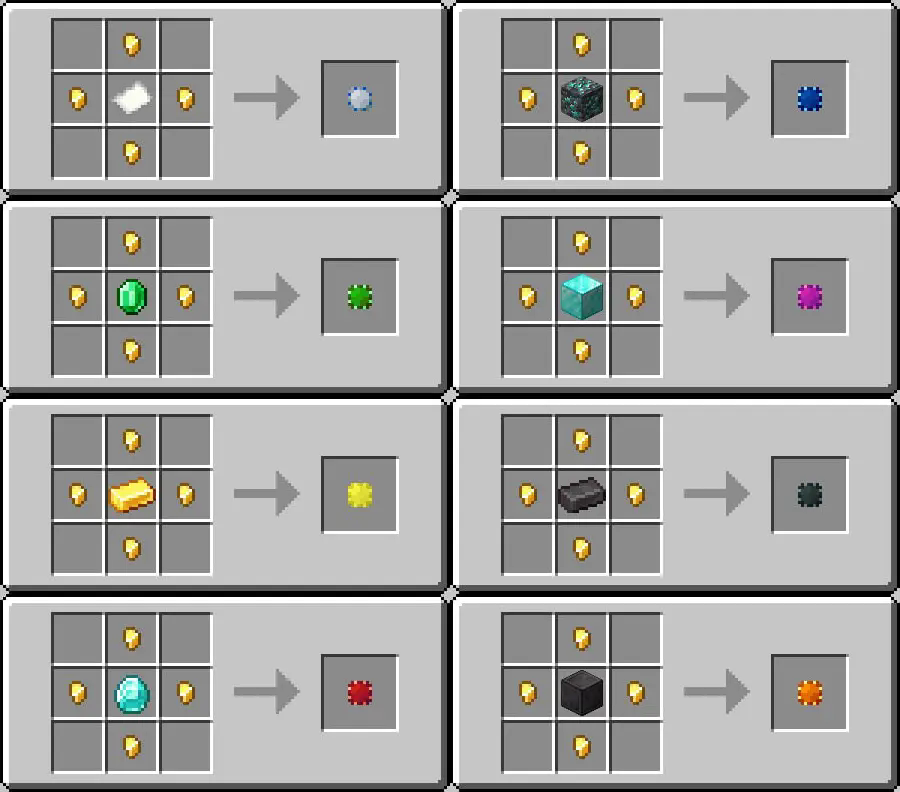
Chips There are 8 variation of a chip, all of which may be uncrafted to its original material, the default craft is this:
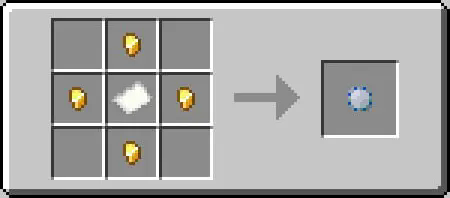
To uncraft the chip to its materal you need to place it in the crafting grid, and it will decraft instantly. You can see all 8 variants below:
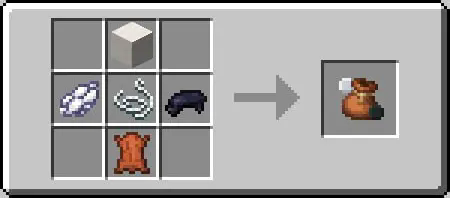
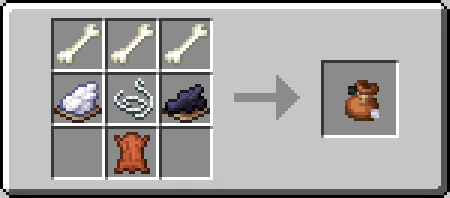
Chip bundles
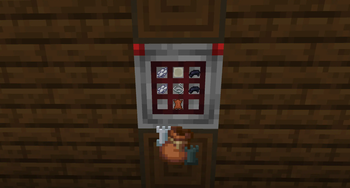
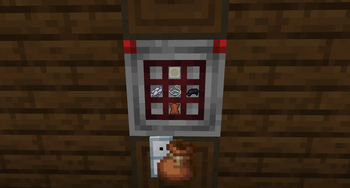
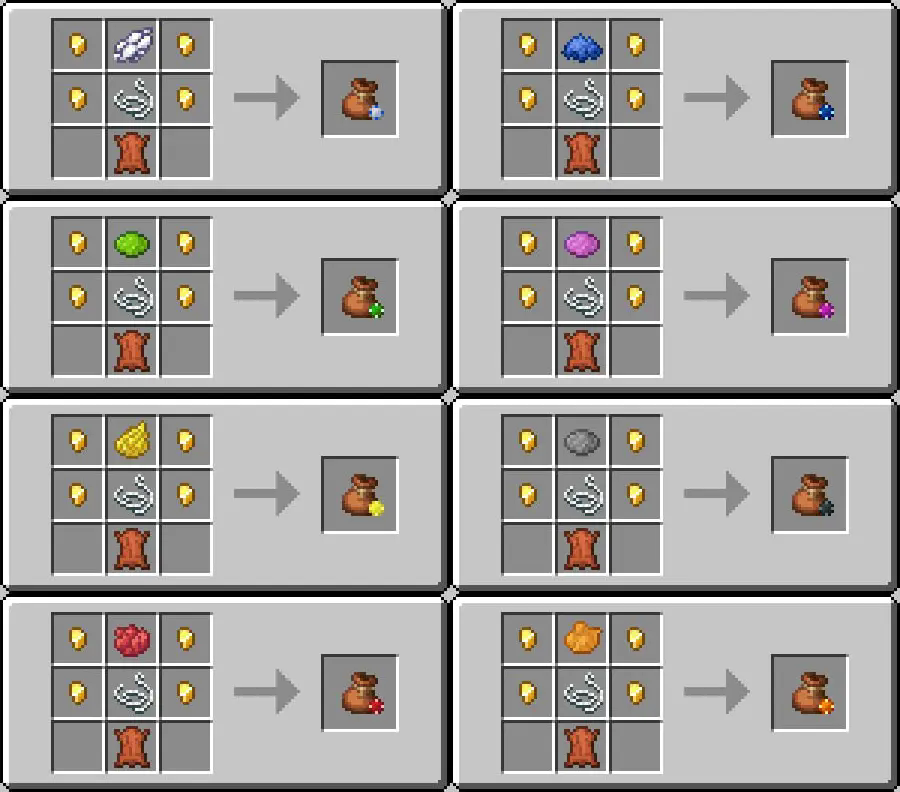
Chip bundle allows you to store different chips in one item. There are 9 variation of a chip bundle, the default craft is this:
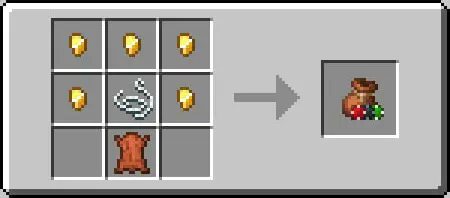
You can replace the top nugget with a dye to craft it with different texture:
How to use
Click! The usage depends on the exact item, but in general you can expect the following:- Click on block(or board) with an item in the main hand to place it
- Click on item with empty hand, to pick it up
- To get item from a bundle you should take it to main hand and click air or block
- To put item back to bundle you should take the bundle to left hand an item to main hand.
And again, every* item have some specific usage, so I will go over some exceptions to this here:
- Shift + click on air with a card bundle in hand will hide the value of the card, allowing to play games as poker without worring about players cheating.
- Shift + click on block or chip with chip in hand to place it without rotating, if you want to align them.
- Shift + click on block with chess piece of checker in the left hand to place it on the ground, otherwise they are placeable only on the board.
- To puck up a board you need to click it low part of its hitbox, or just click at the bottom.
- You can flip cards if you hold shift and click them on the ground, or place them already rotated if you hold shift and place.
- You can place bundle on the gound if you hold shift.
- You can change checkers to queens if you hold shift and place.
Installation & Configuration
Click! Client side 1. Download the matching resource pack for your version. For Minecraft 1.21–1.21.3, use the 1.21.1 pack; for newer versions (e.g. 1.21.4), use the 1.21.4 pack. 2. Place the ZIP file in your game’s resource packs folder. 3. Enable the resource pack in your Minecraft settings.Note: Every player who wants the custom visuals should install the resource pack. Alternatively, you can serve it directly from your server so that players download it automatically.
Server side
- Download and install the plugin as you would with any other.
- Configure the plugin if you want:
When the plugin is first loaded, it creates a TablePlays folder containing:
- saved.yml — Stores data outside of item NBT. Avoid editing this file unless you know what you’re doing.
- config.yml — Main configuration file with detailed comments. Key fields include:
lang— Sets the language file to use (default isen).items— Do not touch if unless you know what you are doing, this might break evrything.allow_files- Allows saving data on the server, I recommnedtrue, but please be warned that this feature may be used to produce lag if you have a very big chip bundles (96+ items).
- en.yml — Default translation file for English. Modify or add new translations as needed.
Changing Item Names Items won’t automatically update their names if you change translation text. To apply changes, restart the server or reload the plugin. Existing items keep their old names, while newly spawned items will use the updated text.
Resource pack credits
- fergust (Discord) — Most of the textures and models.
- m3vtg (Discord) — Original resource and data pack assembly.
- miniking1000 (me) — Technical changes to make the plugin, along with additional texture/model updates.
Licence
Please read the licence before using, I have some of the strictest condition for the legal use of the plugin such as:
Your age squared MUST be greater then 0 years.
You must not be using the plugin if you wear only 1 sock.
Known issues
- Confict with Dynamic lights datapack
- If you have this datapack installed all the items will not move to their position, but stay in your head, delete the datapack for the plugin to work
- Ships as TablePlays-3.14159-1.jar — drop this file into the mods folder
- Download size: 79 KB
- Download link checked 29 Aug 2026 — working
These come from our own check of the pack file, not from the source page.