
AutoCrop
Java mod listed for Minecraft 1.14–26.x. Downloads from the MC Java Mods app on Android.
⬇ Download on ModrinthAutoCrop Plugin
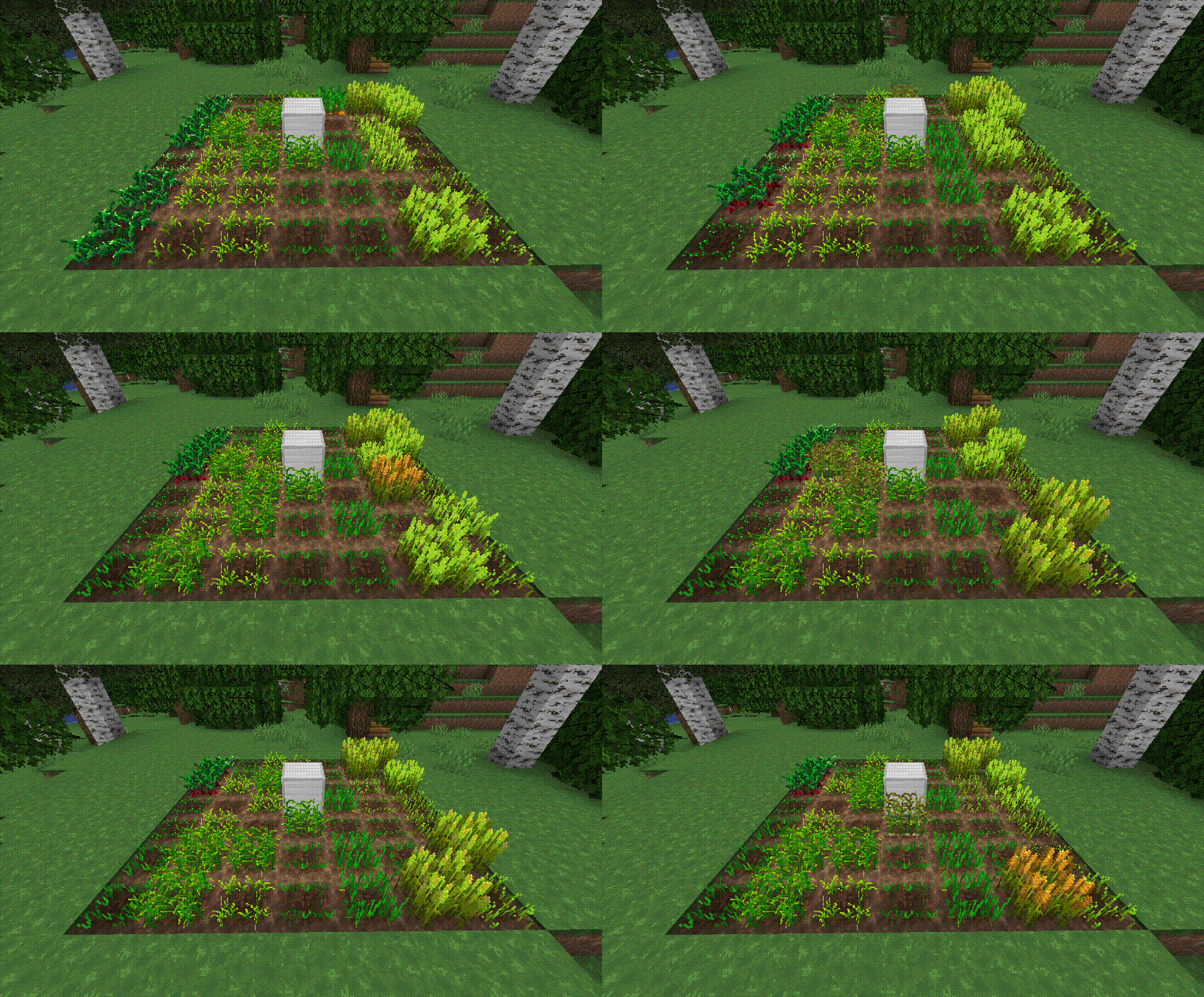
The AutoCrop plugin is a powerful and intuitive tool designed to automate the tedious process of sowing and harvesting crops. With this plugin, players can streamline their farming operations and focus on enjoying other aspects of gameplay. It automatically prepares the land, plants seeds, and harvests ripe crops, storing them neatly in the farm inventory.
Getting Started
Follow these simple steps to set up and start using the AutoCrop plugin:
Craft a Farm Block
Gather the necessary materials and craft a farm block. The exact recipe may vary depending on your server's configuration or modpack.Place the Farm Block
Install the farm block on your chosen plot of land. Ensure the location is suitable for farming activities.Start the Farm
Open the farm block menu and activate the AutoCrop feature. The farm block will automatically prepare the land for sowing if it’s placed on dirt. If placed on another block type, ensure you add dirt blocks to the farm’s inventory.Plant the Seeds
Add the seeds you wish to grow into the farm block inventory. The plugin currently supports crops like wheat, potatoes, carrots, and beetroot, with more planned in future updates.
Modes
The AutoCrop plugin includes two modes, each requiring specific materials for proper operation:
Seed Mode
- Requires: Dirt blocks, seeds (e.g., wheat, carrot, potato, beetroot).
This mode automates the planting and harvesting of standard crops.
- Requires: Dirt blocks, seeds (e.g., wheat, carrot, potato, beetroot).
Cactus Mode
- Requires: Sand blocks, cactus.
This mode automates the growth and harvesting of cactus plants.
- Requires: Sand blocks, cactus.
Supported Crops
- Potatoes
- Beetroot
- Wheat
- Carrots
- Cactus
More crops coming soon!
Permissions
autocrop.admin- Allows access to administrator commands.autocrop.use(default: true) - Allows players to use the AutoCrop functionality.
Commands
/autocrop admin getcropblock- Obtain a farm block./autocrop admin reload- Reload the plugin configuration.
Continuous Development
AutoCrop is not just a plugin; it’s an evolving project! Regular updates are released to add new features, improve performance, and enhance the overall user experience. Stay tuned for exciting updates to make your farming more enjoyable!
Support the developers by buying them a coffee! Your contributions help them continue delivering quality tools for the gaming community.

- Edition: Minecraft Java
- File type: .jar
- Minecraft versions listed: 1.14, 1.14.1, 1.14.2
- How to install: Install the matching mod loader (Forge, Fabric or NeoForge) for your Minecraft version. → Download the .jar. → Put it in the .minecraft/mods folder and launch that loader profile.
- Where to get it: Opens on Modrinth — not every file is mirrored on our own servers.
Install steps are the general flow for this file type — How to install Minecraft Java mods & modpacks walks through it step by step.
- Ships as autocrop-1.1.8.jar — drop this file into the mods folder
- Download size: 115 KB
- Download link checked 10 Oct 2026 — working
These come from our own check of the pack file, not from the source page.