
ModsJava
MineWeb
I don't know my version or loader
Open the Minecraft launcher and look at the profile you play on — it names both, like fabric-loader-1.21.4. The version also shows in the bottom-right corner of the game's main menu.
No loader in the profile name? Then it's plain Minecraft, and these mods won't run — you need Fabric or NeoForge installed first.
Custom Web Server Plugin for Minecraft
Overview:
This plugin enables Minecraft server owners to host a fully customizable website directly from their Minecraft server. It allows the serving of static files such as HTML, CSS, and JavaScript, making it easy to create a unique website for your server community or display custom content.
Key Features:
- Built-in HTTP Server: Host a personalized website on the same IP as your Minecraft server, providing your players with easy access to server-related information or custom content.
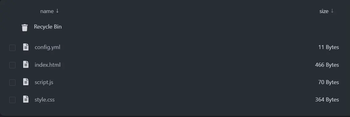
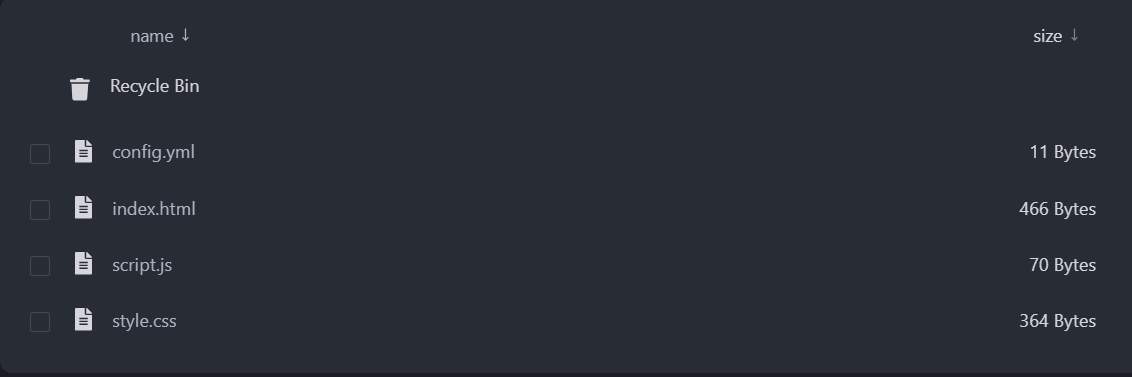
- Customizable Design: Simply add your index.html, style.css, and script.js files to the plugin folder to build and style your site however you like, allowing full control over the appearance and functionality of the web page.
- Static File Hosting: Supports hosting multiple file types like images, scripts, and stylesheets, providing the flexibility to create interactive and visually appealing websites.
Requirements:
- Basic knowledge of web development (HTML, CSS, JavaScript).
- A Minecraft server running Java Edition.
- An additional port is open on the host server to enable the custom web interface. (put the additional port on the config file)
How to Use:
Install the plugin on your Minecraft server. Place your index.html, style.css, and script.js files in the plugin folder. Access the hosted website by visiting your Minecraft server's IP in a web browser.
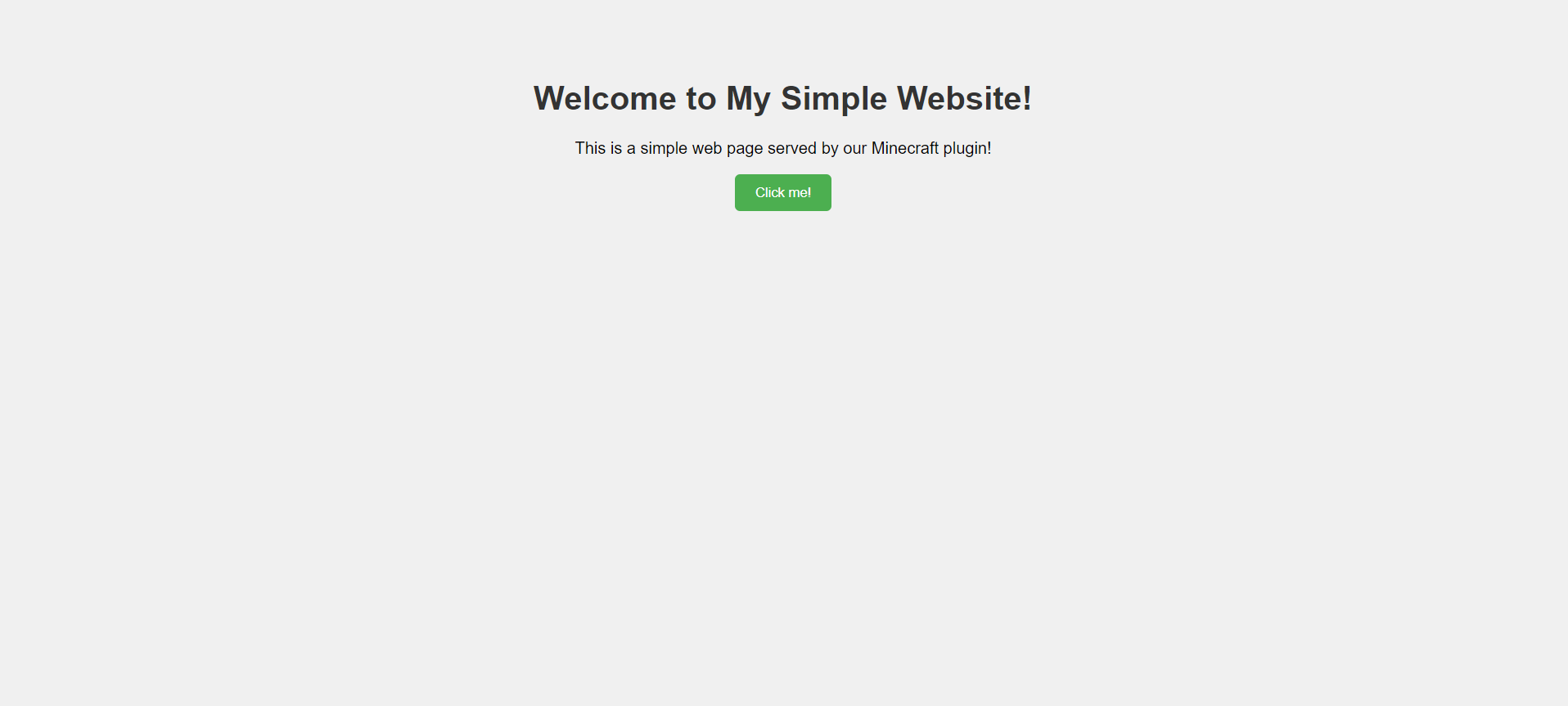
example website:
Quick facts
- Edition: Minecraft Java
- File type: .jar
- Minecraft versions listed: 1.20, 1.20.1, 1.20.2
- How to install: Install the matching mod loader (Forge, Fabric or NeoForge) for your Minecraft version. → Download the .jar. → Put it in the .minecraft/mods folder and launch that loader profile.
- Where to get it: Opens on Modrinth — not every file is mirrored on our own servers.
Install steps are the general flow for this file type — How to install Minecraft Java mods & modpacks walks through it step by step.
Verified by MCModsHub
- Ships as MineWeb.jar — drop this file into the mods folder
- Download size: 79 KB
- Download link checked 22 Sept 2026 — working
These come from our own check of the pack file, not from the source page.