
The Emc Plugin
Java mod listed for Minecraft 1.16–1.21. Downloads from the MC Java Mods app on Android.
I don't know my version or loader
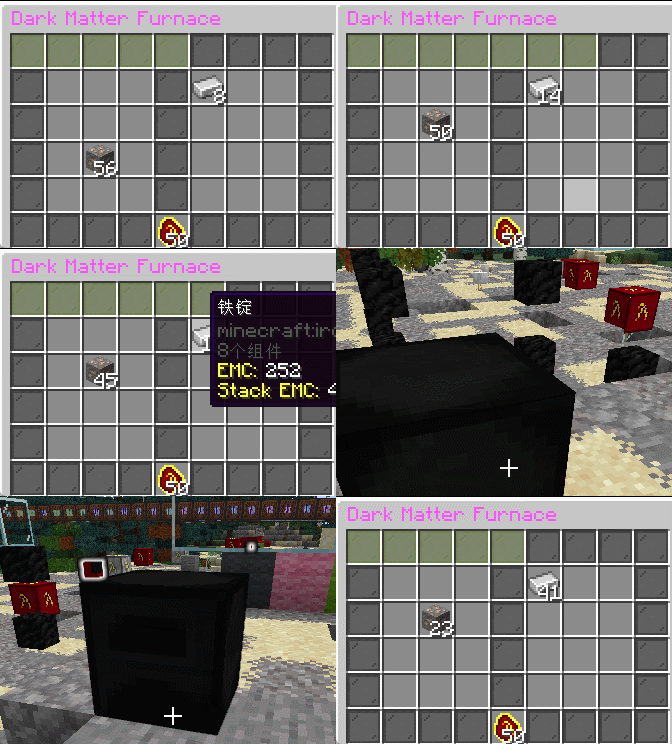
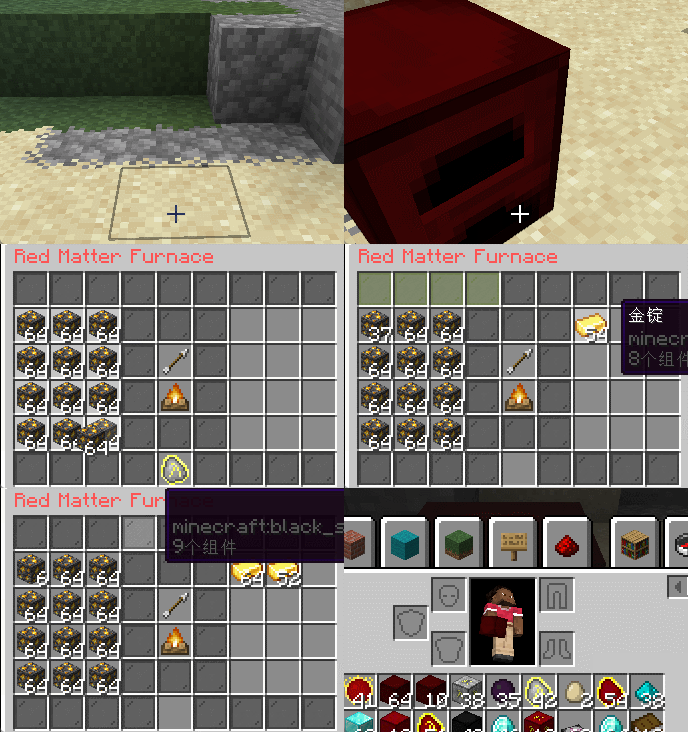
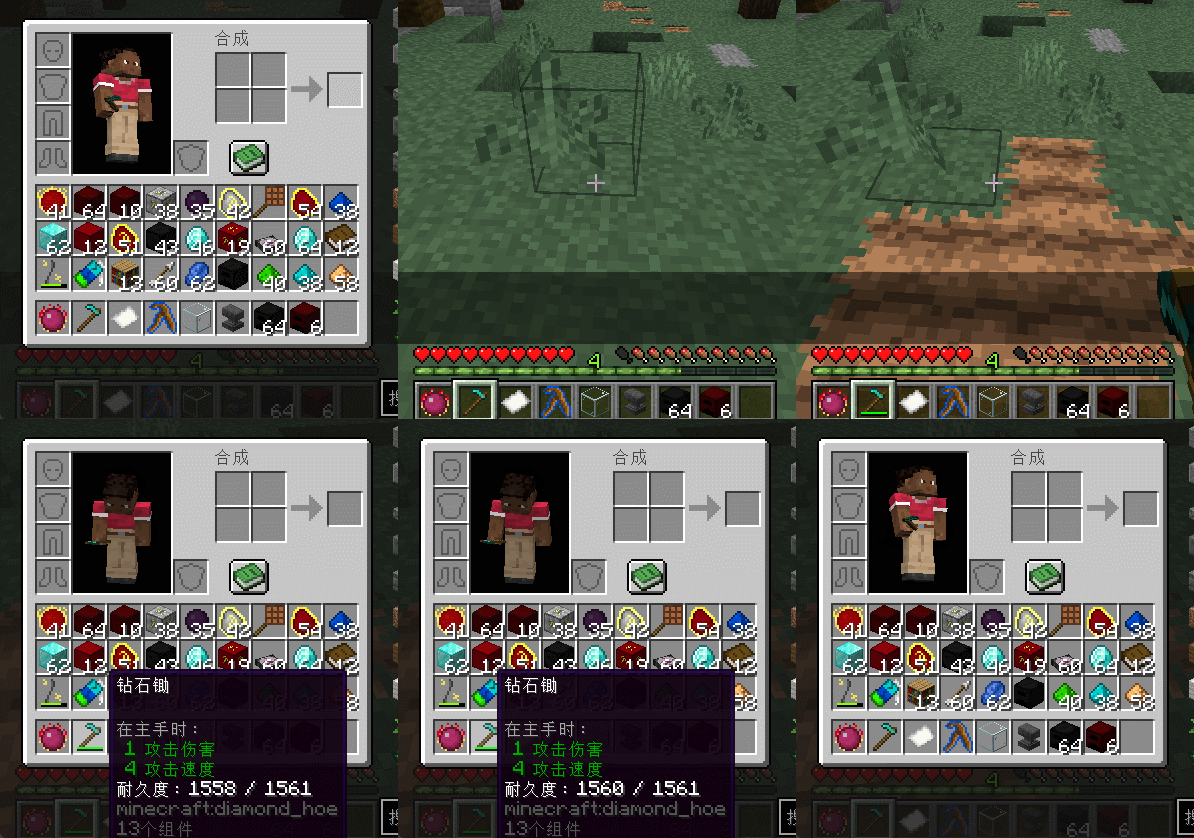
This is a simple plugin source of inspiration mod "ProjectE". Just like ProjectE mod,but now you can run it in a plugin server like spigot or paper and also support folia! I just test it on 1.20.4 and 1.21.4 but theoretically it can run in >= 1.16 server(i guess) Find any question? please report in github issue! There has more description
ProjectE
Description
ProjectE is a Minecraft Spigot plugin inspired by the famous "Equivalent Exchange" Mod. It introduces a core system of matter transmutation to the server, allowing players to break down items into Energy-Matter Covalence (EMC) units and use that EMC to create new items.
This plugin is designed to add depth to survival mode, RPG servers, or any server that wishes to provide players with a more flexible way of managing resources.
Core Features
- just like project E, but its a spigot plugin
Commands
Here are the main commands for the ProjectE plugin:
/projecte: Displays the help menu with all available commands./projecte reload: Reloads the plugin's configuration files./projecte setemc <value>: Sets the EMC value for the item held in your hand./projecte debug: Displays detailed debug information for the item in hand, including its EMC value, recipes, and learned status./projecte give <player> <amount>: Gives a specified amount of EMC to another player./projecte noemcitem: Opens a GUI that lists all items currently without an EMC value./projecte bag list: Lists all the colored Alchemical Bags you own./projecte lang list: Lists all available language files./projecte lang set <language>: Sets the display language for the plugin.
Permissions
projecte.command.setemc: Allows use of the/projecte setemccommand. (Default: OP)projecte.command.reload: Allows use of the/projecte reloadcommand. (Default: OP)projecte.command.debug: Allows use of the/projecte debugcommand. (Default: OP)projecte.command.give: Allows use of the/projecte givecommand. (Default: true)projecte.command.noemcitem: Allows use of the/projecte noemcitemcommand. (Default: OP)projecte.interact.transmutationtable: Allows players to open and use the Transmutation Table. (Default: true)projecte.command.bag: Allows use of Alchemical Bag related commands. (Default: true)projecte.command.lang: Allows use of the/projecte langcommand. (Default: OP)
Installation
- Place the
ProjectE.jarfile into your server'spluginsfolder. - Restart or reload your server.
- The plugin will generate default configuration files in the
plugins/ProjectE/folder. - Modify
config.ymlaccording to your needs. - Use the
/projecte reloadcommand to apply the changes.
- Edition: Minecraft Java
- File type: .jar
- Minecraft versions listed: 1.16, 1.16.1, 1.16.2
- How to install: Install the matching mod loader (Forge, Fabric or NeoForge) for your Minecraft version. → Download the .jar. → Put it in the .minecraft/mods folder and launch that loader profile.
- Where to get it: Opens on Modrinth — not every file is mirrored on our own servers.
Install steps are the general flow for this file type — How to install Minecraft Java mods & modpacks walks through it step by step.
- Ships as ProjectE_Plugin-1.2.6.jar — drop this file into the mods folder
- Download size: 722 KB
- Download link checked 12 Oct 2026 — working
These come from our own check of the pack file, not from the source page.