

DESCRIPTION
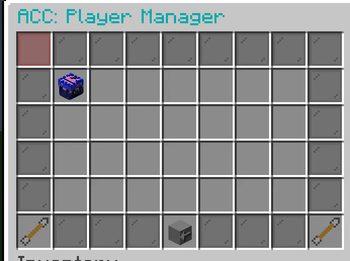
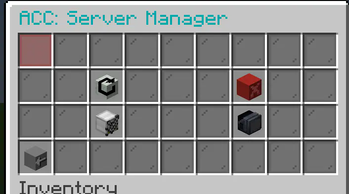
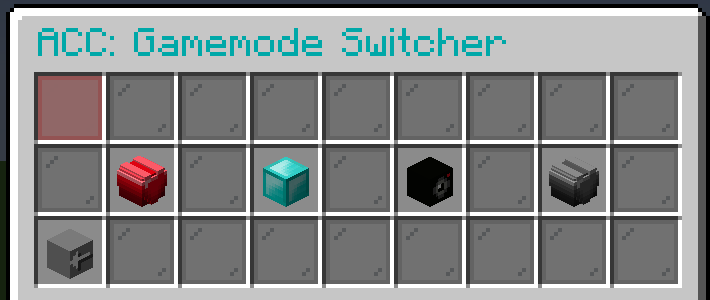
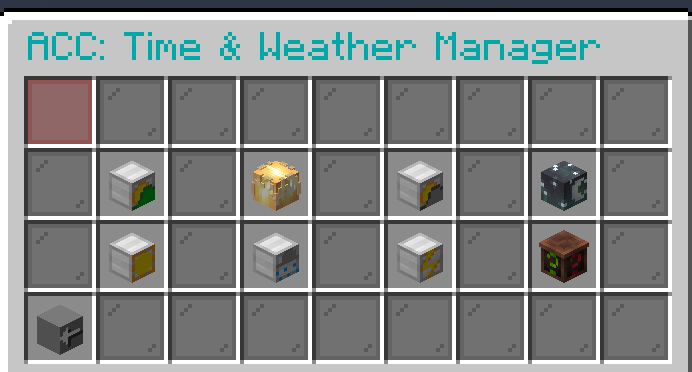
Admin Control Center is aimed to provied admins the ablility to easily control the server with out having to go throught all the pain of doing it manually and it has custom heads for a more appealing look. ACC has a variety of options to pick from. From Player management to OP items, ACC has it.
FEATURES
- PLAYER MANAGMENT
- SERVER MANAGMENT
- GAMEMODE GUI
- TIME & WEATHER CONTROL
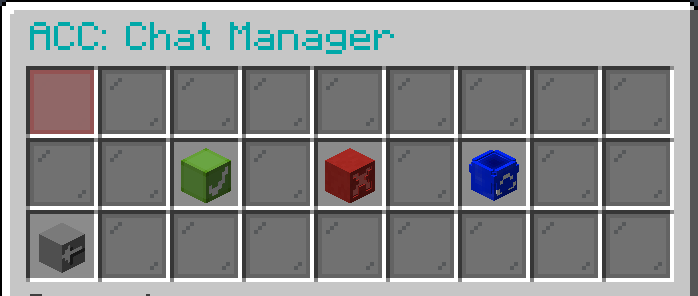
- CHAT MANAGER
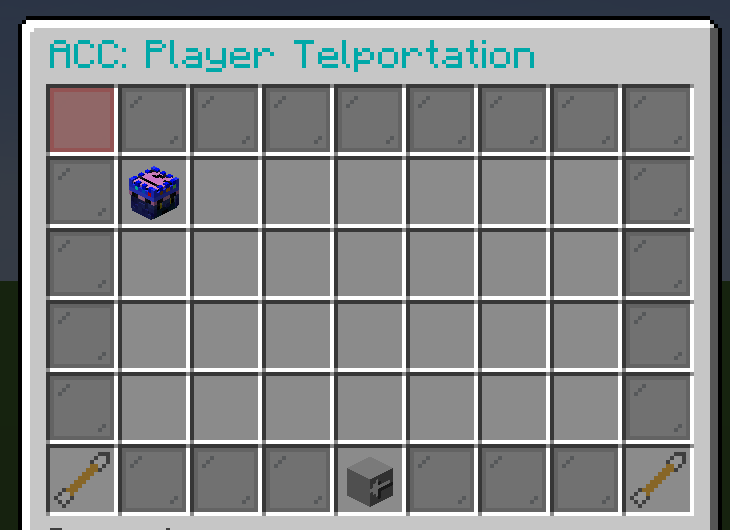
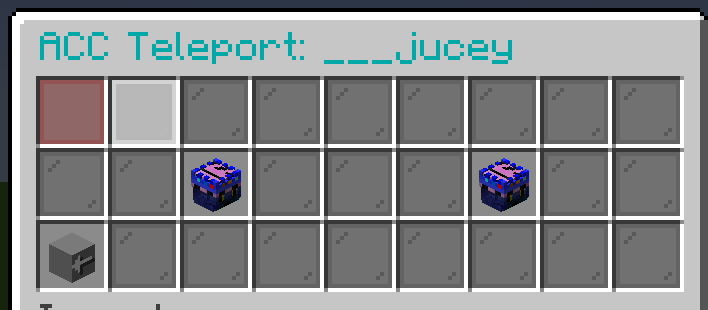
- PLAYER TELEPORTATION
- OP ITEMS
- MYSTERY GUI
FEATURES
Kick, Ban, and Temp Ban players
Reload and Stop the Server, Turn off and on PVP
Change your Gamemode
Control the Time and the Weather
Enable, Disable, and Clear chat
Teleport to players or players to you
OP Armor and Tools
Mystery Feature
HOW TO USE
all you need to do is run /acc! (you do have to be opped)
REQUIERMENTS
None, just put in your plugins folder and play!
OTHER INFOIf you get any bugs please report to me and I will fix it as soon as possible.
- Edition: Minecraft Java
- File type: .jar
- Minecraft versions listed: 1.21, 1.21.1, 1.21.2
- How to install: Install the matching mod loader (Forge, Fabric or NeoForge) for your Minecraft version. → Download the .jar. → Put it in the .minecraft/mods folder and launch that loader profile.
- Where to get it: Opens on Modrinth — not every file is mirrored on our own servers.
Install steps are the general flow for this file type — How to install Minecraft Java mods & modpacks walks through it step by step.
- Ships as ACC.jar — drop this file into the mods folder
- Download size: 911 KB
- Download link checked 1 Sept 2026 — working
These come from our own check of the pack file, not from the source page.