
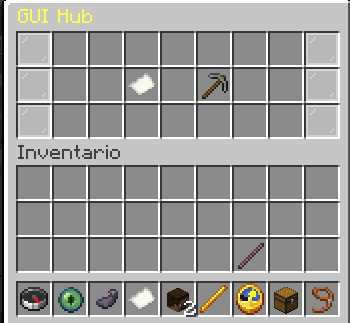
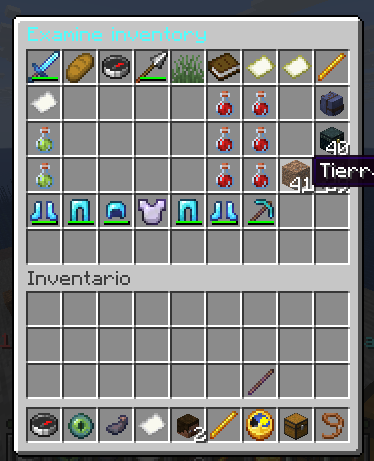
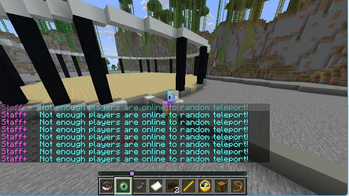
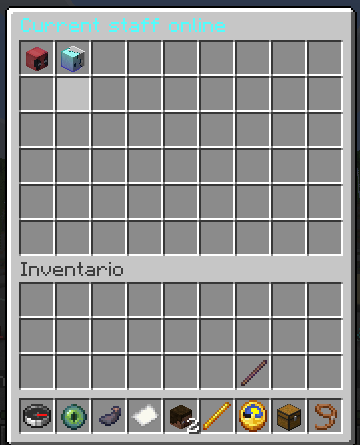
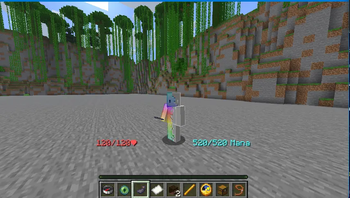






Staff++ is a modernized and feature-rich moderation plugin for Minecraft servers, providing administrators and moderators with powerful tools to manage their communities effectively.
Staff++ is maintained as an open collaboration project.
What is Staff++?
Staff++ is a comprehensive moderation plugin that bridges professional server management with ease of use. It combines advanced features for handling player reports, staff gadgets, and administrative controls in one unified package.
With zero external/problematic dependencies and fully native version adapters, Staff++ is designed to avoid version mismatch crashes and keep your server running at 20 TPS.
📖 Documentation & Guides
For a complete breakdown of every feature, command, permission, and configuration setup, please see the Plugin Guide.
Supported Versions
Staff++ supports Minecraft Java Edition versions 1.17 through 1.21.11 (and modern Paper/Spigot releases utilizing version mapping like 26.2):
- Spigot - Complete support
- Paper - Full compatibility with modern Mojang mappings and Adventure APIs
- Bukkit - Full Bukkit API compliance
Each version module is compiled separately ensuring optimal performance.
Setting Up
Take a look at the Installation Section of the Guide for detailed setups.
Modrinth Update Checker
This plugin has been integrated with Modrinth. It runs an asynchronous check during startup to alert you if a new update has been released:
- Directly references: https://modrinth.com/plugin/staff-plus/versions
- Runs on a background thread to prevent server lag/TPS drop.
Demo Video
Quick Commands Overview
User Commands
- /report: Report a player.
- /ticket: Support tickets manager.
- /notes: View player history notes.
- /login / /register / /changepassword: Staff authentication.
Staff Commands
- /staff: Toggle Staff Mode.
- /freeze: Freeze a player.
- /examine: Examine a player's inventory.
- /cps: Clicks-per-second test.
- /sc: Toggle Staff Chat.
- /warn: Issue warnings.
- /vanish: Toggle invisibility.
For a full table of permissions, arguments, and details see the Guide commands section.
Build Instructions
Clone the repository:
git clone https://github.com/Anonimous7800/staff-pluss?tab=readme-ov-file
cd staff-plus
Run Maven build:
mvn clean package -DskipTestsLocate compiled artifacts:
- Shaded Jar:
StaffPlusCore/target/StaffPlus-Core-5.0.0-shaded.jar - Version adapters: Located in the target folder of each version module.
- Shaded Jar:
- Edition: Minecraft Java
- File type: .jar
- Minecraft versions listed: 1.17, 1.17.1, 1.18
- How to install: Install the matching mod loader (Forge, Fabric or NeoForge) for your Minecraft version. → Download the .jar. → Put it in the .minecraft/mods folder and launch that loader profile.
- Where to get it: Opens on Modrinth — not every file is mirrored on our own servers.
Install steps are the general flow for this file type — How to install Minecraft Java mods & modpacks walks through it step by step.
- Ships as staff-5.00.jar — drop this file into the mods folder
- Download size: 1.3 MB
- Download link checked 1 Sept 2026 — working
These come from our own check of the pack file, not from the source page.