
ModsJava
Farmworld plugin
With this plugin, you can create a farm world on your server with an Overworld, Nether, and End. Players are safely teleported to random locations; admins…
⬇ Download on Modrinth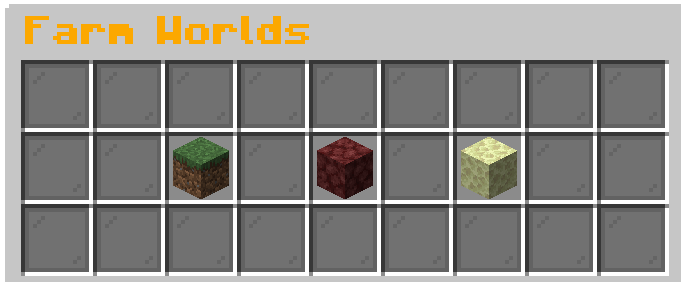
Installation
- Download the FarmWorld plugin
.jarfile - Place the
.jarfile into your server’spluginsfolder - Restart or reload your Minecraft server
- (Optional) Configure the plugin by editing the
world.ymlfile inplugins/FarmWorld - Set the correct permissions using a permissions plugin (LuckPerms, PermissionsEx, etc.)
Description
FarmWorld lets you create a farm world system for your Minecraft server — with Overworld, Nether, and End World support.
Features:
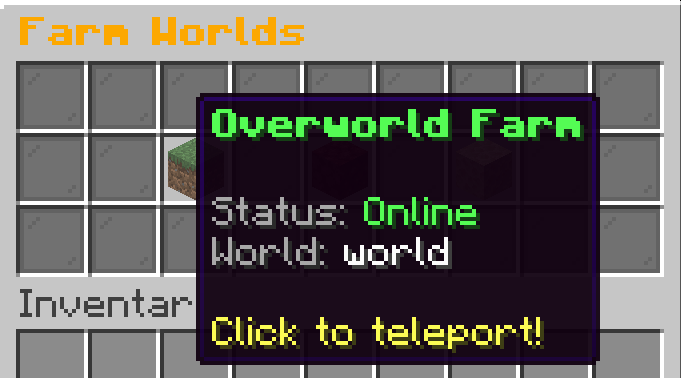
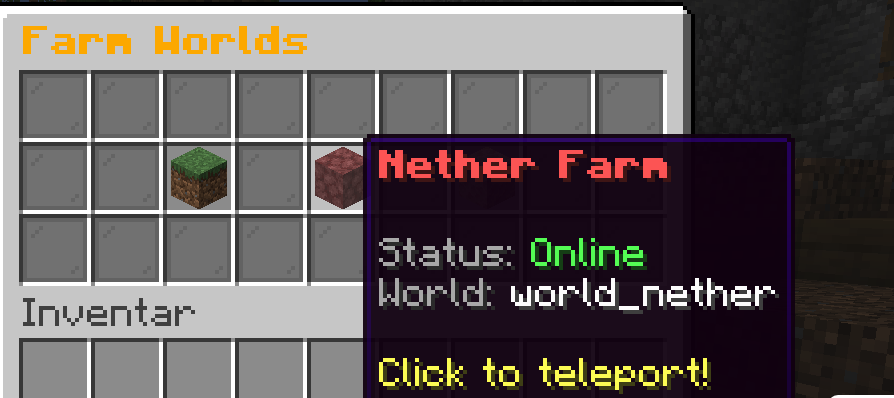
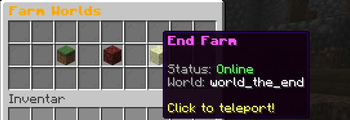
- Separate farm worlds for Overworld, Nether, and End
/spawncommand to teleport players to a predefined spawn- Safe random teleportation when entering a farm world
- Admin GUI with quick access to settings (red concrete block for admins)
When a player enters a farm world, they are teleported to a random safe location. The plugin checks safety before teleportation.
Permissions
farmworld.overworld– Access to the Overworld farm worldfarmworld.nether– Access to the Nether farm worldfarmworld.end– Access to the End World farm worldfarmworld.admin– Admin permissions for managing farm worlds and access to Admin Settings in the GUI
Admin Commands
Enable or disable individual farm worlds:
Farmworld:
  spawn:
    x:
    y:
    z:
    world: (World
    yaw: 0.0
    worldspawn: true
worlds:
  overworld:
    enabled: true
    world: world
  nether:
    enabled: true
    world: world_nether
  end:
    enabled: false
    world: world_the_end
Quick facts
- Edition: Minecraft Java
- File type: .jar
- Minecraft versions listed: 1.21, 1.21.1, 1.21.2
- How to install: Install the matching mod loader (Forge, Fabric or NeoForge) for your Minecraft version. → Download the .jar. → Put it in the .minecraft/mods folder and launch that loader profile.
- Where to get it: Opens on Modrinth — not every file is mirrored on our own servers.
Install steps are the general flow for this file type — How to install Minecraft Java mods & modpacks walks through it step by step.
Verified by MCModsHub
- Ships as farmwelt-1.1.4.jar — drop this file into the mods folder
- Download size: 338 KB
- Download link checked 4 Sept 2026 — working
These come from our own check of the pack file, not from the source page.