
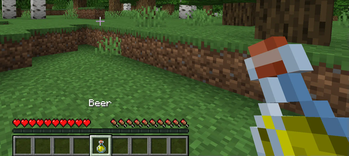
Simple Beer
Get drunk with your friends in Minecraft!
Config
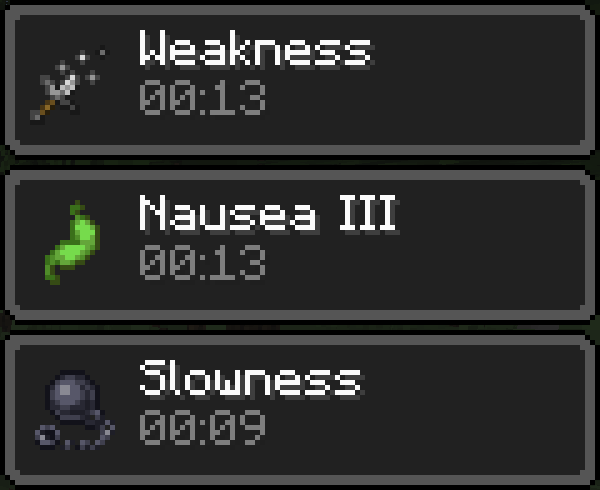
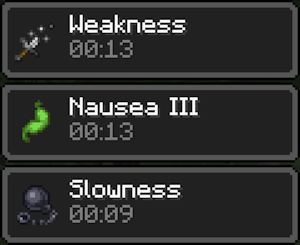
You can change the Beer name, the effects duration and amplifiers in the config file.
beer_name: "Beer"

nausea_duration: 10
weakness_duration: 10
slowness_duration: 10

nausea_amplifier: 3
weakness_amplifier: 1
slowness_amplifier: 1
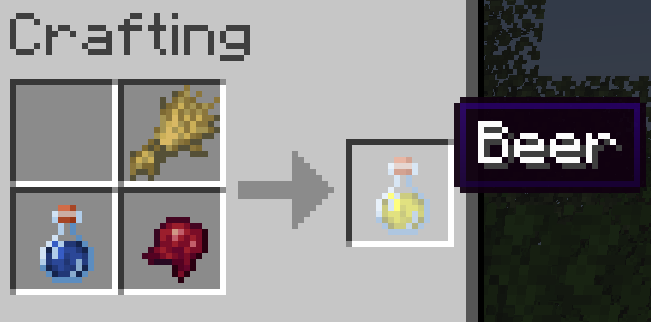
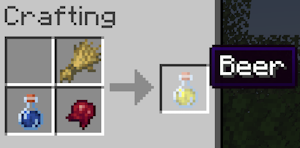
Recipe
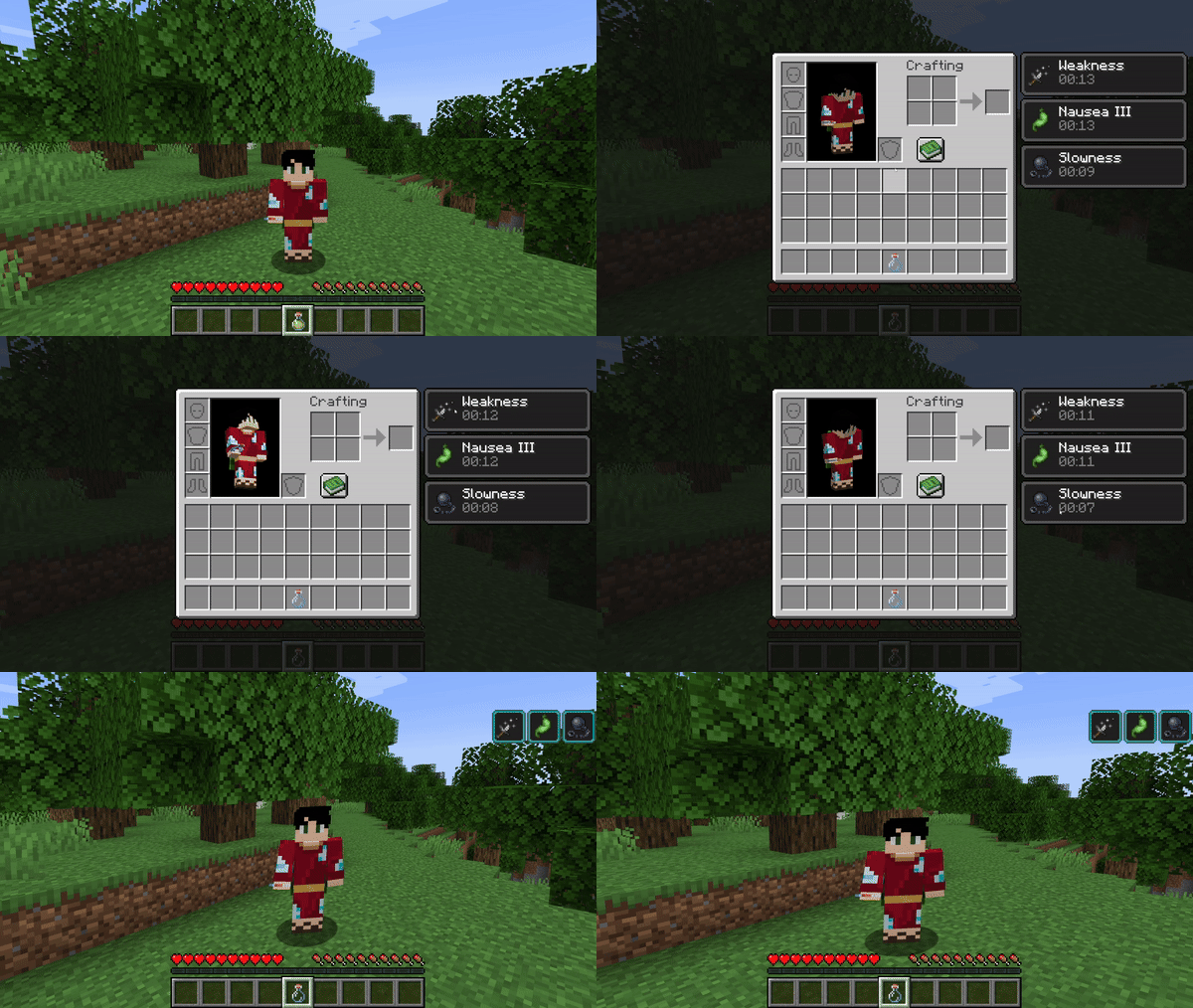
Effects
GitHub
Help me out by liking my repository: github.com/bernardodangelo/beer-plugin.
Notes
I haven't tested this plugin in older versions, but it might work.
Quick facts
- Edition: Minecraft Java
- File type: .jar
- Minecraft versions listed: 1.20, 1.20.1, 1.20.2
- How to install: Install the matching mod loader (Forge, Fabric or NeoForge) for your Minecraft version. → Download the .jar. → Put it in the .minecraft/mods folder and launch that loader profile.
- Where to get it: Opens on Modrinth — not every file is mirrored on our own servers.
Install steps are the general flow for this file type — How to install Minecraft Java mods & modpacks walks through it step by step.
Verified by MCModsHub
- Ships as beer-2.1.jar — drop this file into the mods folder
- Download size: 6 KB
- Download link checked 5 Sept 2026 — working
These come from our own check of the pack file, not from the source page.