
RandomizerMadness!
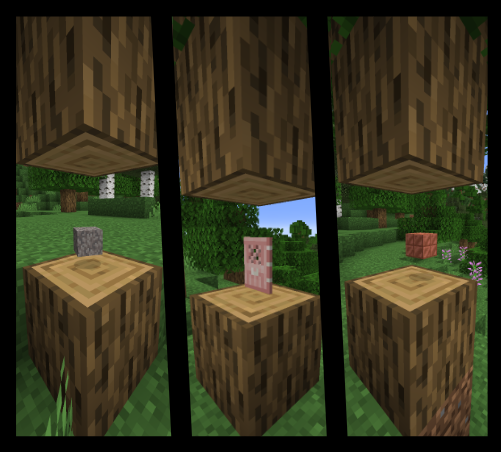
RandomizerMadness is a fun plugin for Minecraft 1.21 ( and hopefully older versions and newer ones to come ) which adds some spice to your server!
Installation
Don't worry, the installation process is extremely easy!
- Download the plugin and place in your server's plugin folder
- Ensure that your machine has Java 22 installed since the plugin is compiled in this version.
- When the server is run, a new folder will be made in your plugins folder called RandomizerMadness. This contains the config.yml file which you can use to enable and disable certain aspects of the plugin.
- That's it!
Commands and Permissions
Commands
There are 2 commands: /randommobs <true/false> - if true then randomized mob drops are enabled, if false then they are disabled. /randomblocks <true/false> - if true then randomized block drops are enabled, if false then they are disabled.
Permissions
There are 2 permissions: rm.randommobs - allows the user to use the /randommobs command rm.randomblocks - allows the user to use the /randomblocks command Both of these permissions are automatically given to any player who is op on the server.
Issues
Please use the issues tracker on github to report any issues, thanks!
- Edition: Minecraft Java
- File type: .jar
- Minecraft version listed: 1.21
- How to install: Install the matching mod loader (Forge, Fabric or NeoForge) for your Minecraft version. → Download the .jar. → Put it in the .minecraft/mods folder and launch that loader profile.
- Where to get it: Opens on Modrinth — not every file is mirrored on our own servers.
Install steps are the general flow for this file type — How to install Minecraft Java mods & modpacks walks through it step by step.
- Ships as RandomizerMadness-1.0.jar — drop this file into the mods folder
- Download size: 48 KB
- Download link checked 5 Sept 2026 — working
These come from our own check of the pack file, not from the source page.