




SolverMOTD is a plugin for Spigot servers that allows server owners to display a customized welcome message (MOTD) with a uniform format. The plugin supports color codes, dynamic placeholders through PlaceholderAPI, and MiniMessage formatting.
Server administrators can use features like hot reload to change the MOTD without restarting the server. It supports placeholders like %server_online%, %time%, and more, making server list customization simple and flexible.
SolverMOTD provides a centralized configuration, with easy-to-use commands. The plugin offers straightforward customization for Minecraft server owners looking to personalize their server's first impression.


# ███████╗ ██████╗ ██╗     ██╗   ██╗███████╗██████╗
# ██╔════╝██╔═══██╗██║     ██║   ██║██╔════╝██╔══██╗
# ███████╗██║   ██║██║     ██║   ██║█████╗  ██████╔╝
# ╚════██║██║   ██║██║     ██║   ██║██╔══╝  ██╔══██╗
# ███████║╚██████╔╝███████╗╚██████╔╝███████╗██║  ██║
# ╚══════╝ ╚═════╝ ╚══════╝ ╚═════╝ ╚══════╝╚═╝  ╚═╝
## ──────────────────────────── TEMPLATES ──────────────────────────── ##
## These are templates that you can use as your server's MOTD,
## make sure to customize them as best suits your community.
## Template 1:
## motd:
##   line1: "§r   §6§lSolverCraft§r §6§lNetwork§8§l §8┃┃ §b§lSKYBLOCK §f§lUPDATE§r"
##   line2: "§e   example§l.§ecom §71.8-1.21 §8┃┃ §fInfo: §7jeam§l.§7one/solvermotd"
## Template 2:
## motd:
##   line1: "§r       §6§lSOLVERCRA§e§lFT NE§6§lTWORK §8(§71.8 - 1.21§8)§r"
##   line2: "§r           §6§l¡BOXPVP! §7Available §fNow!§7."
## Template 3:
## motd:
##   line1: "§f        『§l SOLVER§e§lCRAFT§e 』§6§l(§e1.8 - 1.21.x§6§l)§r"
##   line2: "          §a§l§n¡COME MAKE GREAT FRIENDS!"

motd:
  line1: <color:#ffe45e>SolverMOTD</color> Best Motd Plugin
  line2: '<yellow><gradient:#5e4fa2:#f79459>Edit your Config.yml File!</gradient>!'

use_papi: true
use_minimessage: true
Commands
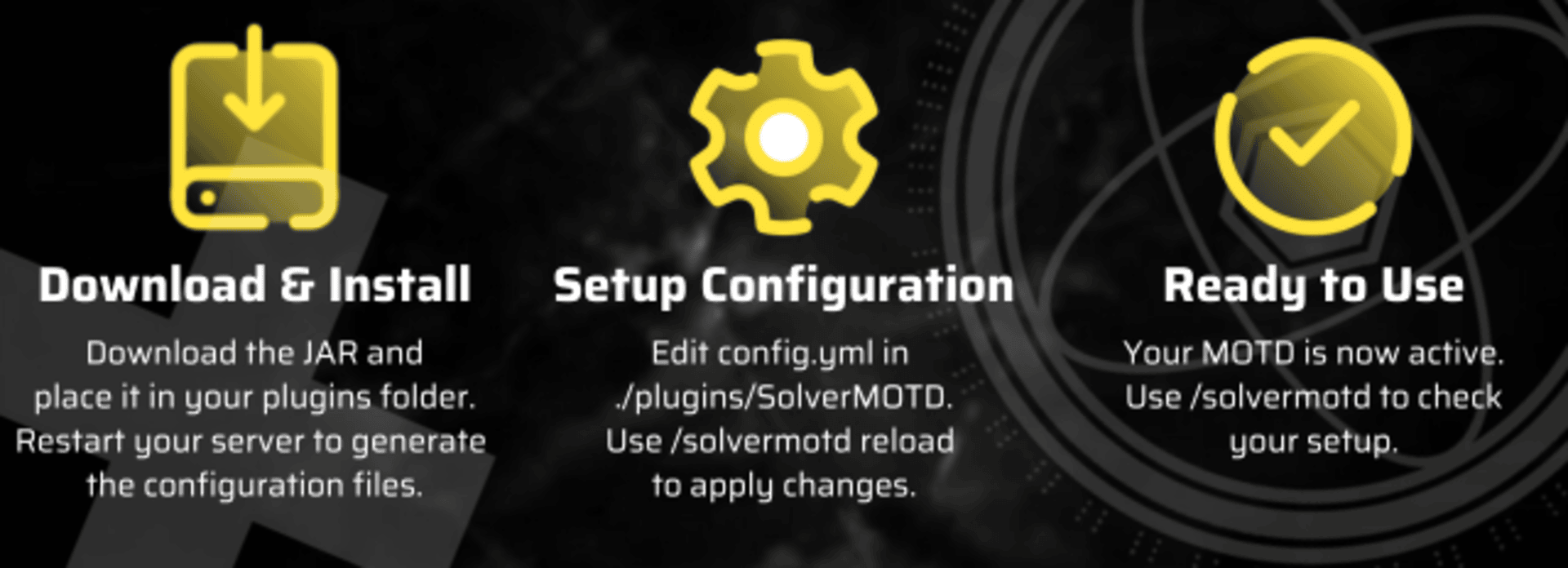
/smotd reload: Reloads the plugin's configuration.

/smotd help: Displays the list of available commands.
Permissions
solvermotd.reload: Allows the use of /smotd reload.
- Edition: Minecraft Java
- File type: .jar
- Minecraft versions listed: 1.8.8, 1.8.9, 1.9
- How to install: Install the matching mod loader (Forge, Fabric or NeoForge) for your Minecraft version. → Download the .jar. → Put it in the .minecraft/mods folder and launch that loader profile.
- Where to get it: Opens on Modrinth — not every file is mirrored on our own servers.
Install steps are the general flow for this file type — How to install Minecraft Java mods & modpacks walks through it step by step.
- Ships as SolverMotd-1.2.2-SNAPSHOT-all.jar — drop this file into the mods folder
- Download size: 1.0 MB
- Download link checked 5 Sept 2026 — working
These come from our own check of the pack file, not from the source page.