
PlayerTrail
I don't know my version or loader
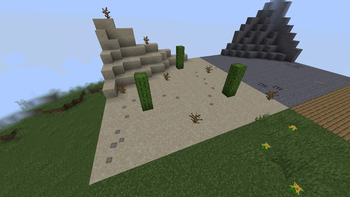
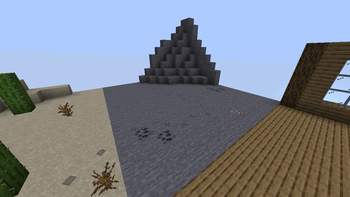
✨ Plugin Features:
- Сreates steps under players
- Customizable config
⚙️ Optimization:
- Minimal impact on server performance due to TextDisplay
🔧 Ideal for:
- RP servers
- Simply add atmosphere!
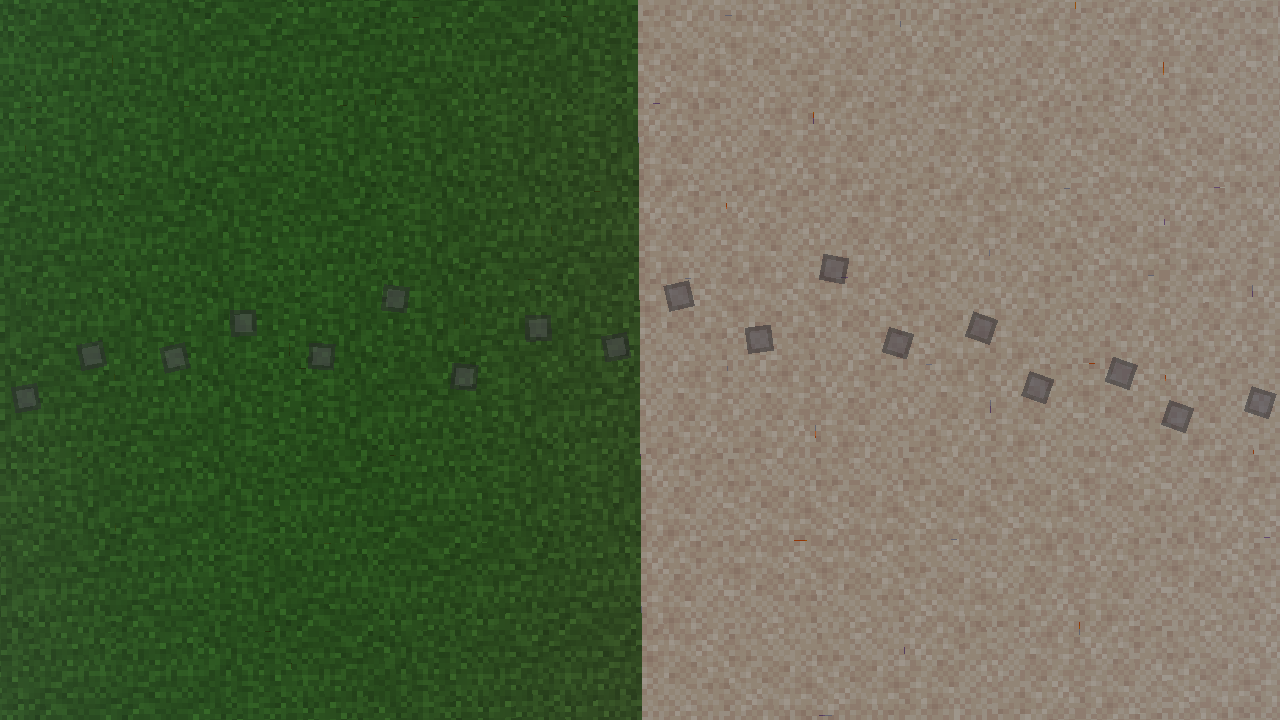
How to create custom Steps in the plugin?
1. Create a standard resource pack. In the assets/minecraft folder, create two folders: font textures
2. In the /assets/minecraft/font folder, create a default.json file
An example of the contents of the default.json file:
{
    { “providers”: [
        {
            { “type”: { “bitmap”,
            { “file”: “minecraft:{your file name in the '/assets/minecraft/textures/yourfile'} folder”,
            “ascent": 9,
            “height": 11,
            “chars": [
                “ٸ” // The character to which the image will be applied
            ]
        }
    ]
}
Note: The ascent parameter should not be greater than the height value
3. In the /assets/minecraft/textures folder, add your picture
4. Pack the contents of your resource pack into a .zip archive. Upload the archive to DropBox. Copy the link to the archive and change the end of it: Replace =0 with =1 in the URL
5. Insert the link to the resource-pack in the plugin config: resource-pack: “https://www.dropbox.com/scl/fi/nxq2aefr4zk1fnk9b9b2l/Step-RP.zip?rlkey=sjqszylbl70d2tlxo0qbbrq5d&st=21t44vxx&dl=1”
Also specify the symbol used to display the step:
# Symbol from default.json font: “✪”
- Edition: Minecraft Java
- File type: .jar
- Minecraft versions listed: 1.21.4, 1.21.5, 1.21.6
- How to install: Install the matching mod loader (Forge, Fabric or NeoForge) for your Minecraft version. → Download the .jar. → Put it in the .minecraft/mods folder and launch that loader profile.
- Where to get it: Opens on Modrinth — not every file is mirrored on our own servers.
Install steps are the general flow for this file type — How to install Minecraft Java mods & modpacks walks through it step by step.
- Ships as PlayerTrail-1.3.jar — drop this file into the mods folder
- Download size: 110 KB
- Download link checked 5 Sept 2026 — working
These come from our own check of the pack file, not from the source page.