
ModsJava
Item Frame Controller Plugin
I don't know my version or loader
Open the Minecraft launcher and look at the profile you play on — it names both, like fabric-loader-1.21.4. The version also shows in the bottom-right corner of the game's main menu.
No loader in the profile name? Then it's plain Minecraft, and these mods won't run — you need Fabric or NeoForge installed first.
ItemFrameController
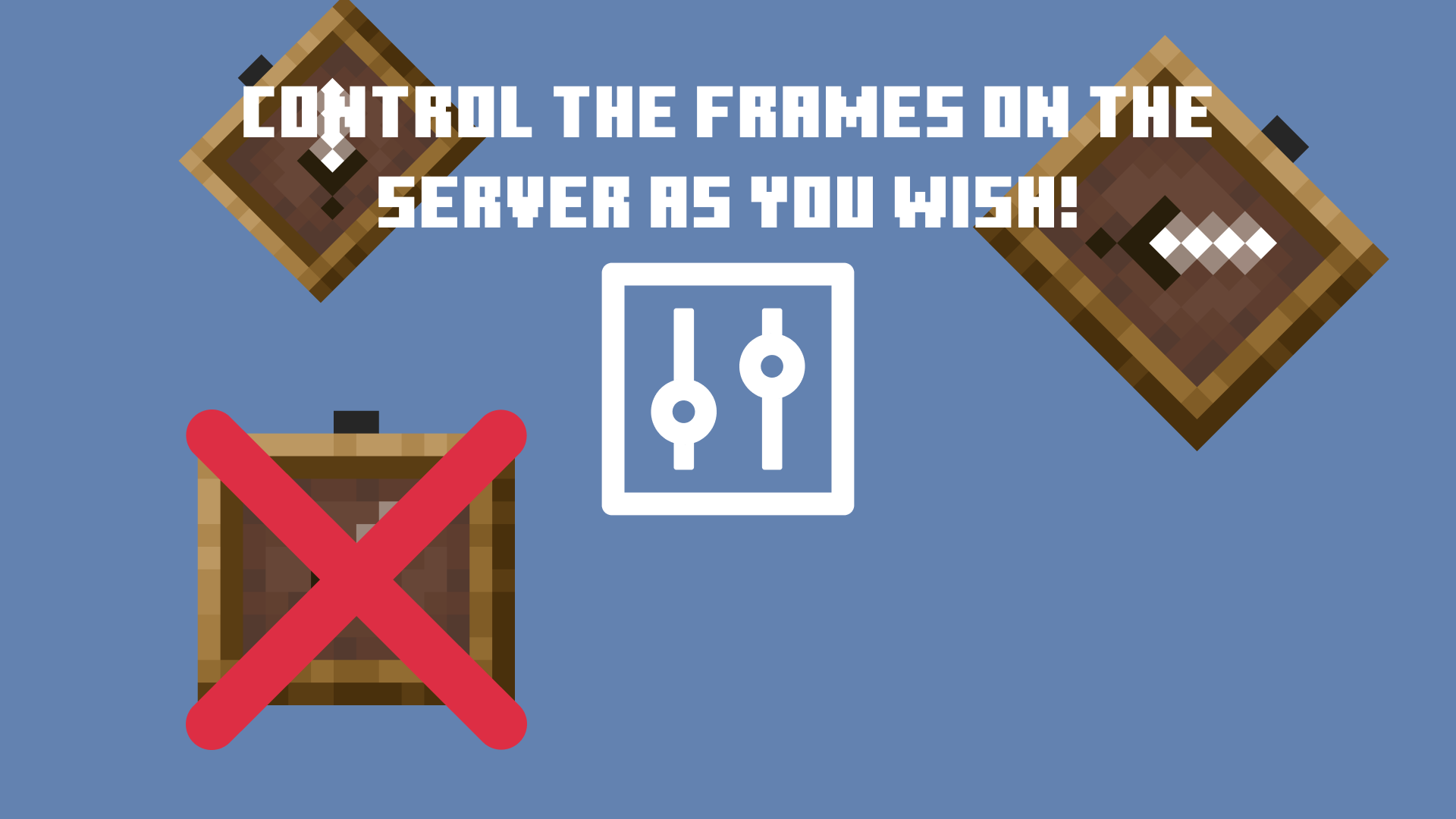
ItemFrameController is a Minecraft plugin for Spigot/Paper 1.16.x - 1.21.1 that provides precise control over player interaction with item frames in specified worlds. It’s ideal for protecting custom builds, museum areas, adventure maps, or simply enhancing server security.
🎯 Features
- 🚫 Prevent players from rotating item frames while sneaking.
- 🚫 Block placing items into item frames unless in Creative mode.
- 🛡️ Stop players or entities from breaking item frames.
- 🛠️ Restrict item frame placement.
- 🌍 Limit functionality to specific worlds.
- 💬 Customizable messages for each blocked action.
⚙️ Configuration
The plugin uses a YAML configuration file with the following structure:
restricted-worlds:
  - world
  - custom_world

prevent-rotation: true
prevent-placing-items: true
prevent-knocking-by-player: true
prevent-knocking-by-entity: true
prevent-placing-frames: true

messages:
  rotation: "§cYou cannot rotate item frames in this world!"
  placing-items: "§cYou cannot place items into item frames here!"
  knocking-by-player: "§cYou cannot break item frames here!"
  knocking-by-entity: "§cEntities cannot destroy item frames here!"
  placing-frames: "§cYou cannot place item frames in this world!"
Quick facts
- Edition: Minecraft Java
- File type: .jar
- Minecraft versions listed: 1.21, 1.21.1
- How to install: Install the matching mod loader (Forge, Fabric or NeoForge) for your Minecraft version. → Download the .jar. → Put it in the .minecraft/mods folder and launch that loader profile.
- Where to get it: Opens on Modrinth — not every file is mirrored on our own servers.
Install steps are the general flow for this file type — How to install Minecraft Java mods & modpacks walks through it step by step.
Verified by MCModsHub
- Ships as spigot-1.21.jar — drop this file into the mods folder
- Download size: 6 KB
- Download link checked 5 Sept 2026 — working
These come from our own check of the pack file, not from the source page.