
ModsJava
LamMailBox
A mailbox system for Minecraft servers that allows players to send items, messages, and commands between each other.
⬇ Download on Modrinth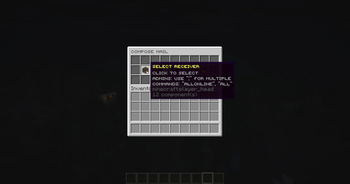
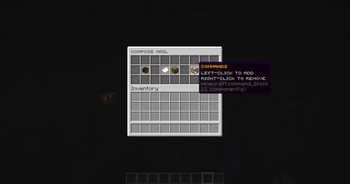
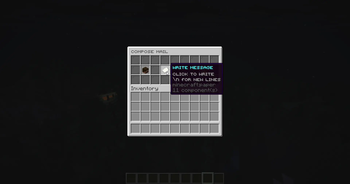
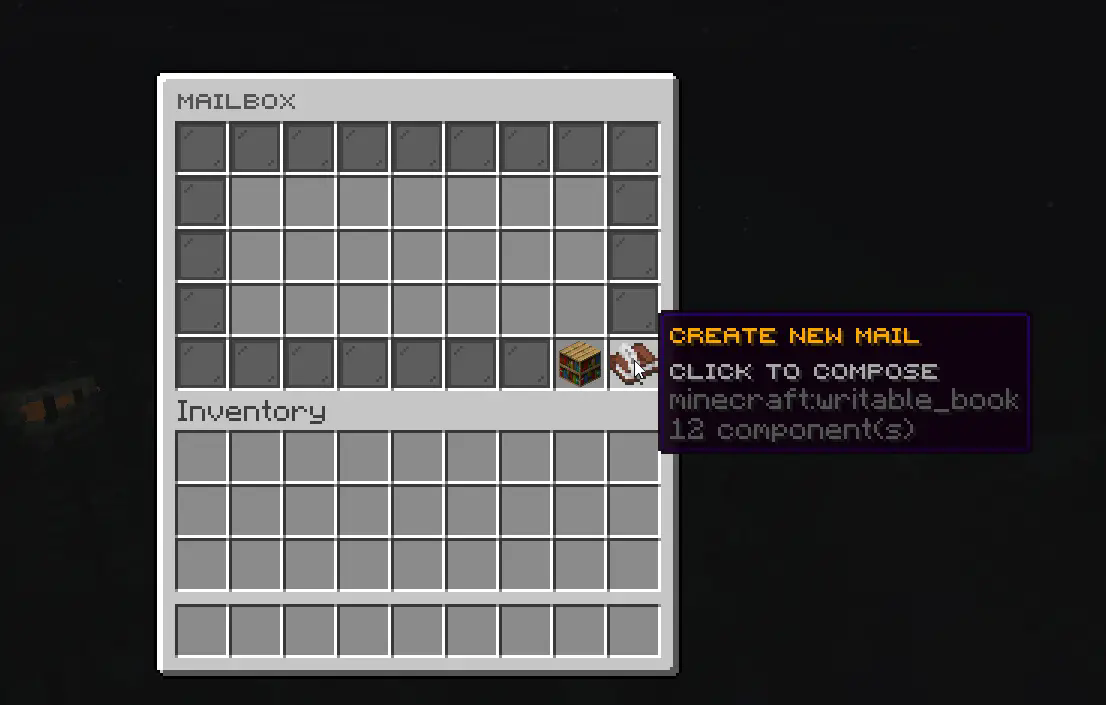
LamMailBox lets admins deliver items and rich-text messages to players who don’t need to be online. It’s a lightweight mailbox system for Paper/Folia 1.20+ that works from commands or plugin triggers.
Key Features
- Offline delivery: Send mail and item attachments to any player, anytime. Items stay server-side until claimed.
- Command-friendly: Use
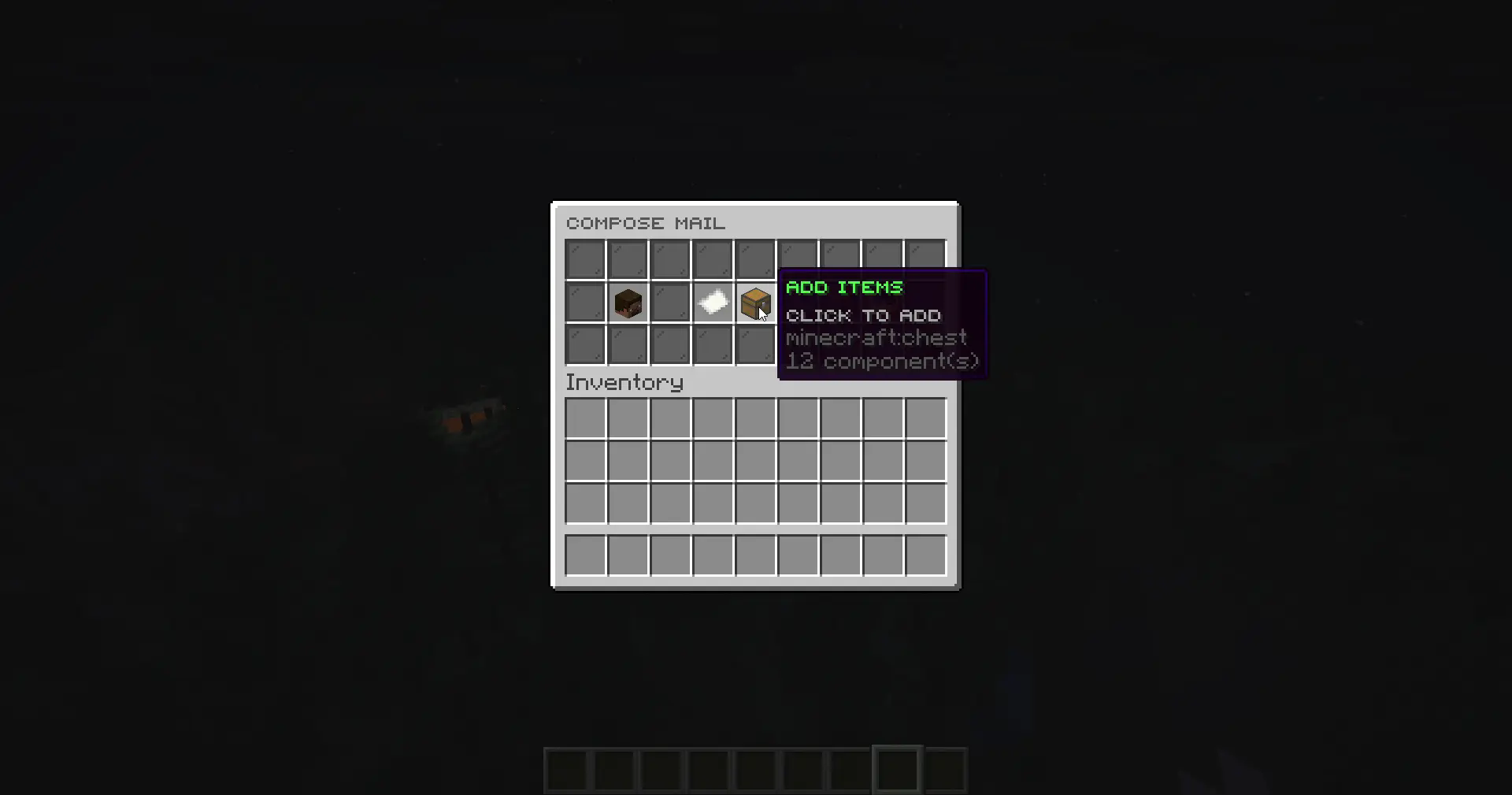
/lmb sendor trigger it from other plugins for instant rewards, gifts, or event drops. - Simple GUI: Players browse, read, and claim mail through an intuitive interface with inventory checks on pickup.
- Rich messages: Supports colour codes,
\nline breaks, and unicode icons. - Admin tools: Attach console commands, schedule future deliveries, set expirations, or limit repeats via
max-runs. - Bulk targets:
player1;player2,allonline(snapshot of current players), orall(persistent for everyone). - Automated mailings: Cron-style repeating jobs and first-join bundles with catch-up when the server restarts.
- Flexible storage: Choose between YAML or SQLite backends (SQLite recommended beyond ~1000 mails).
- Notifications: Chat, title, and sound alerts for new mail plus join reminders.
- Folia/Paper ready: Uses bundled FoliaLib scheduler for smooth cross-platform timing.
Limitations & Roadmap
- No cross-server syncing or Bungee/Velocity support yet.
Commands
| Command | Permission | Description |
|---|---|---|
/lmb |
lammailbox.open |
Open your mailbox |
/lmb <player> |
lammailbox.open.others |
View another player's mailbox |
/lmb view <id> |
(no permission) | View mail by ID (if you can access it) |
/lmb as <player> |
lammailbox.view.as |
View mail UI as another player |
/lmb send <player> <message> |
lammailbox.admin |
Send mail via command or console |
/lmb mailings |
lammailbox.admin |
View cron/first-join automation dashboard |
/lmbreload |
lammailbox.reload |
Reload configuration files |
/lmbmigrate <from> <to> |
lammailbox.migrate |
Migrate mail between storage backends (yaml/sqlite) |
Aliases: /mailbox, /mail
Additional Permissions
| Permission | Description |
|---|---|
lammailbox.compose |
Create and send new mail through GUI |
lammailbox.items |
Add items to mail when composing |
lammailbox.delete |
Delete sent mail from sent mail view |
Setup
- Drop the jar in
plugins/and start the server to generate config/database files. - Edit
plugins/LamMailBox/config.ymlto customize GUI text, slots, notification settings, and default expiry days. Setenabled: falseon any button entry to remove it from the interface. Decoration fillers can run console commands via thecommandslist, with%player%and%uuid%placeholders. - Grant the permissions that fit your ranks.
- Compose mail through the GUI or use
/lmb send; set up recurring deliveries inmailings.ymlfor cron or first-join workflows (/lmb mailingsshows status).
Documentation
Need examples or deeper guidance? Check the wiki:
- Home – overview and quick start.
- Sending Mail – GUI walkthrough, command syntax, bulk targets, attachments.
- Automated Mailings – cron tips, scenario library, catch-up behaviour,
max-runs. - Configuration – notifications, storage backends, permissions, GUI theming links.
Requirements
- Paper or Folia 1.20+
- Java 21 runtime
- YskLib 1.6.0 or above
Support
Deliver mail, gifts, and rewards while players are offline—no clunky chest exchanges needed.
Quick facts
- Edition: Minecraft Java
- File type: .jar
- Minecraft versions listed: 1.20, 1.20.1, 1.20.2
- How to install: Install the matching mod loader (Forge, Fabric or NeoForge) for your Minecraft version. → Download the .jar. → Put it in the .minecraft/mods folder and launch that loader profile.
- Where to get it: Opens on Modrinth — not every file is mirrored on our own servers.
Install steps are the general flow for this file type — How to install Minecraft Java mods & modpacks walks through it step by step.
Verified by MCModsHub
- Ships as LamMailBox-1.7.4.jar — drop this file into the mods folder
- Download size: 13.6 MB
- Download link checked 5 Sept 2026 — working
These come from our own check of the pack file, not from the source page.