
ModsJava
Tweaky
I don't know my version or loader
Open the Minecraft launcher and look at the profile you play on — it names both, like fabric-loader-1.21.4. The version also shows in the bottom-right corner of the game's main menu.
No loader in the profile name? Then it's plain Minecraft, and these mods won't run — you need Fabric or NeoForge installed first.
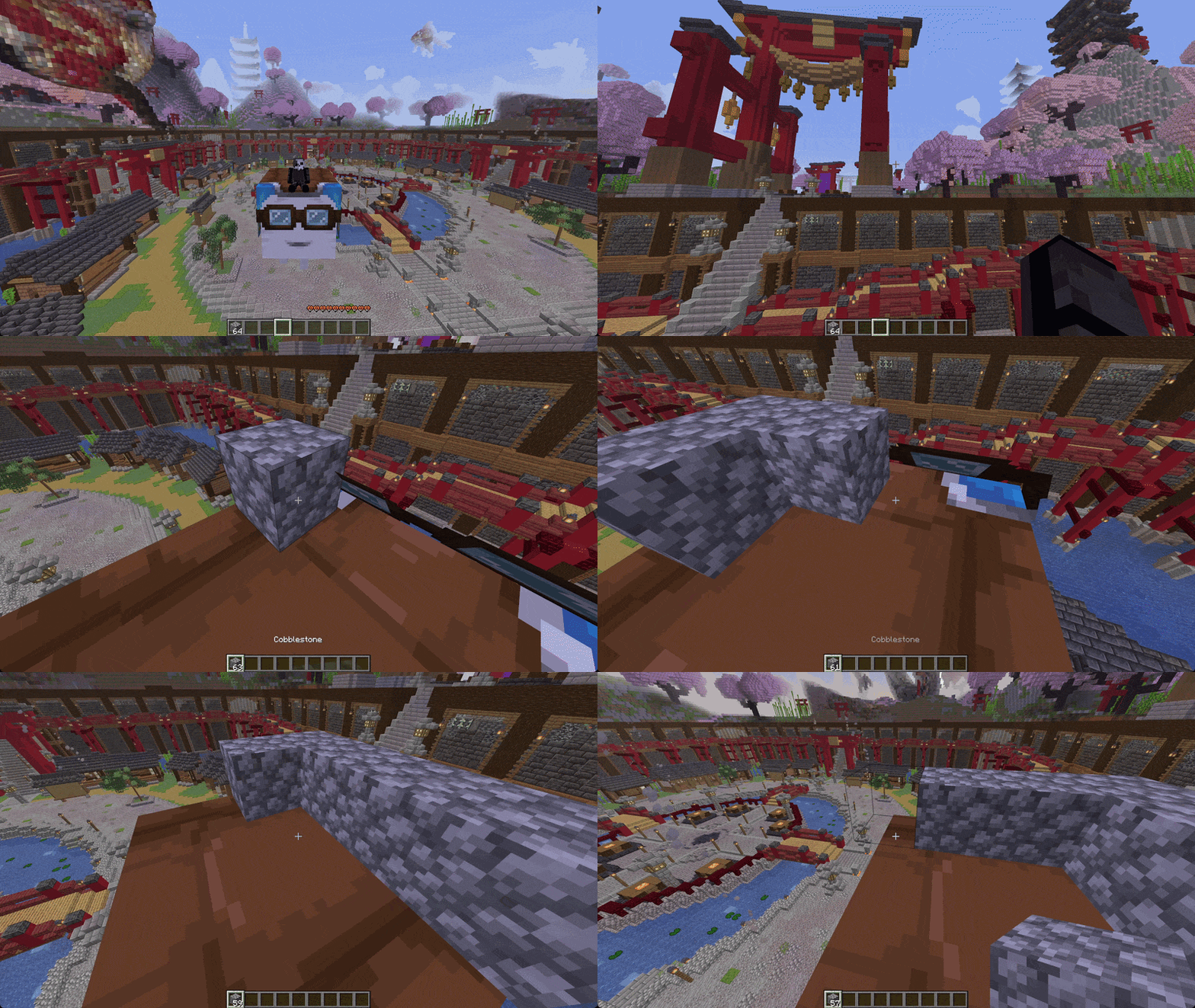
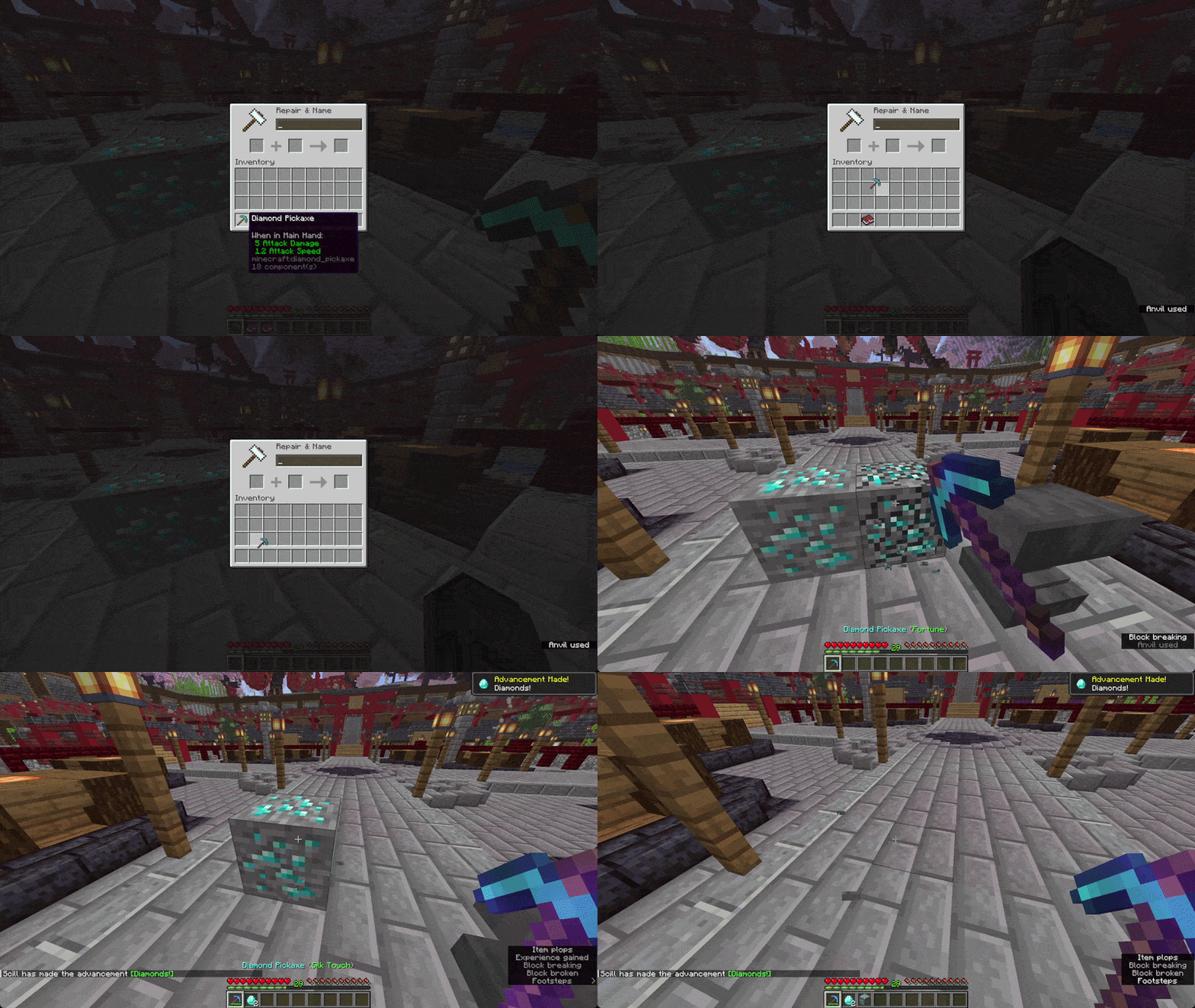
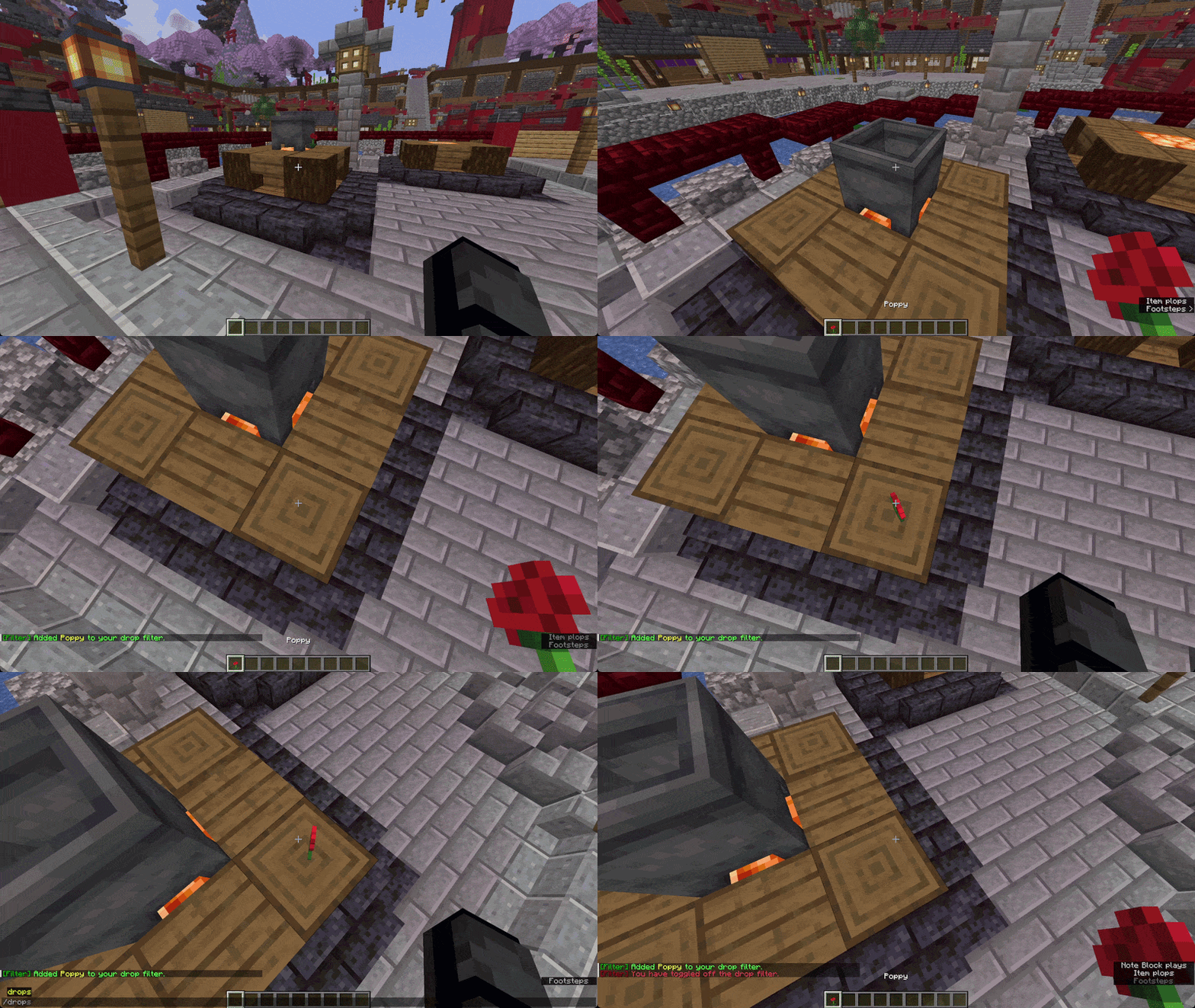
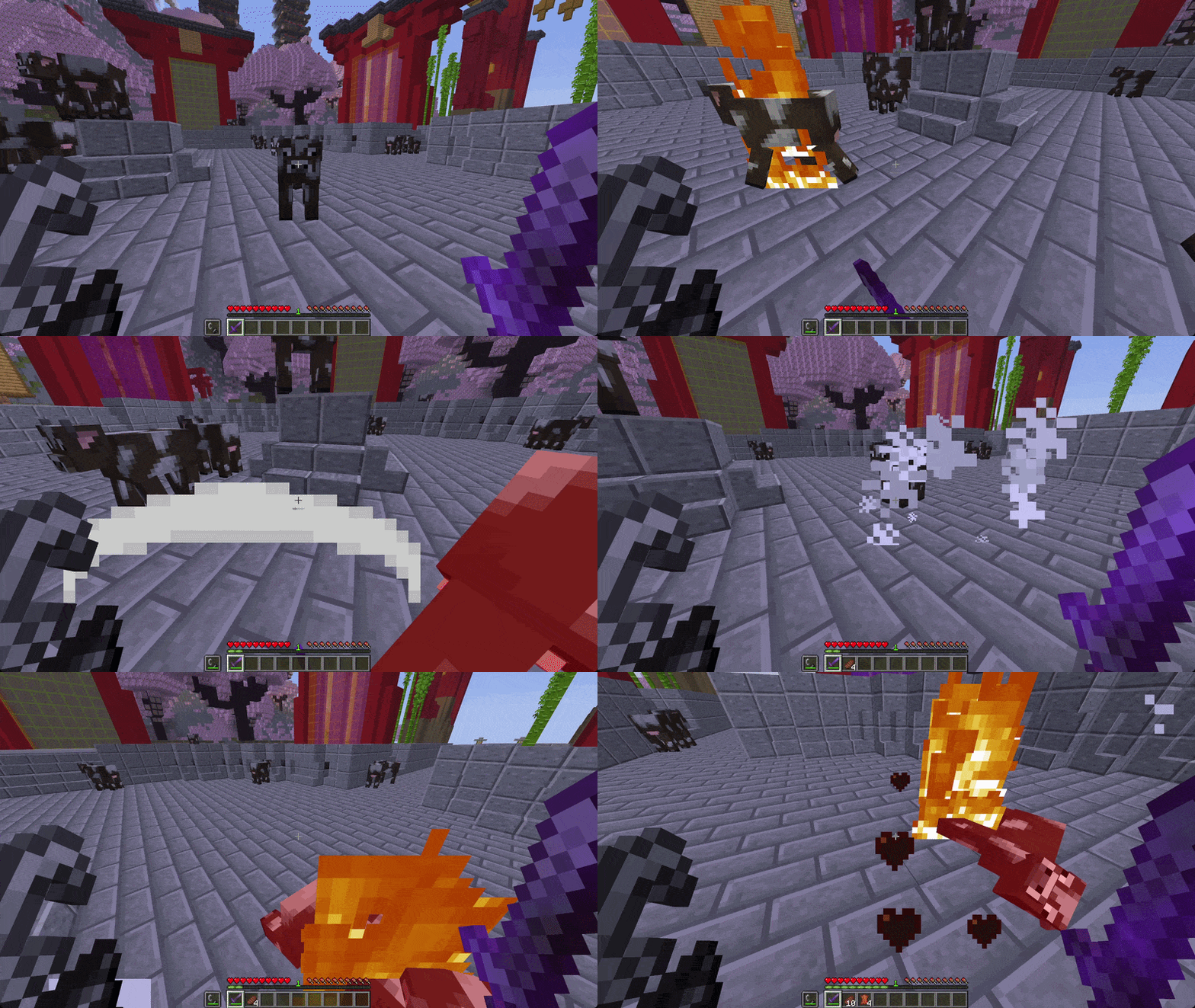
Tweaky
A collection of 90+ lightweight, toggleable, configurable tweaks.
Overview
- Server owners can enable over 90+ tweaks.
- Players can easily view all enabled tweaks via the
/tweaksGUI. - Admins can easily view and toggle all available tweaks via the
/tweaky toggleGUI. - Supports protection plugins (e.g. WorldGuard).
- Supports adding optional permission nodes for tweak access.
- No dependencies required.
Learn More
Click here to learn how to use this plugin.
Documentation
Click here to view the full documentation.
Support / Suggestions
Quick facts
- Edition: Minecraft Java
- File type: .jar
- Minecraft versions listed: 1.21, 1.21.1, 1.21.2
- How to install: Install the matching mod loader (Forge, Fabric or NeoForge) for your Minecraft version. → Download the .jar. → Put it in the .minecraft/mods folder and launch that loader profile.
- Where to get it: Opens on Modrinth — not every file is mirrored on our own servers.
Install steps are the general flow for this file type — How to install Minecraft Java mods & modpacks walks through it step by step.
Verified by MCModsHub
- Ships as Tweaky-Paper-1.16.0.jar — drop this file into the mods folder
- Download size: 378 KB
- Download link checked 6 Sept 2026 — working
These come from our own check of the pack file, not from the source page.