

ColdWinter [1.8-1.21+]
Freeze your server when no one's home!
Unload chunks and make the server sleep when no ones on-line. Handy for small servers that might not see constant player activity (hosting for a group of friends, etc).
A spiritual successor of Hibernate for 1.21 and beyond!
Commands
/coldwinter - Toggles freezing on/off.
/coldwinter status - Displays the current freezing status & loaded chunks.
/coldwinter reload - Reloads the ColdWinter configuration.
Permissions
coldwinter.toggle
FAQ:
Q1: My web-map plugin isn't rendering anymore!?
- A1: Because we're freezing the server, stuff like dynmap will stop background renders when no-ones online. You could temporarily toggle the plugin and let a render happen.
Q2: "Can’t Keep Up! Is the Server Overloaded?" messages are appearing constantly!?
- A2: This happens, because we're freezing the server (running at a low tickrate). In anycase, using something like LogCleaner would be beneficial to get rid of old logs.
Q3: My server performance monitoring plugin says my TPS is bad!?
- A3: Read A1
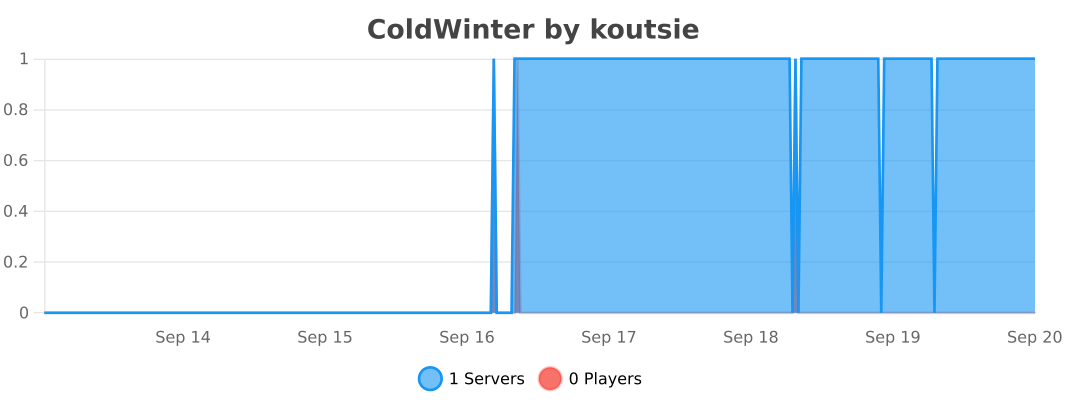
bStats statistics (which can be disabled inside its configuration for your server).
- Edition: Minecraft Java
- File type: .jar
- Minecraft versions listed: 1.8, 1.8.1, 1.8.2
- How to install: Install the matching mod loader (Forge, Fabric or NeoForge) for your Minecraft version. → Download the .jar. → Put it in the .minecraft/mods folder and launch that loader profile.
- Where to get it: Opens on Modrinth — not every file is mirrored on our own servers.
Install steps are the general flow for this file type — How to install Minecraft Java mods & modpacks walks through it step by step.
- Ships as coldwinter-1.0.4.jar — drop this file into the mods folder
- Download size: 23 KB
- Download link checked 6 Sept 2026 — working
These come from our own check of the pack file, not from the source page.