
instantbrew
InstantBrew is a lightweight Paper / Spigot / Folia plugin that lets you control how fast brewing stands brew on your server. You can set how long each…
⬇ Download on Modrinth

InstantBrew




Lightweight control over brewing stands: how fast potions brew, optional infinite blaze-powder fuel, and smarter shift-clicking for blaze powder. Config hot-reloads—no server restart.

Summary
InstantBrew runs on Paper, Spigot, and Folia (Minecraft 1.21+). Tune brew-delay-ticks from instant to any delay you want, optionally stop blaze powder from being consumed while keeping the fuel bar full, and choose whether shift-click places blaze powder in the ingredient slot. Use /instantbrew reload after editing config.yml.
Showcase
Instant brewing and infinite blaze powder
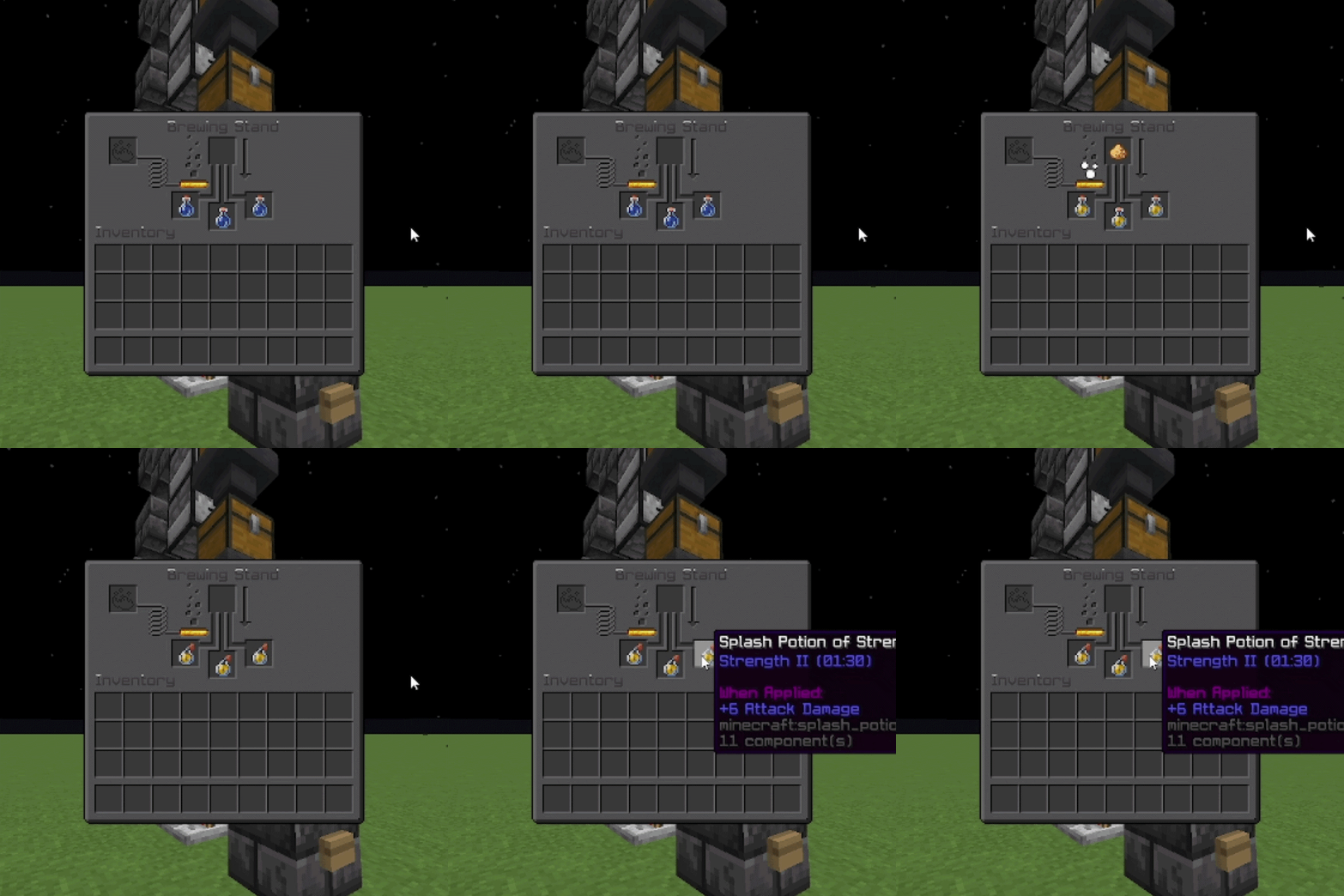
With the default near-instant delay, potions finish as soon as you add an ingredient. Enable blaze-powder-infinite so the fuel bar stays full and blaze powder is not consumed.
Configurable brew delay
Set brew-delay-ticks for a slower brew (e.g. 20 = 1 second, 200 = 10 seconds). The brewing arrow animates over that time before potions complete.
Features
- Configurable brew delay — Ticks until brew completes (
0≈ instant,20= 1 second) - Infinite blaze powder — Optional: full fuel bar, no powder consumption
- Shift-click to ingredient — Optional: shift-click blaze powder into the ingredient slot instead of fuel
- Hot reload —
/instantbrew reloadapplies config without restarting
Installation
- Put
InstantBrew-1.0.0.jarin your server’spluginsfolder (use the shadow JAR from Building—it bundles bStats). - Start the server once so
plugins/InstantBrew/config.ymlis created. - Edit the config to taste, then run
/instantbrew reload.
Usage
Commands
| Command | Permission | Description |
|---|---|---|
/instantbrew |
— | Shows usage |
/instantbrew reload |
instantbrew.reload |
Reloads the config |
Permissions
| Permission | Default | Description |
|---|---|---|
instantbrew.reload |
op | Reload config with /instantbrew reload |
Configuration
All options are in plugins/InstantBrew/config.yml:
| Option | Description |
|---|---|
brew-delay-ticks |
Time until brewing finishes. 20 ticks = 1 second. 0 = near-instant. |
blaze-powder-infinite |
If true, fuel does not drain and blaze powder is not consumed. |
blaze-powder-shift-click-to-ingredient |
If true, shift-clicking blaze powder moves it to the ingredient slot. |
Example:
brew-delay-ticks: 0
blaze-powder-infinite: false
blaze-powder-shift-click-to-ingredient: false
bStats
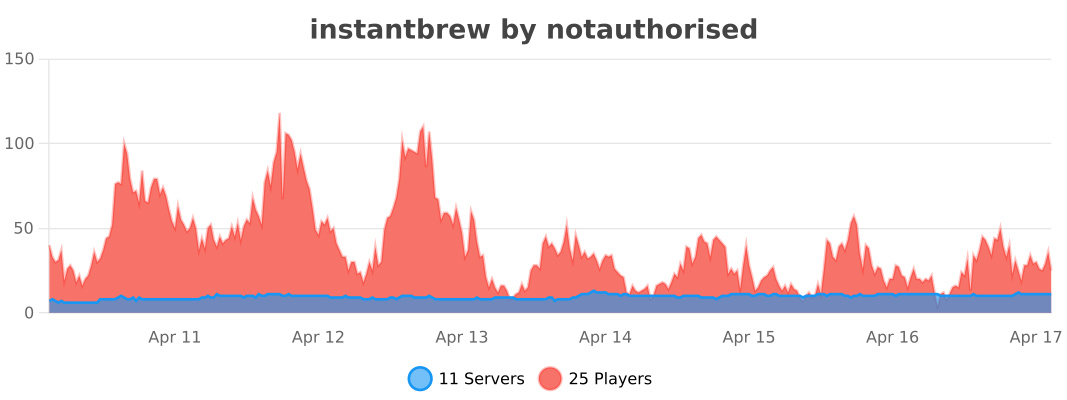
- Edition: Minecraft Java
- File type: .jar
- Minecraft versions listed: 1.21, 1.21.1, 1.21.2
- How to install: Install the matching mod loader (Forge, Fabric or NeoForge) for your Minecraft version. → Download the .jar. → Put it in the .minecraft/mods folder and launch that loader profile.
- Where to get it: Opens on Modrinth — not every file is mirrored on our own servers.
Install steps are the general flow for this file type — How to install Minecraft Java mods & modpacks walks through it step by step.
- Ships as instantbrew-1.0.2.jar — drop this file into the mods folder
- Download size: 38 KB
- Download link checked 6 Sept 2026 — working
These come from our own check of the pack file, not from the source page.