
🎆 Happy New Year
Thanks to this plugin you can make your Minecraft world magical for THE NEW YEAR!
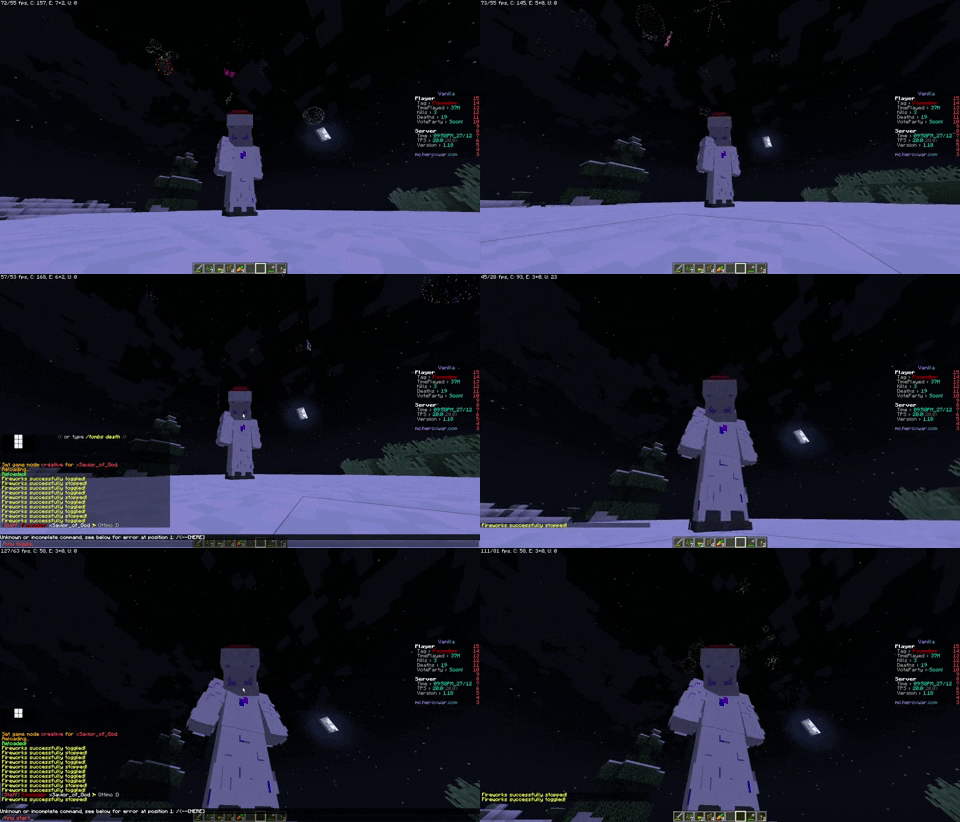
✨ Features
🎇 Fireworks System
Fireworks Animation - Choose what kind of animation for your fireworks
Animation Types- STANDARD - Spawns multiple fireworks all at once
- HOURLY - Spawns multiple fireworks every hour all at once for a limited time (config: HourlyDuration)
- STANDARD_REALISTIC - Spawns multiple fireworks randomly (More realistic)
- HOURLY_REALISTIC - Spawns multiple fireworks randomly (More realistic) for a limited time (config: HourlyDuration)
Customizable Spawn Rate - Control how often fireworks launch (in ticks)
Per-Player Fireworks - Set individual firework count for each player
Multiple Effect Types - Choose from all Minecraft firework effects or use random combinations
Smart Chunk Limits - Prevent lag with configurable firework limits per chunk
World-Specific - Enable fireworks only in specific worlds
⏰ Time Management
- Real-Time Synchronization - Match in-game time with real-world time
- Night-Only Mode - Spawn fireworks only during nighttime
- Force Night Time - Automatically set time to night during celebrations
- Custom Time Intervals - Define precise start and end times for celebrations
📋 Commands
Aliases: /hny, /newyear, /ny
| Command | Description | Permission |
|---|---|---|
/happynewyear |
Display help | happynewyear.help |
/happynewyear start |
Force start the fireworks show | happynewyear.forcestart |
/happynewyear stop |
Force stop the fireworks show | happynewyear.forcestop |
/happynewyear reload |
Reload plugin configuration | happynewyear.reload |
🔑 Permissions
| Permission | Description | Default |
|---|---|---|
happynewyear.help |
View help | true |
happynewyear.forcestart |
Force start celebrations | op |
happynewyear.forcestop |
Force stop celebrations | op |
happynewyear.reload |
Reload configuration | op |
🔗 Plugin Integrations
- lukyn76's ImageFireworksPro - Enhance your fireworks with custom images!
💬 Support

That's it, I hope you like this plugin, just let me know by leaving a ❤ to the resource
Small thanks to the Essentials Team for creating an easy and intuitive class for converting game ticks into readable time.
- Edition: Minecraft Java
- File type: .jar
- Minecraft versions listed: 1.8, 1.8.1, 1.8.2
- How to install: Install the matching mod loader (Forge, Fabric or NeoForge) for your Minecraft version. → Download the .jar. → Put it in the .minecraft/mods folder and launch that loader profile.
- Where to get it: Opens on Modrinth — not every file is mirrored on our own servers.
Install steps are the general flow for this file type — How to install Minecraft Java mods & modpacks walks through it step by step.
- Ships as HappyNewYear 2.4.jar — drop this file into the mods folder
- Download size: 298 KB
- Download link checked 6 Sept 2026 — working
These come from our own check of the pack file, not from the source page.