
ModsJava
Stamina999
Stamina999 is a plugin that introduces a dynamic stamina system to your Minecraft server, making gameplay more challenging and realistic. Players will…
⬇ Download on ModrinthFeatures
- Dynamic Stamina System: Players have a stamina bar that depletes with actions and regenerates over time.
- Stamina Consumption for Actions:
- Movement: Configurable stamina drain for walking, sprinting, and swimming.
- Mining: Stamina consumed per block broken.
- Combat: Stamina consumed for attacking and drawing a bow.
- Movement: Stamina consumed for jumping.
- Biome-Specific Stamina Drain: Customize stamina consumption rates based on the player's current biome.
- Well-Rested Buff: Players can gain a temporary stamina regeneration boost by sleeping.
- Low Stamina Effects: Configurable negative potion effects (e.g., Mining Fatigue, Nausea) and reduced attack damage when stamina is critically low.
- Stamina Increase: Max stamina capacity can increase upon extreme exhaustion, offering a sense of progression.
- Configurable Display: Choose how players see their stamina: Experience Bar, Action Bar, or a prominent Boss Bar.
- PlaceholderAPI Support: Integrate stamina values into other plugins (e.g., scoreboards, custom UIs).
Commands
All commands start with /stamina.
/stamina check [player]- Description: View your current and maximum stamina levels. If
[player]is specified, administrators can check another player's stamina. - Permissions:
stamina999.use(for self),stamina999.admin(for others)
- Description: View your current and maximum stamina levels. If
/stamina reload- Description: Reloads the plugin's
config.ymlfile, applying changes without a server restart. - Permissions:
stamina999.admin
- Description: Reloads the plugin's
/stamina set <player> <amount>- Description: Manually sets a target player's current stamina to the specified amount.
- Permissions:
stamina999.admin
/stamina max <player> <amount>- Description: Manually sets a target player's maximum stamina capacity to the specified amount.
- Permissions:
stamina999.admin
Configuration (config.yml)
The config.yml file allows you to customize almost every aspect of the Stamina999 plugin.
# Core settings
default-stamina: 20
max-stamina-increase-amount: 5
stamina-regen-delay: 2
stamina-regen-amount: 2
stamina-food-regen: 20

# Stamina consumption settings for general actions
stamina-consumption:
  walking:
    amount: 1
    interval-seconds: 60
  sprinting:
    amount: 3
    interval-seconds: 20
  swimming:
    amount: 3
    interval-seconds: 1 # Drains 3 stamina per second
  jumping: 1 # Stamina cost per jump
  attacking: 0.5 # Stamina cost per attack
  drawing-bow: 2 # Stamina cost for drawing a bow

# Stamina consumption per biome (overrides the default walking consumption for specified biomes)
stamina-consumption-per-biome:
  desert:
    walking:
      amount: 1.5
      interval-seconds: 60
  snowy:
    walking:
      amount: 1.2
      interval-seconds: 60

# Stamina lost per block mined
mining-stamina-per-block: 1

# "Well Rested" buff obtained from sleeping
well-rested-buff:
  duration-seconds: 300 # How long the buff lasts in seconds
  regen-multiplier: 2.0 # Multiplier for stamina regeneration (2.0 = 2x faster)

# Low stamina effects
low-stamina-effects:
  threshold-percentage: 25 # Percentage of max stamina to be considered "low" (e.g., 25 for 25%)
  apply-mining-fatigue: true
  reduce-attack-damage: true
  apply-nausea: false

# Display settings
display:
  display-type: "EXP_BAR" # Options: "EXP_BAR", "ACTION_BAR", "BOSS_BAR", "NONE"
  action-bar-message: "&eStamina: &f%current%/%max%" # Message for action bar or boss bar
PlaceholderAPI Support
Stamina999 provides the following placeholders for use with PlaceholderAPI:
%stamina_current%: Displays the player's current stamina.%stamina_max%: Displays the player's maximum stamina.
Permissions
stamina999.use: Allows a player to use/stamina checkfor themselves (default: true).stamina999.admin: Grants access to all/staminasubcommands, includingreload,set,max, and checking other players' stamina (default: op).
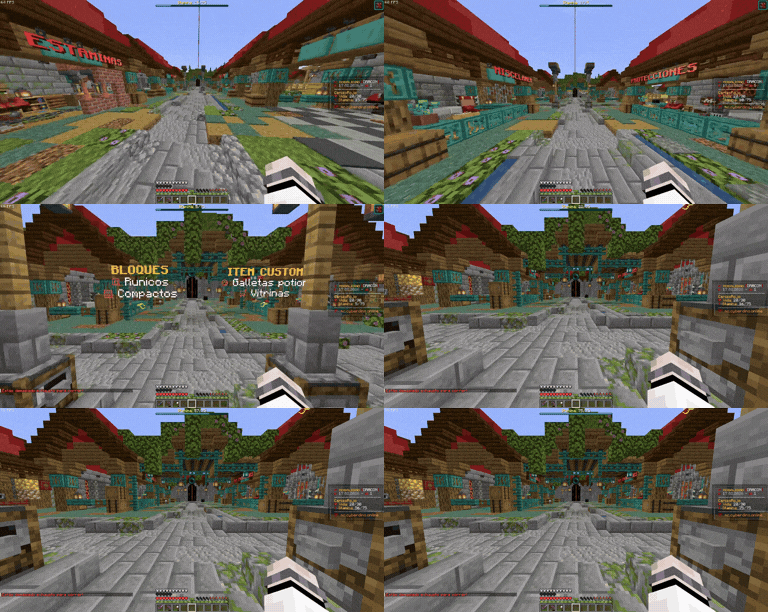
This Is An Example Of How The Plugin Works
Quick facts
- Edition: Minecraft Java
- File type: .jar
- Minecraft versions listed: 1.21, 1.21.1, 1.21.2
- How to install: Install the matching mod loader (Forge, Fabric or NeoForge) for your Minecraft version. → Download the .jar. → Put it in the .minecraft/mods folder and launch that loader profile.
- Where to get it: Opens on Modrinth — not every file is mirrored on our own servers.
Install steps are the general flow for this file type — How to install Minecraft Java mods & modpacks walks through it step by step.
Verified by MCModsHub
- Ships as Stamina999-1.1.2.jar — drop this file into the mods folder
- Download size: 43 KB
- Download link checked 6 Sept 2026 — working
These come from our own check of the pack file, not from the source page.